
Tutoriais em vídeo
Menu digital
- Duração 0:56
- Áudio em inglês
- Legendas disponíveis
Monte o menu com secções, pratos, fotografias e alergénios e leve-o às mesas com um código QR.
Vídeo em inglês com legendas
Transcrição
Ler a transcrição completa
Introdução
0:00 Let's see how to build your venue's digital menu with Puntify: you update it from the app, and customers browse it on their phone by scanning a QR code.
Secções e pratos
0:09 In Catalog, open your menu and organise it into sections: starters, first courses, mains, desserts and drinks. Add dishes to each section and reorder them by dragging.
Preços, fotografias e alergénios
0:22 For each dish you set the name, description and price, pick or generate a photo, and list ingredients and allergens. AI helps you write descriptions and ingredients.
O cliente consulta o menu
0:37 The customer scans the QR code on the table and browses the menu on their phone, with photos, allergens and their own language. Every change you make shows up immediately. Build your digital menu with Puntify.
0:53 Get started at puntify.it.
 Duração 1:01
Fidelização: pontos e prémios
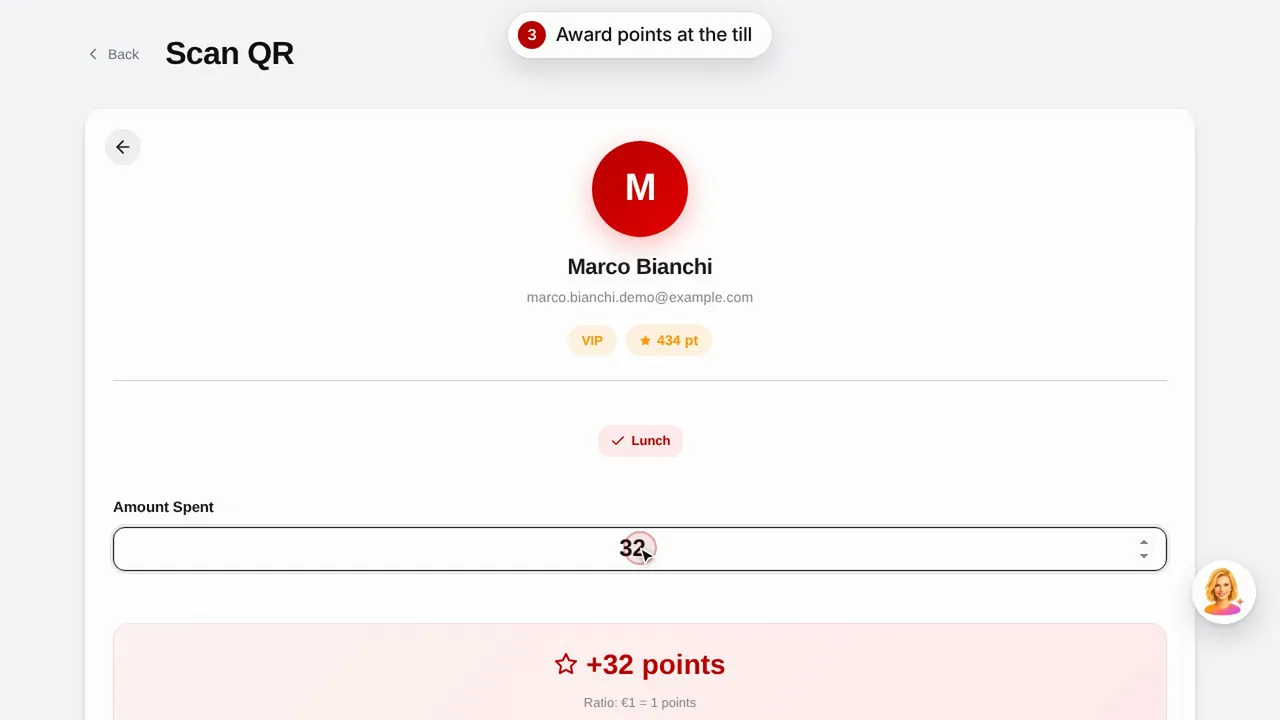
Crie um prémio, atribua pontos ao cliente lendo o código QR dele e veja como o cliente consulta os pontos e os prémios.Ver o vídeo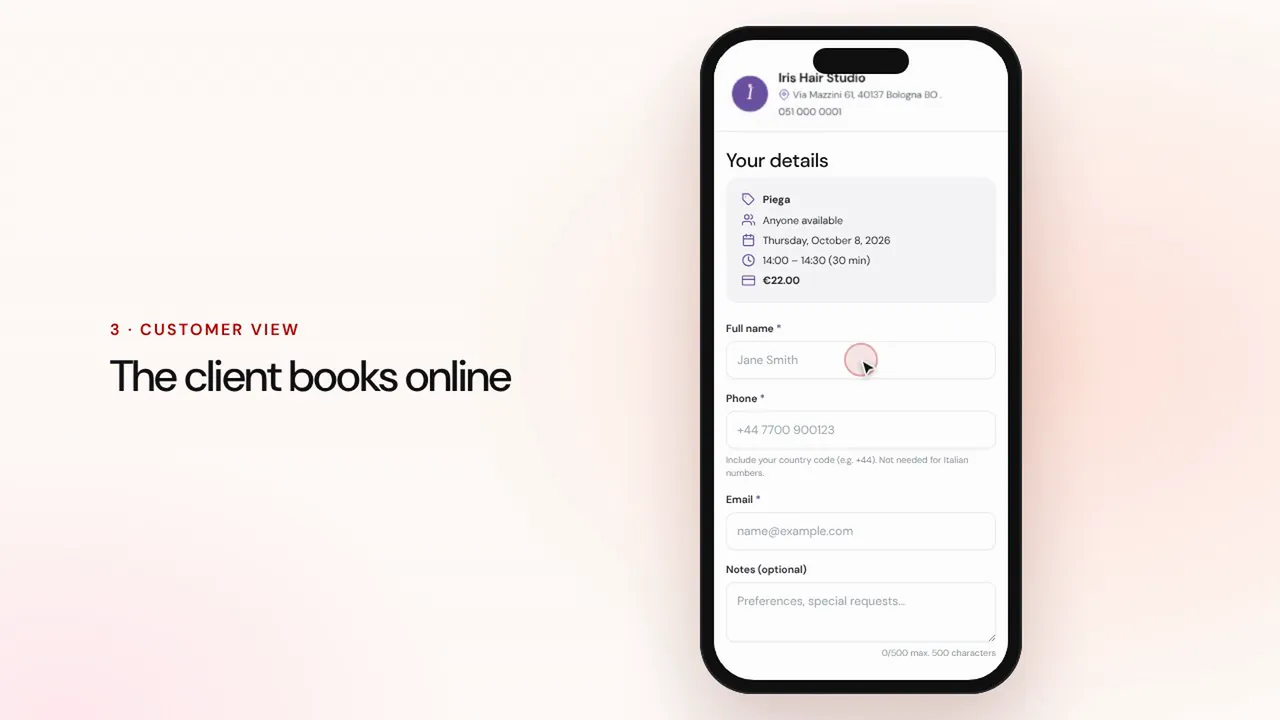 Duração 1:07
Reservas online
Configure serviços e profissionais: o cliente reserva na página do negócio e a marcação chega à agenda com lembretes.Ver o vídeo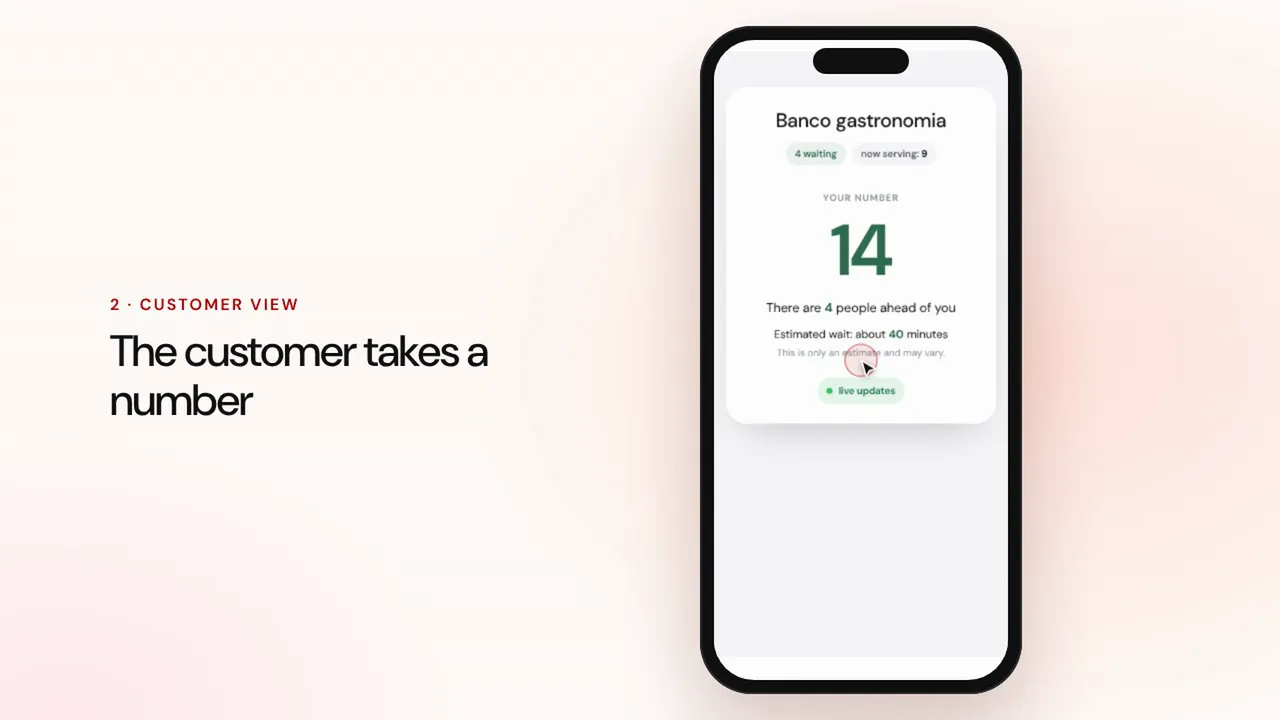 Duração 0:57
Gestão de filas
Crie uma fila, deixe os clientes tirarem senha com o código QR, chame o seguinte e mostre a vez no ecrã da sala.Ver o vídeo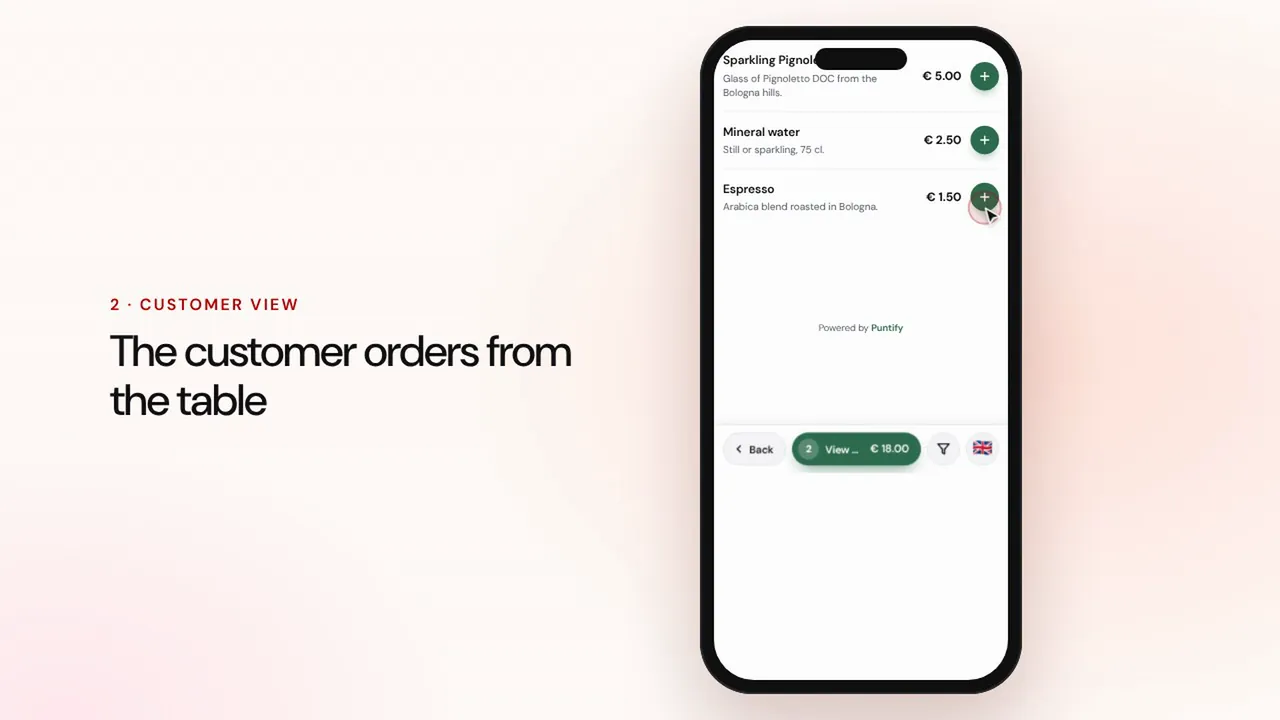 Duração 1:19
Pedidos à mesa e para levar
O cliente pede a partir do menu, à mesa ou para levar, o pedido chega à caixa e à cozinha, e depois recebe o pagamento e fecha a conta.Ver o vídeo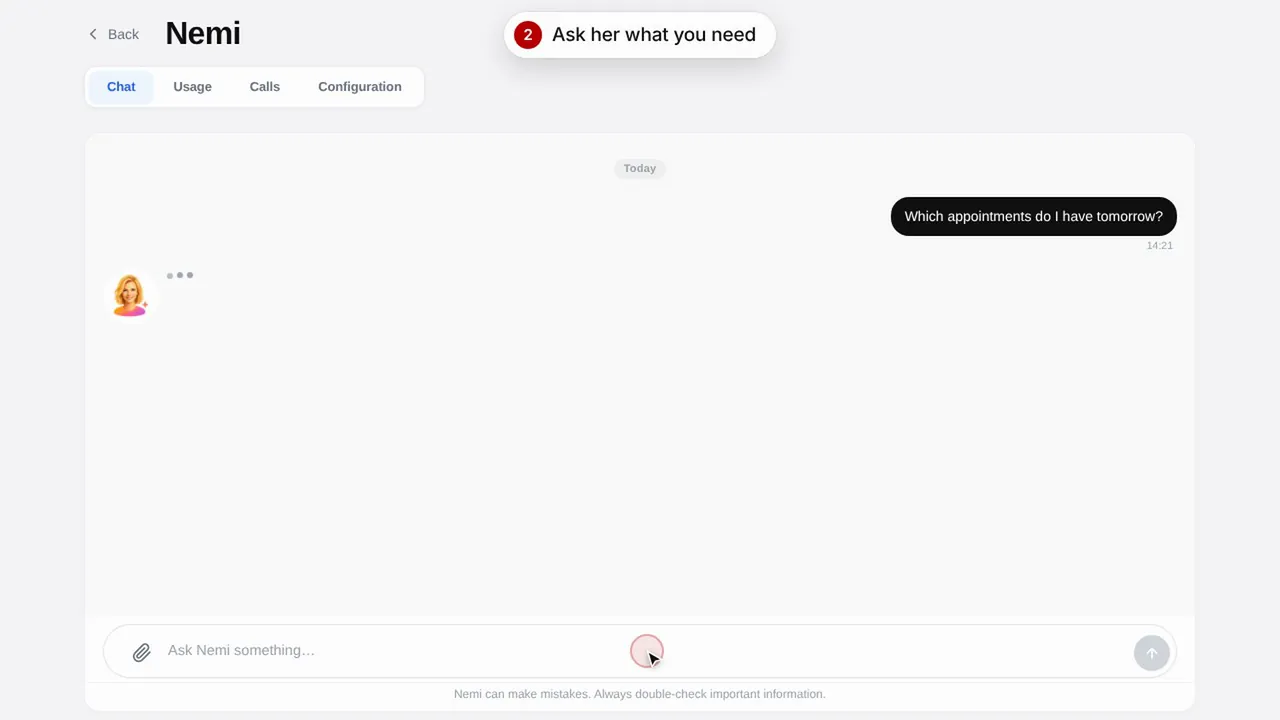 Duração 0:48
Nemi, a assistente digital
A Nemi responde no chat e ao telefone com as informações do seu negócio e trata das reservas por si.Ver o vídeo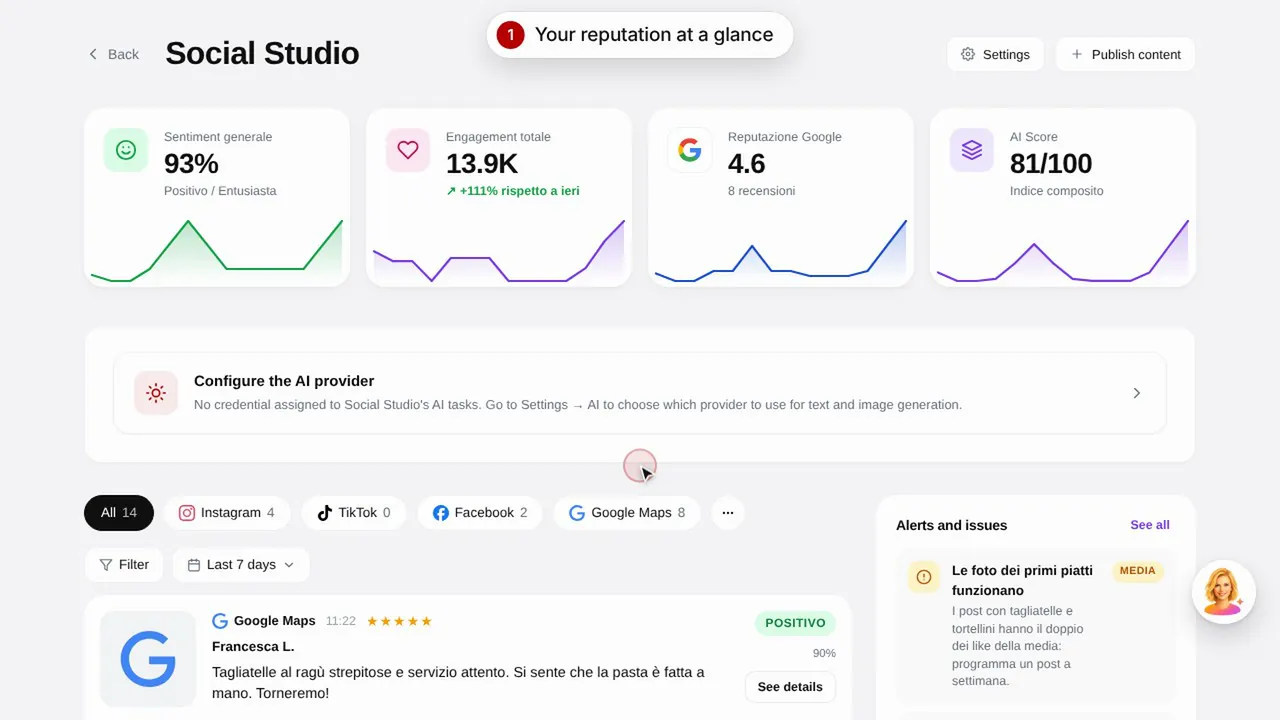 Duração 0:57
Social Studio e avaliações
Crie publicações para as redes sociais e faça a gestão das avaliações dos clientes num só lugar.Ver o vídeo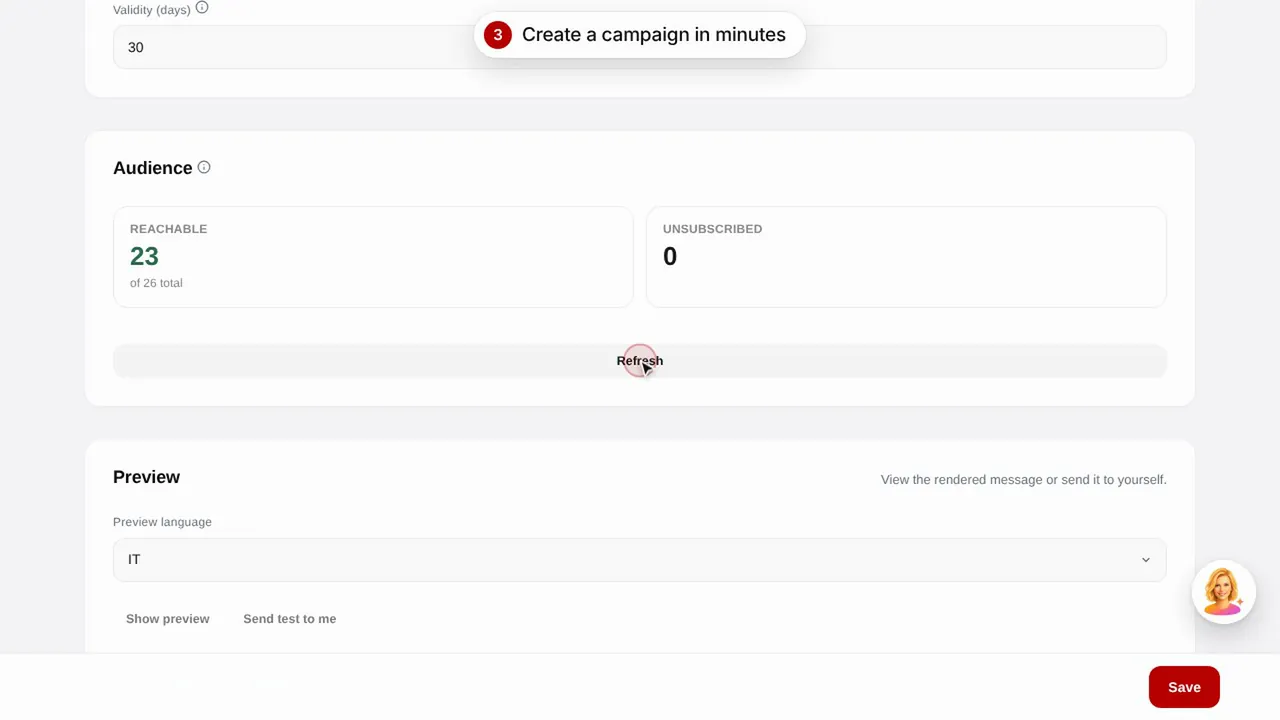 Duração 0:56
Campanhas de email
Envie campanhas de email aos clientes com modelos prontos: aniversário, clientes perdidos e promoções.Ver o vídeo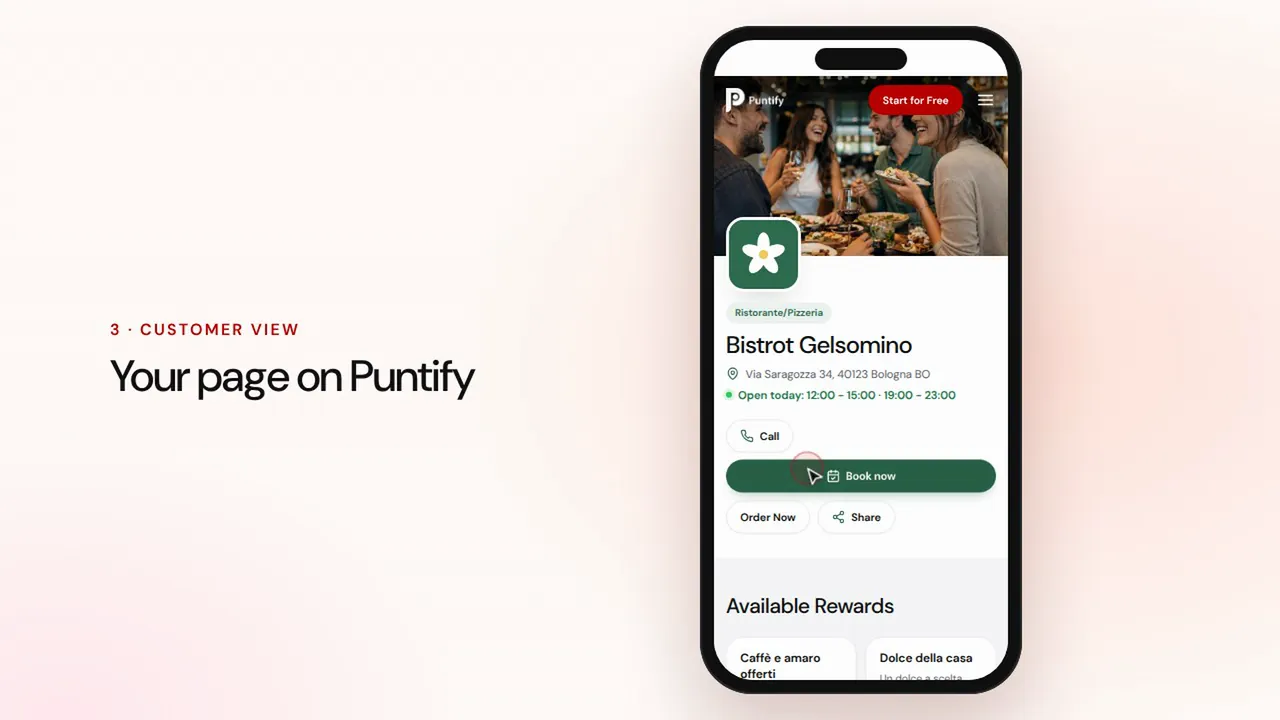 Duração 0:48
A página do seu negócio
Cuide da página pública do seu negócio no Puntify com fotografias, horários, serviços e a cor da sua marca.Ver o vídeo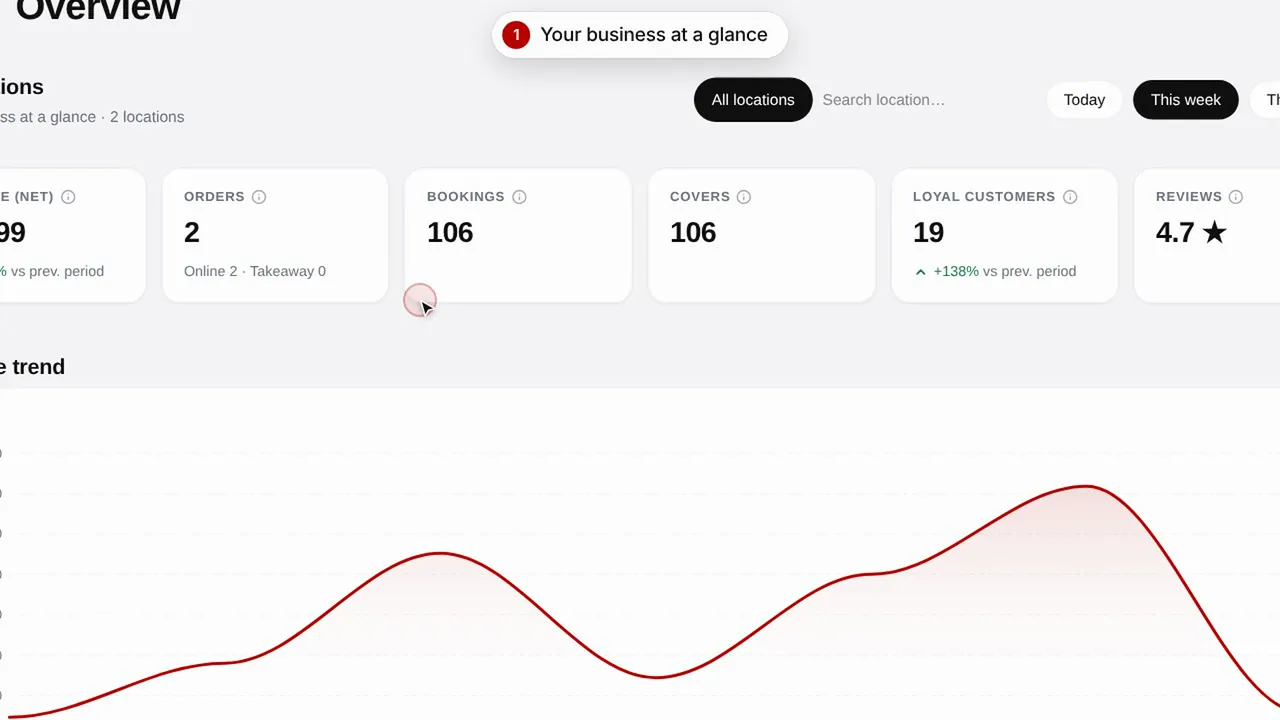 Duração 0:51
Visão geral e estatísticas
Acompanhe a evolução do negócio, os clientes e as visitas à sua página.Ver o vídeo