
Videotutoriales
Menú digital
- Duración 0:56
- Audio en inglés
- Subtítulos disponibles
Crea el menú con secciones, platos, fotos y alérgenos y llévalo a las mesas con un código QR.
Vídeo en inglés con subtítulos
Transcripción
Lee la transcripción completa
Introducción
0:00 Let's see how to build your venue's digital menu with Puntify: you update it from the app, and customers browse it on their phone by scanning a QR code.
Secciones y platos
0:09 In Catalog, open your menu and organise it into sections: starters, first courses, mains, desserts and drinks. Add dishes to each section and reorder them by dragging.
Precios, fotos y alérgenos
0:22 For each dish you set the name, description and price, pick or generate a photo, and list ingredients and allergens. AI helps you write descriptions and ingredients.
El cliente consulta el menú
0:37 The customer scans the QR code on the table and browses the menu on their phone, with photos, allergens and their own language. Every change you make shows up immediately. Build your digital menu with Puntify.
0:53 Get started at puntify.it.
 Duración 1:01
Fidelización: puntos y premios
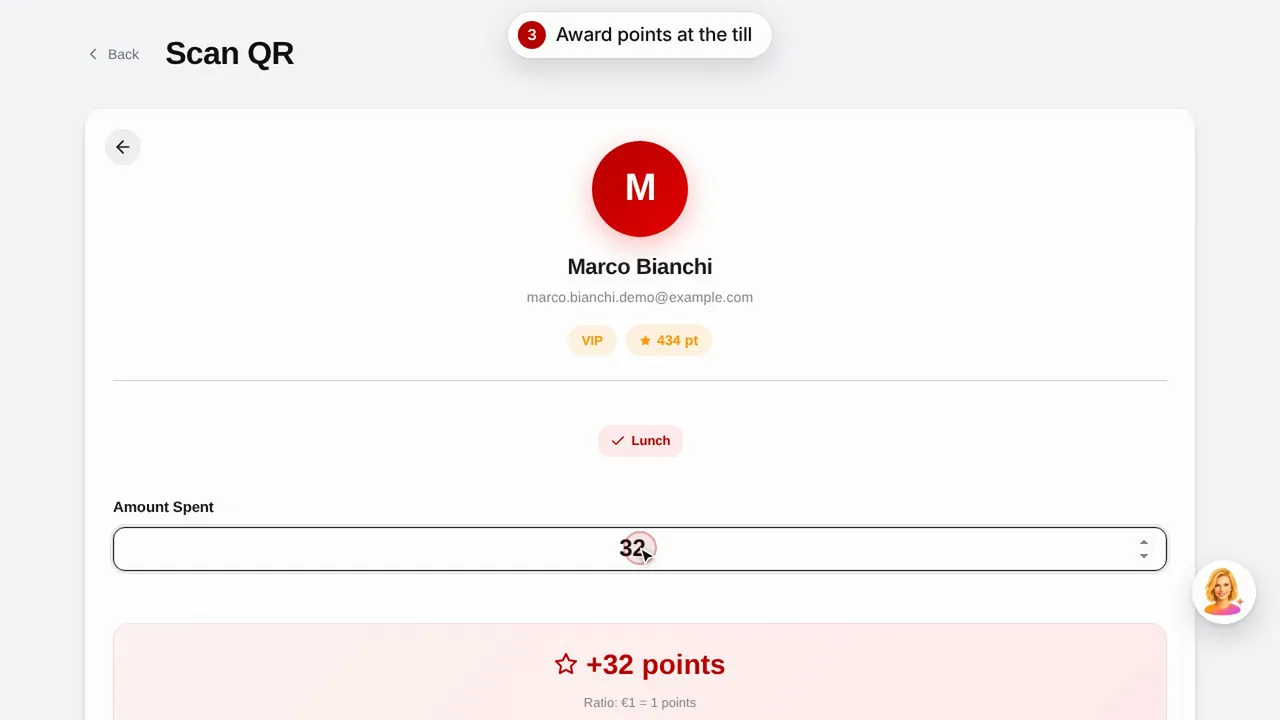
Crea un premio, asigna puntos al cliente escaneando su código QR y descubre cómo ve sus puntos y premios.Ver el vídeo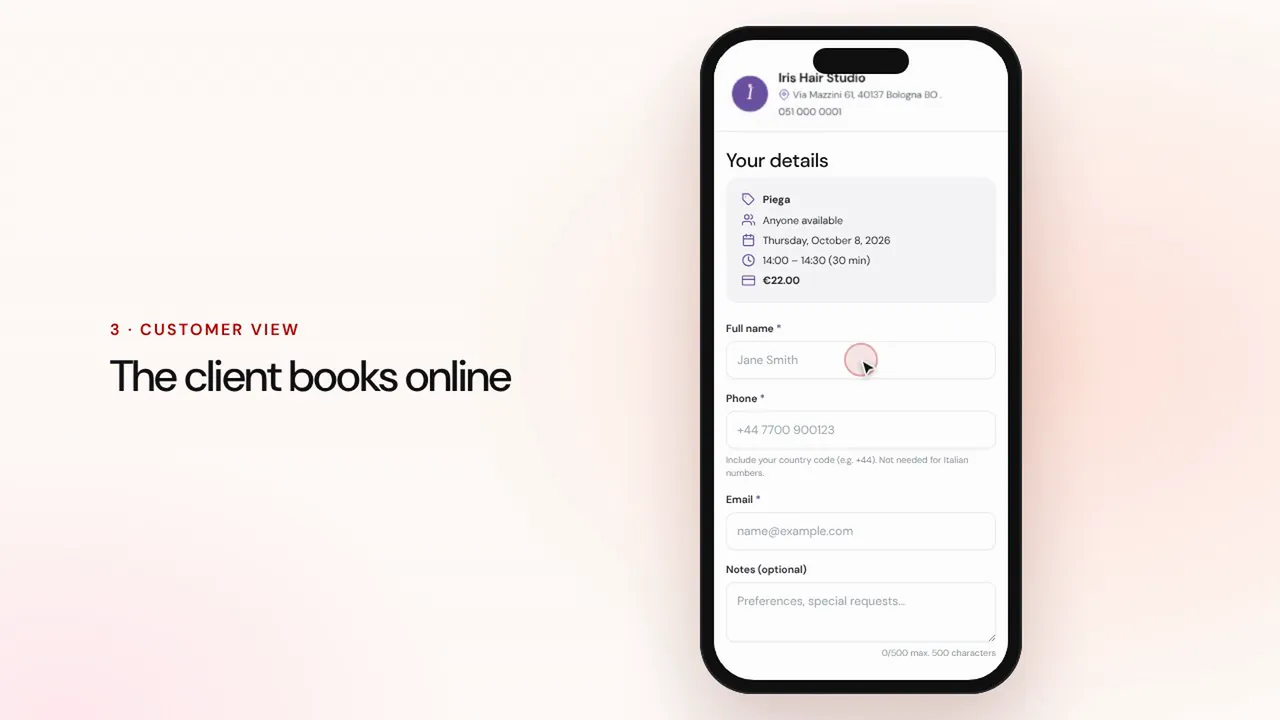 Duración 1:07
Reservas online
Configura servicios y profesionales: el cliente reserva desde la página de tu negocio y la cita llega a tu agenda con recordatorios.Ver el vídeo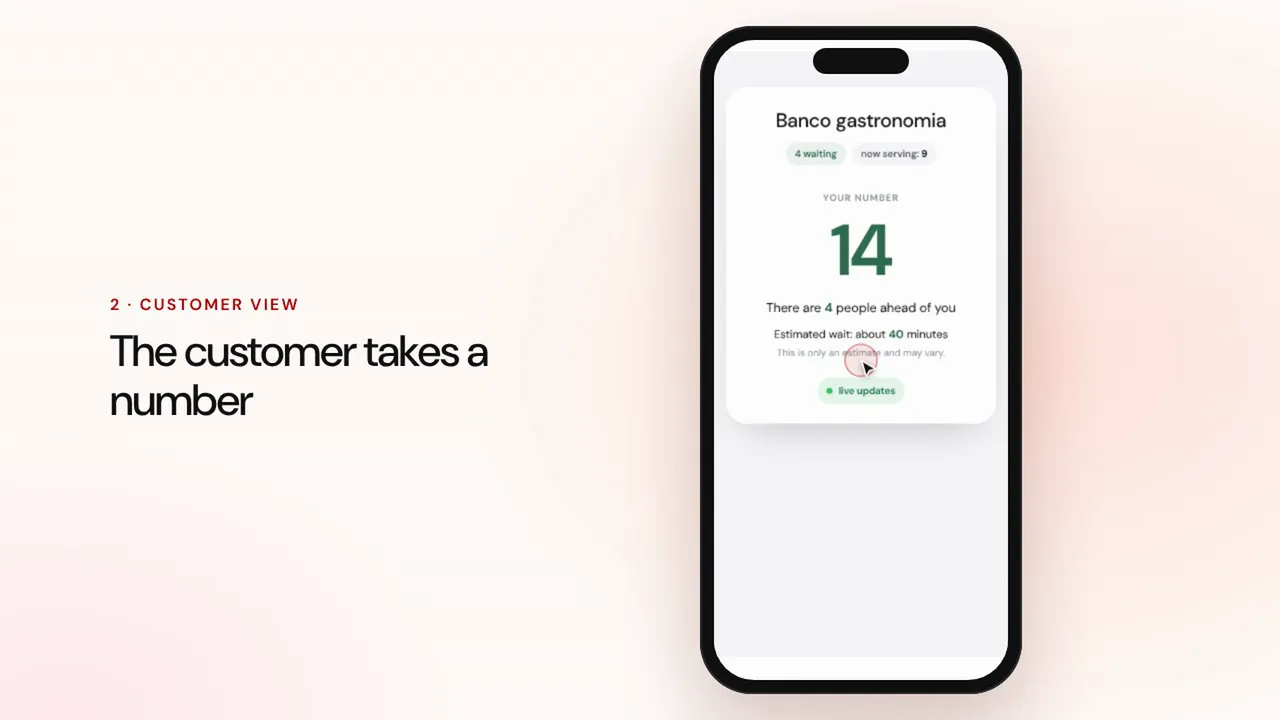 Duración 0:57
Gestión de colas
Crea una cola, deja que los clientes tomen número con el código QR, llama al siguiente y muestra los turnos en la pantalla de la sala.Ver el vídeo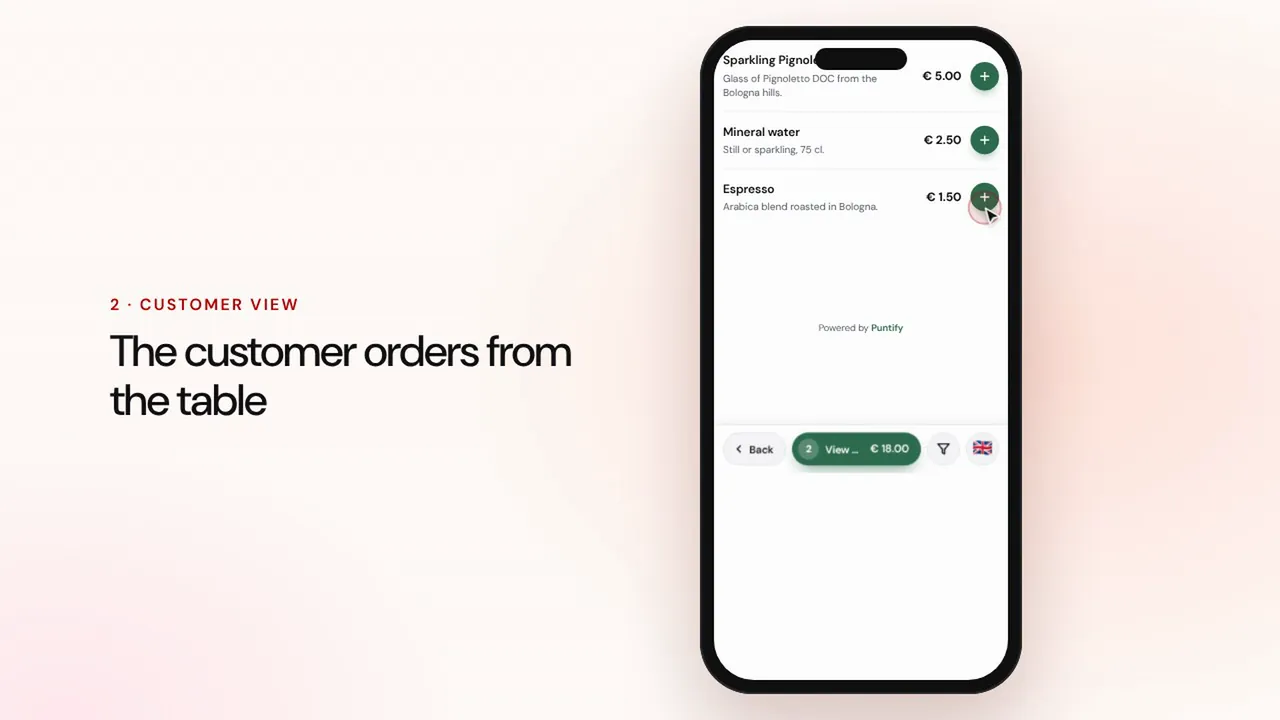 Duración 1:19
Pedidos en mesa y para llevar
El cliente pide desde el menú en la mesa o para llevar, el pedido llega a caja y a cocina, y tú cobras y cierras la cuenta.Ver el vídeo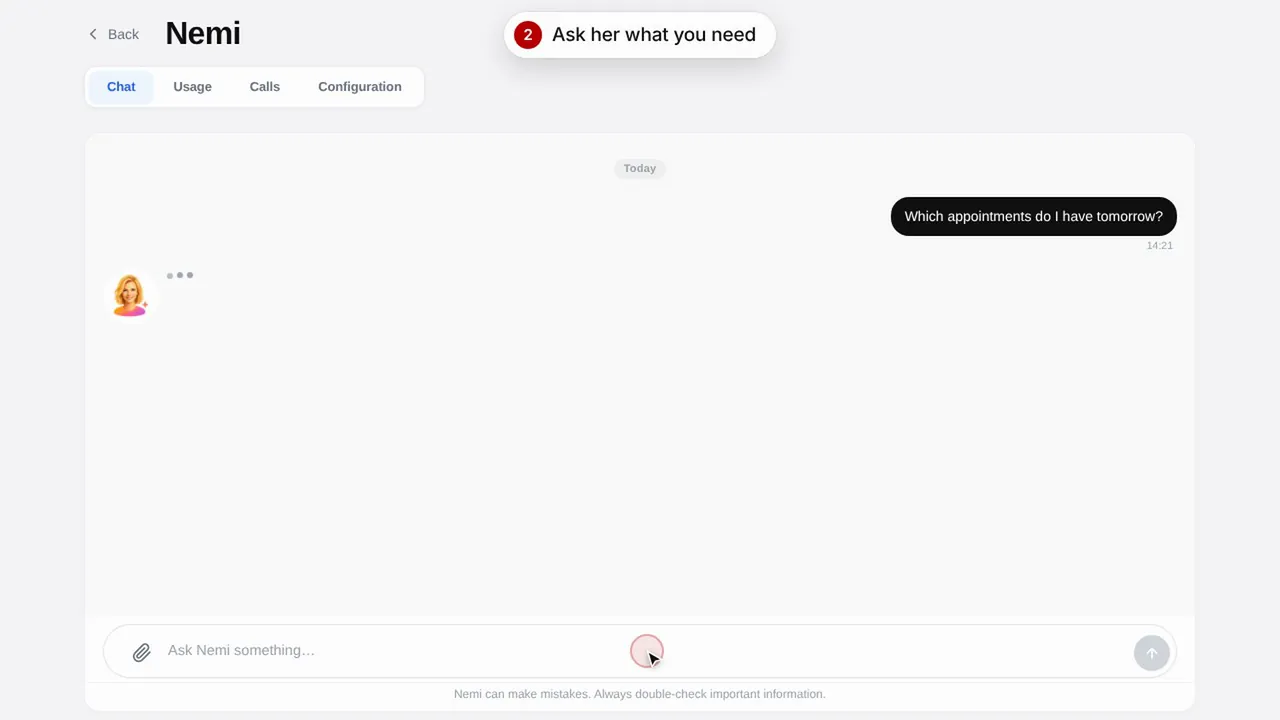 Duración 0:48
Nemi, la asistente digital
Nemi responde en el chat y por teléfono con la información de tu negocio y gestiona las reservas por ti.Ver el vídeo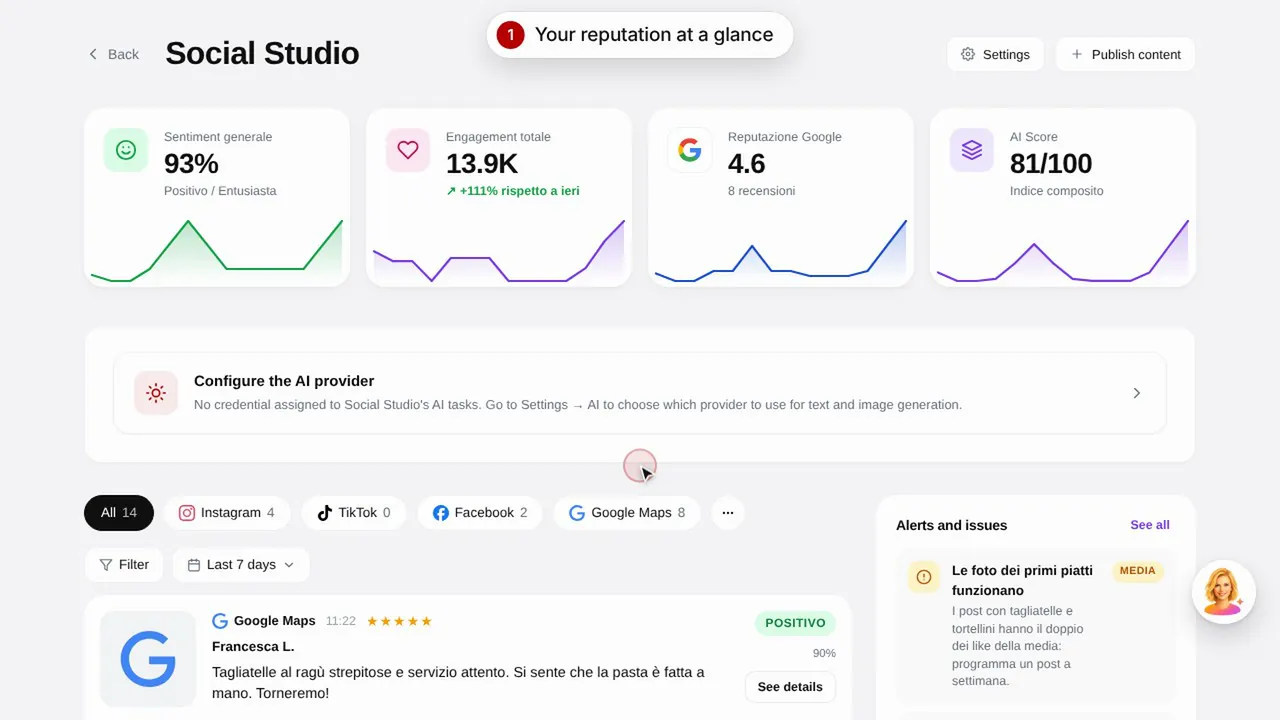 Duración 0:57
Social Studio y reseñas
Crea las publicaciones para tus redes sociales y gestiona las reseñas de los clientes desde un solo lugar.Ver el vídeo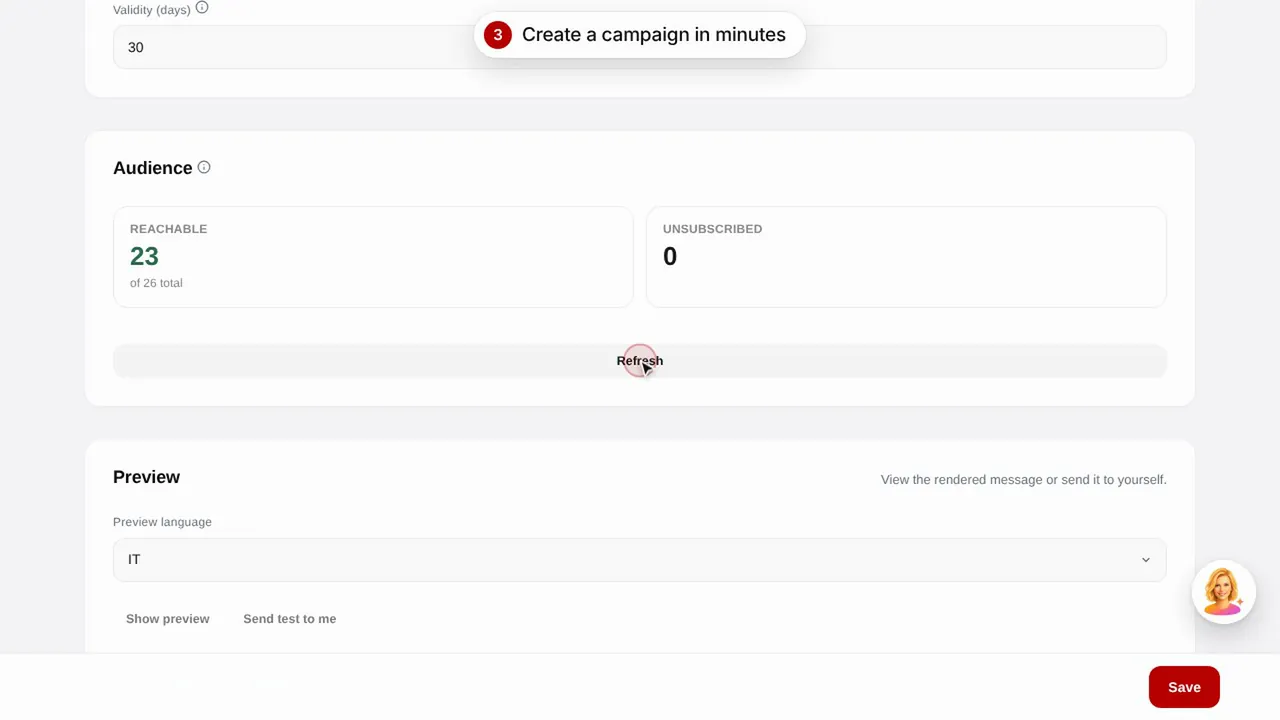 Duración 0:56
Campañas de email
Envía campañas de email a tus clientes con plantillas listas: cumpleaños, clientes perdidos y promociones.Ver el vídeo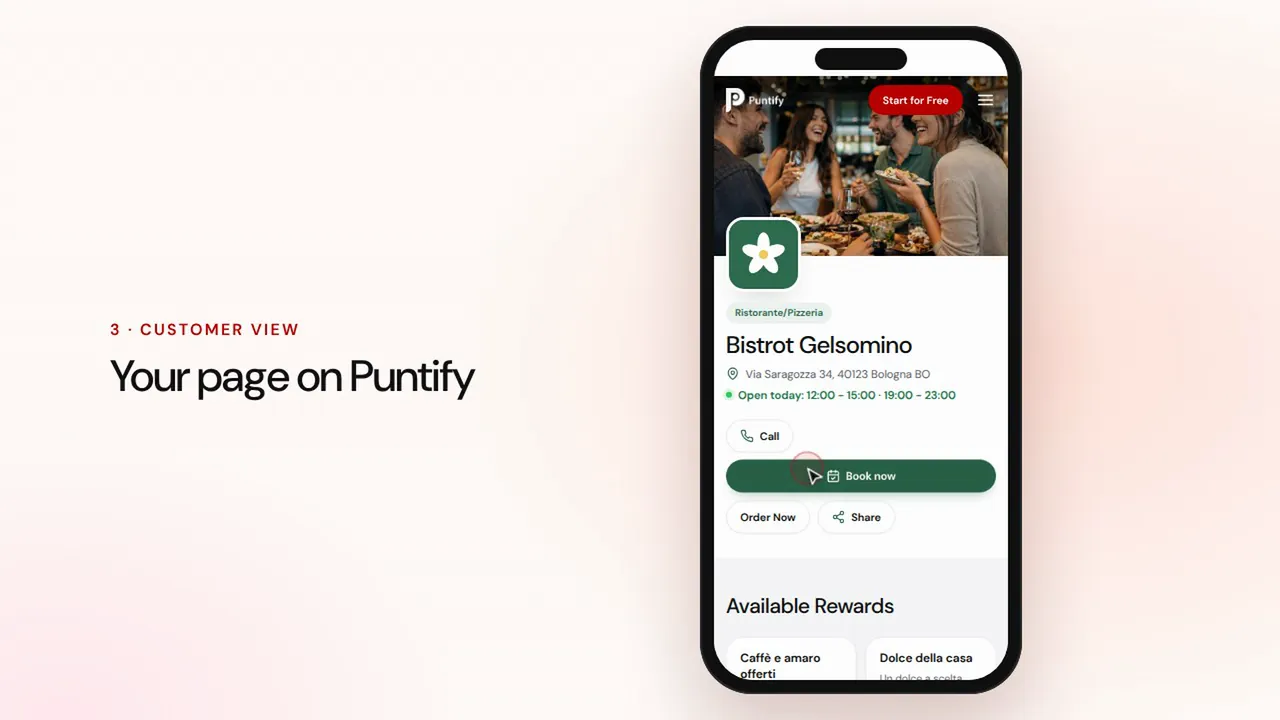 Duración 0:48
La página de tu negocio
Cuida la página pública de tu negocio en Puntify con fotos, horarios, servicios y el color de tu marca.Ver el vídeo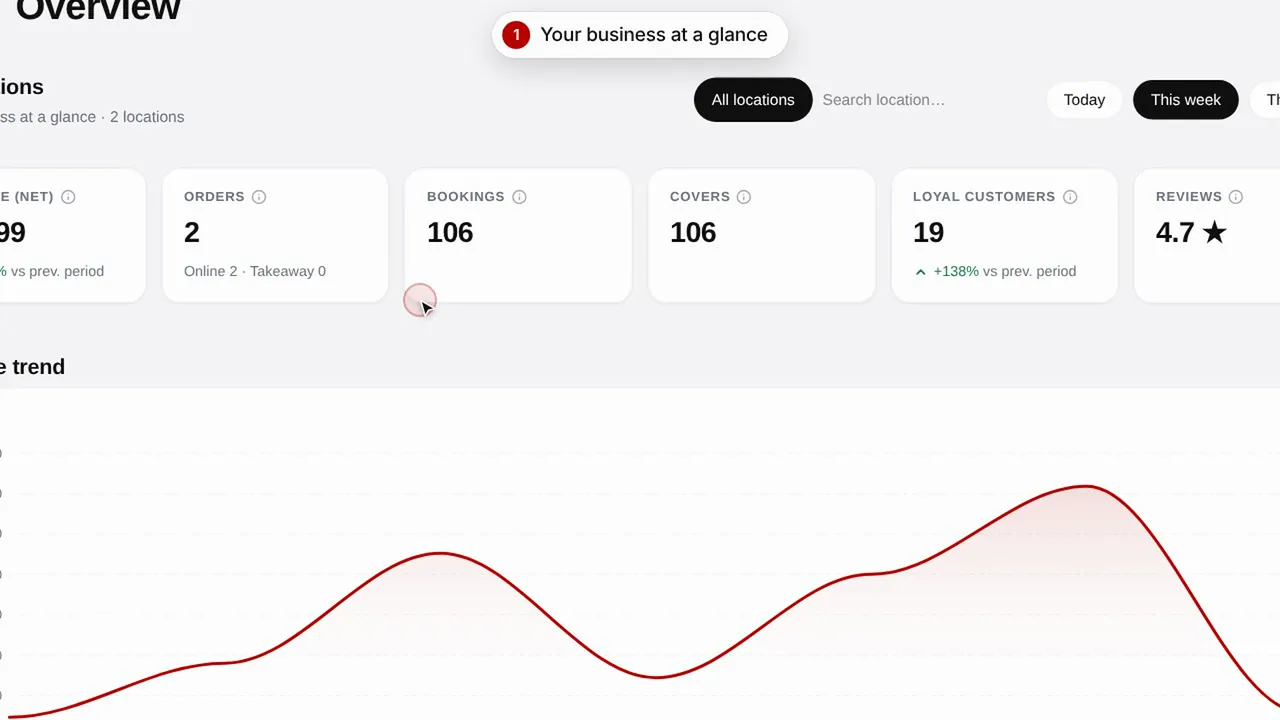 Duración 0:51
Resumen y estadísticas
Sigue la evolución de tu negocio, tus clientes y las visitas a tu página.Ver el vídeo