
Tutoriels vidéo
Commandes à table et à emporter
- Durée 1:19
- Audio en anglais
- Sous-titres disponibles
Le client commande depuis le menu à table ou à emporter, la commande arrive en caisse et en cuisine, puis vous encaissez et clôturez l'addition.
Vidéo en anglais sous-titrée
Transcription
Lire la transcription complète
Introduction
0:00 Let's see how customers order straight from their table, and how the order reaches the kitchen and the till, with no paper tickets.
Un QR code sur chaque table
0:08 In Resources you draw your dining room with its tables. Each table has its own QR code to print, so every order arrives with the table number.
Le client commande depuis la table
0:23 The customer scans the QR code, picks dishes from the menu, checks the basket and sends the order. They get an instant confirmation with the order number.
Confirmez et envoyez en cuisine
0:39 On the Orders board it appears among those to confirm. Enter the number of guests and send it to the kitchen: food and drinks go to the right station automatically.
La cuisine prépare la commande
0:55 On the kitchen screen the order moves from received to in preparation, then to ready, with a single tap.
Encaissez et clôturez l'addition
1:02 When the meal is over, open the table, tap Collect and choose cash or card. The bill closes, the table is free again and the loyalty points go to the customer. Try Puntify orders and till.
1:16 Get started at puntify.it.
 Durée 1:01
Fidélisation : points et récompenses
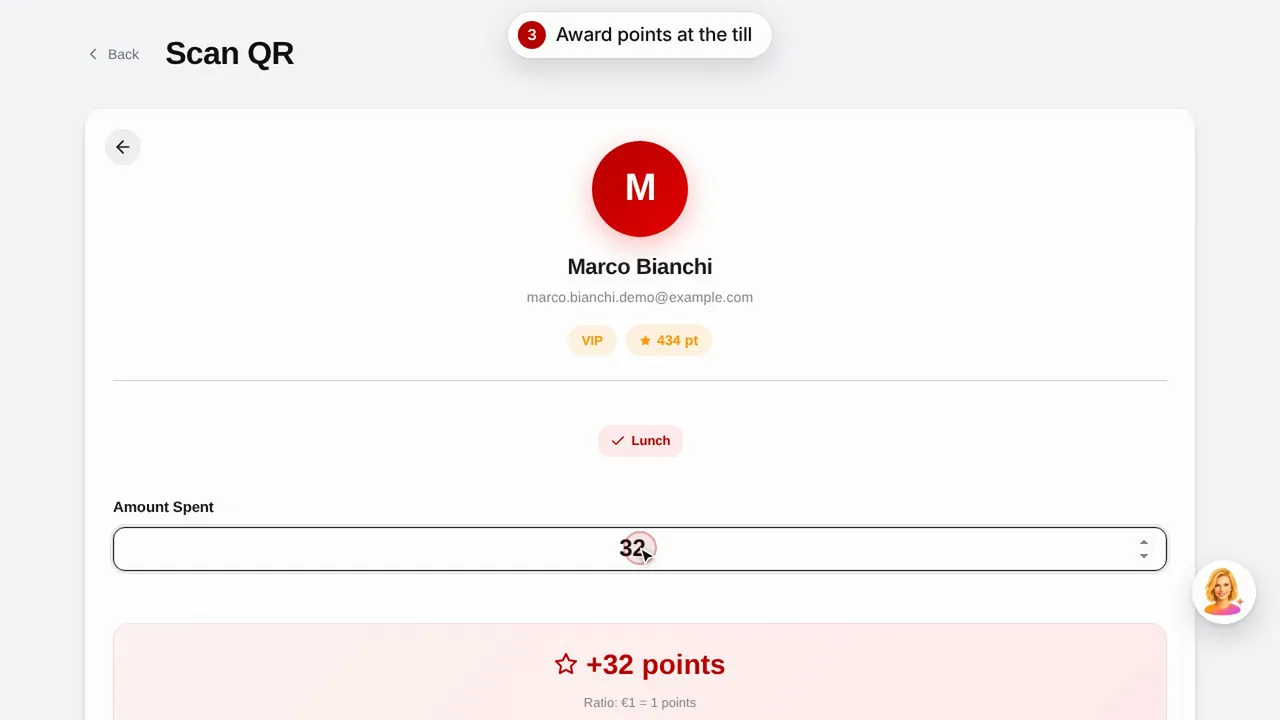
Créez une récompense, attribuez des points au client en scannant son QR code et découvrez comment il consulte ses points et ses récompenses.Regarder la vidéo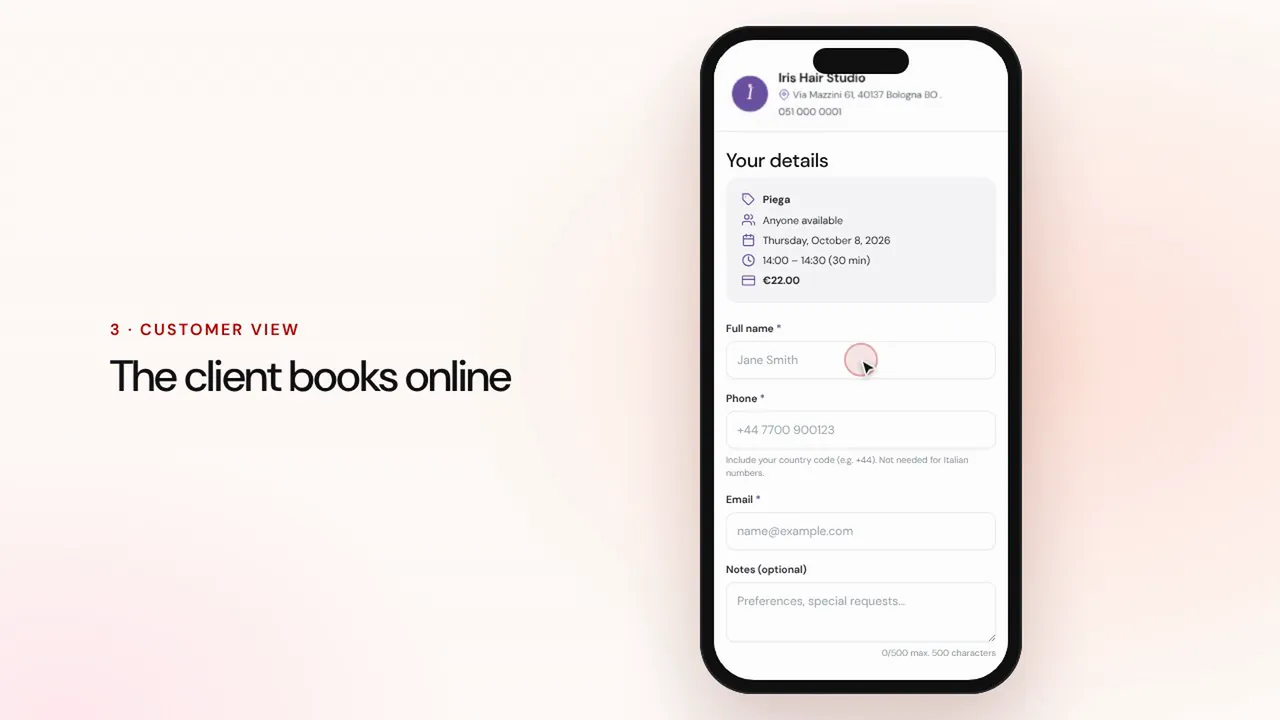 Durée 1:07
Réservations en ligne
Configurez prestations et collaborateurs : le client réserve depuis la page de votre commerce et le rendez-vous arrive dans votre agenda avec des rappels.Regarder la vidéo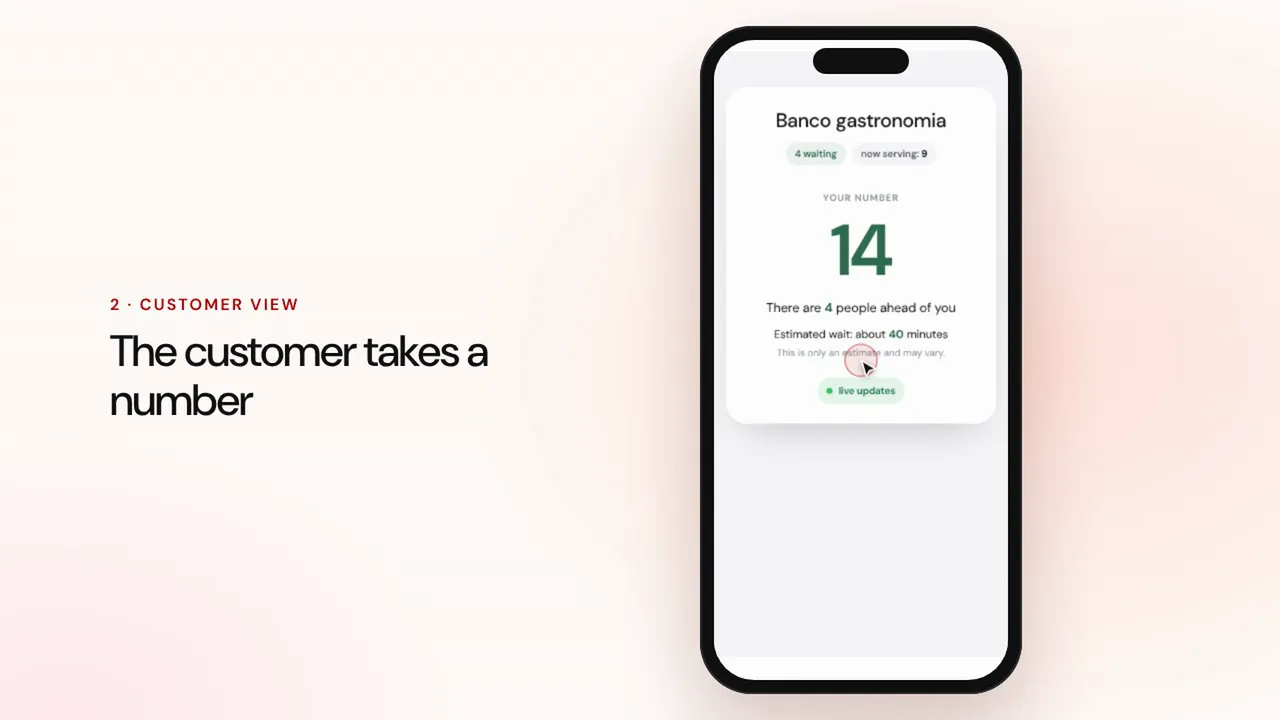 Durée 0:57
Gestion des files d'attente
Créez une file, laissez les clients prendre un numéro avec le QR code, appelez le suivant et affichez les tours sur l'écran de la salle.Regarder la vidéo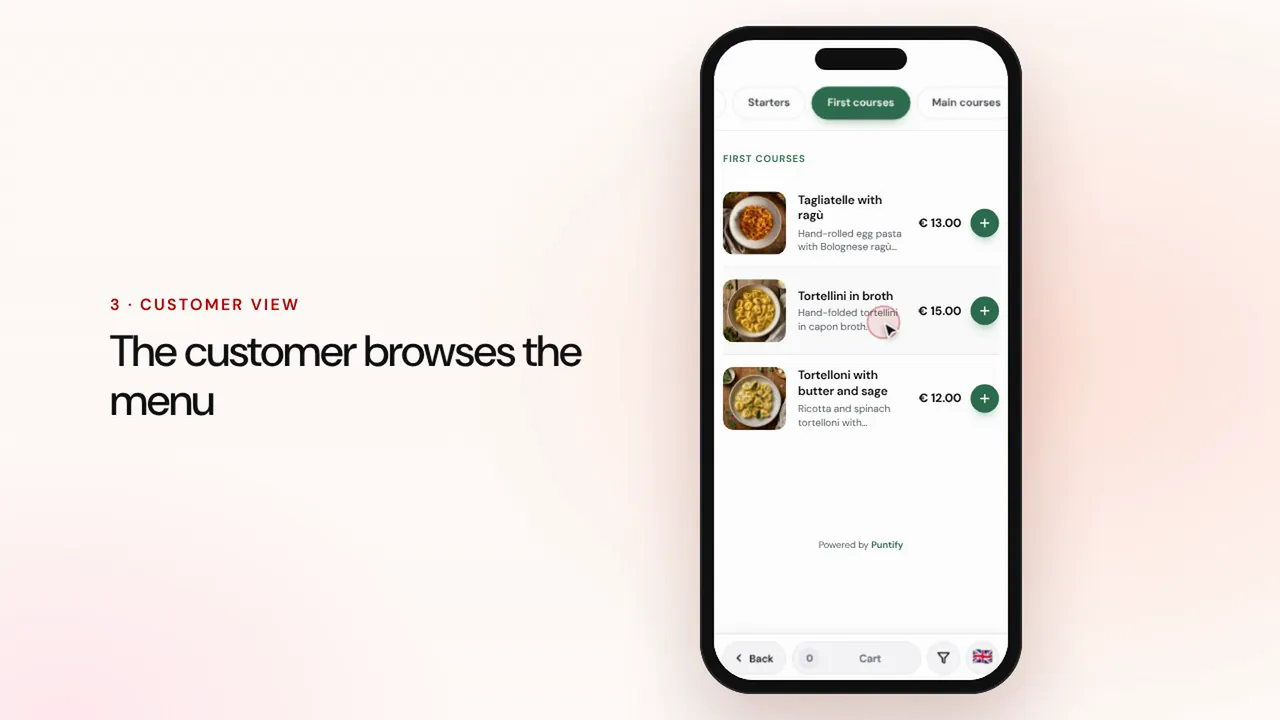 Durée 0:56
Menu digital
Composez le menu avec rubriques, plats, photos et allergènes, puis mettez-le à disposition sur les tables avec un QR code.Regarder la vidéo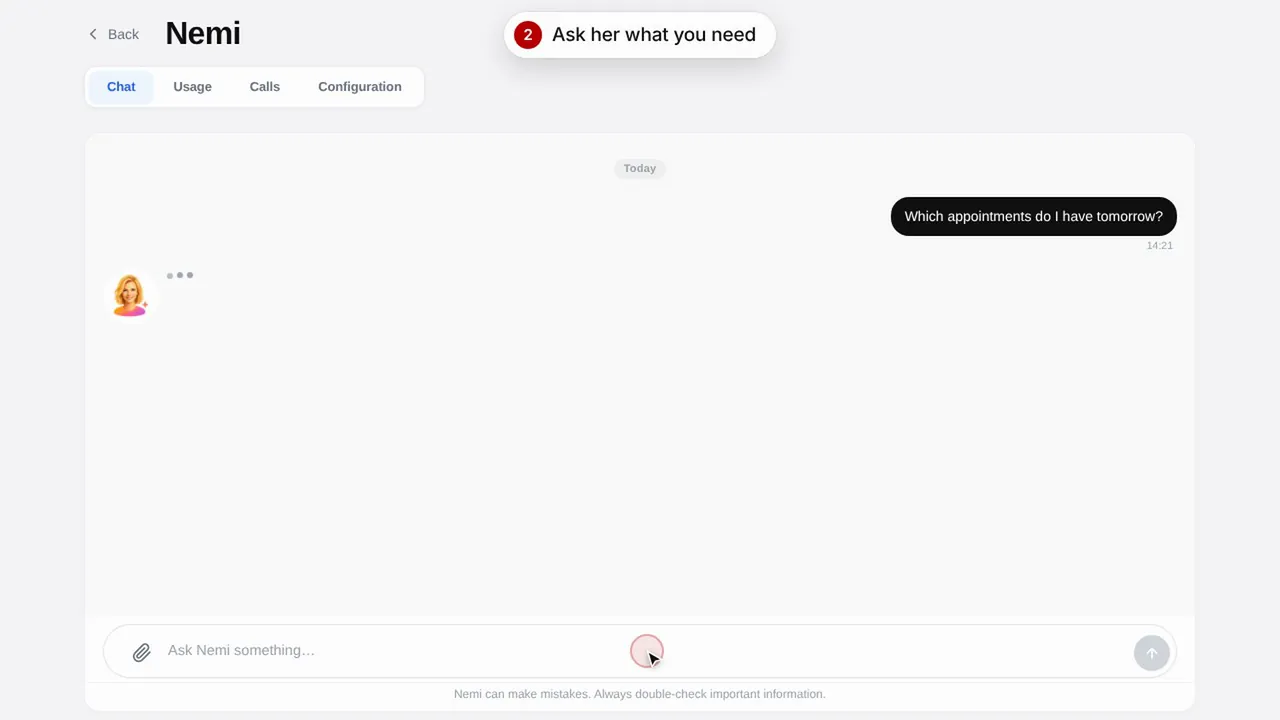 Durée 0:48
Nemi, l'assistante digitale
Nemi répond par chat et par téléphone avec les informations de votre commerce et prend les réservations à votre place.Regarder la vidéo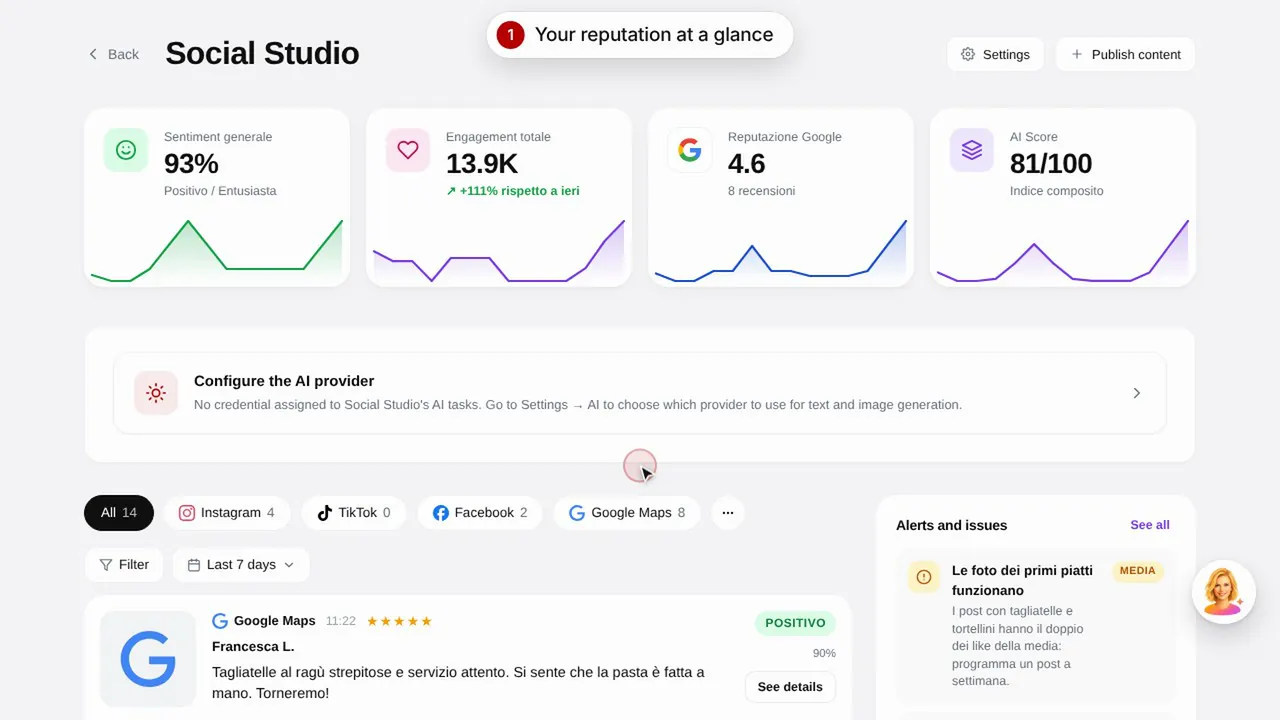 Durée 0:57
Social Studio et avis
Créez les publications pour vos réseaux sociaux et gérez les avis clients depuis un seul endroit.Regarder la vidéo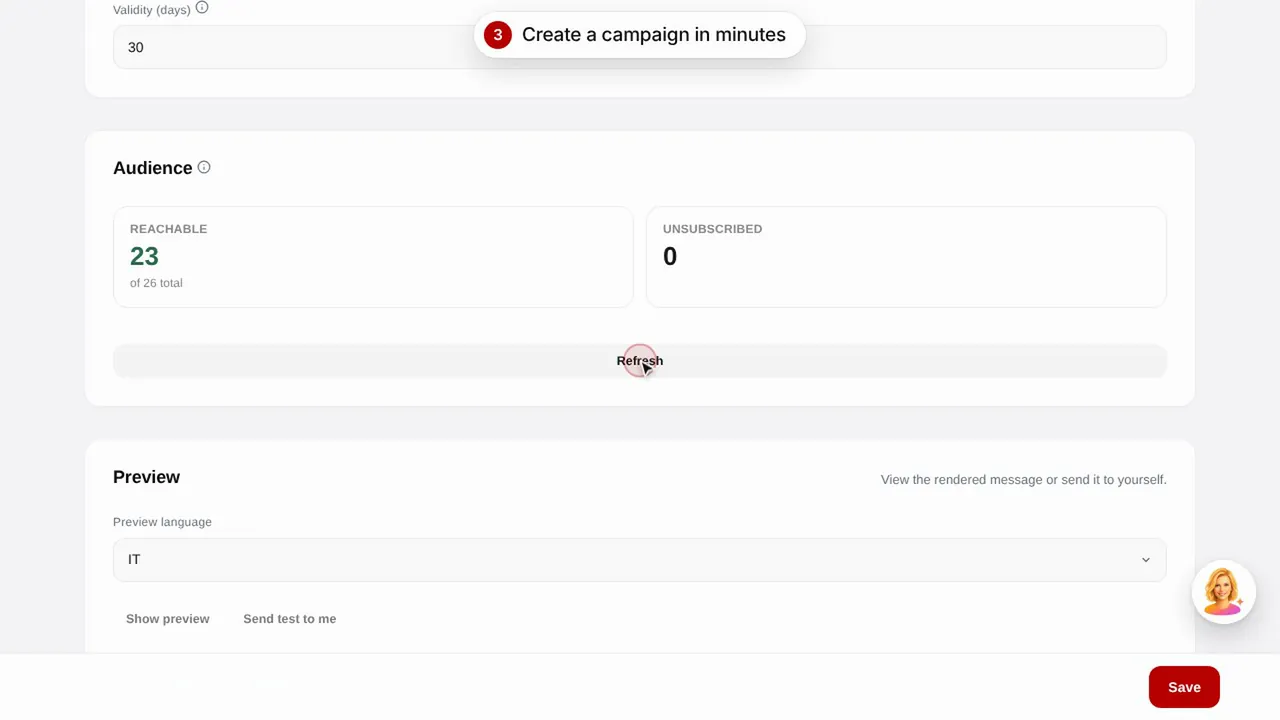 Durée 0:56
Campagnes e-mail
Envoyez des campagnes e-mail à vos clients à partir de modèles prêts à l'emploi : anniversaire, clients perdus et promotions.Regarder la vidéo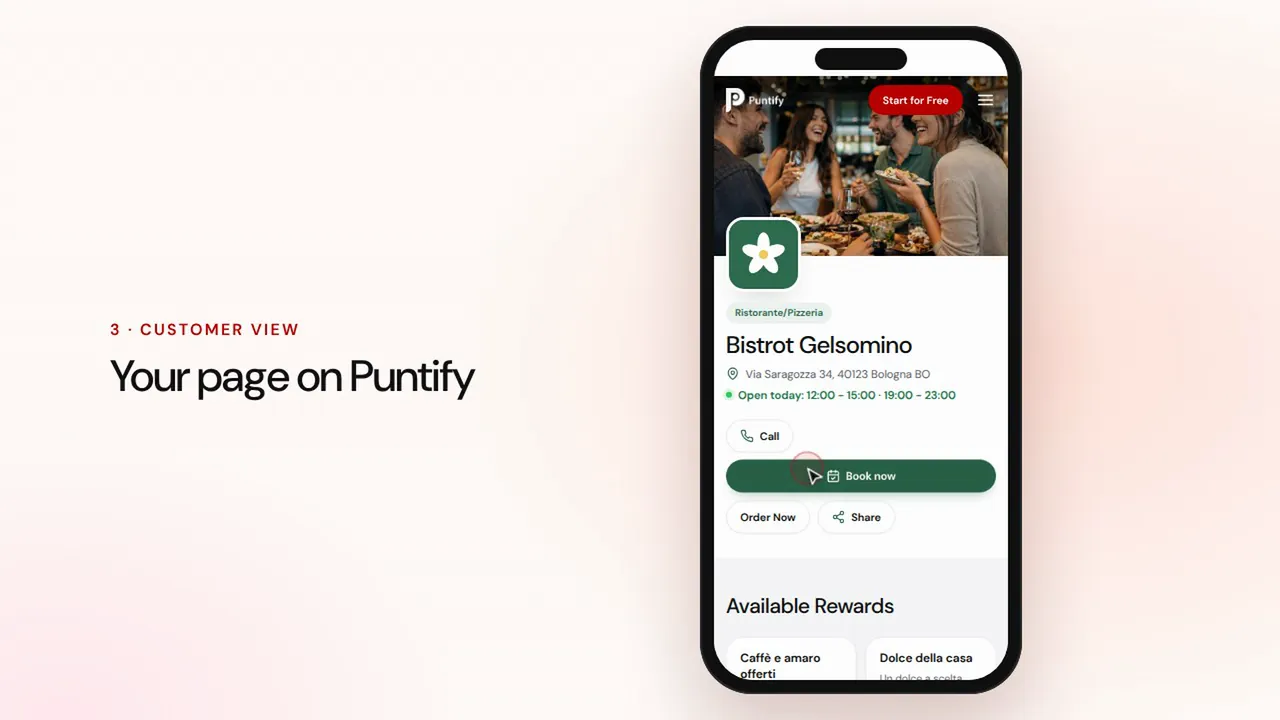 Durée 0:48
La page de votre commerce
Soignez la page publique de votre commerce sur Puntify avec photos, horaires, prestations et la couleur de votre marque.Regarder la vidéo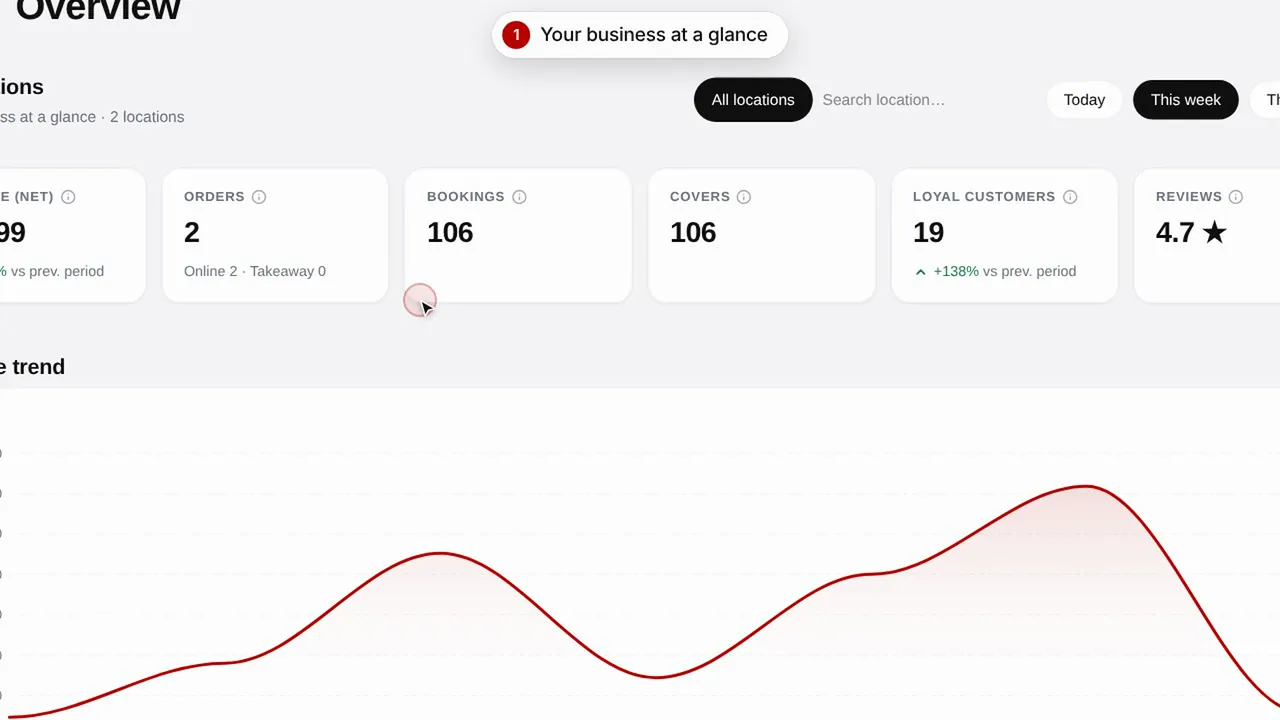 Durée 0:51
Vue d'ensemble et statistiques
Suivez l'évolution de votre commerce, vos clients et les visites de votre page.Regarder la vidéo