
Tutoriels vidéo
Gestion des files d'attente
- Durée 0:57
- Audio en anglais
- Sous-titres disponibles
Créez une file, laissez les clients prendre un numéro avec le QR code, appelez le suivant et affichez les tours sur l'écran de la salle.
Vidéo en anglais sous-titrée
Transcription
Lire la transcription complète
Introduction
0:00 Let's see how to get rid of the line at your counter with Puntify's digital queue: customers take a number on their phone and follow their turn in real time.
Créez la file et imprimez le QR code
0:09 In Queue Manager create a queue, for example the deli counter, and choose whether people take a number in store, remotely or both. Then open it and print its QR code.
Le client prend un numéro
0:23 The customer scans the QR code and taps to take a number: they instantly see their turn, how many people are ahead and the estimated wait, without installing any app.
Appelez le suivant
0:34 At the counter, open the operation panel and tap to call the next number. The queue moves on and the customer is notified on their phone.
L'écran de la salle d'attente
0:44 On a TV in your shop you can show the board with the number being served and those waiting, always up to date. Queue Manager is included in Puntify. Get started at puntify.it.
 Durée 1:01
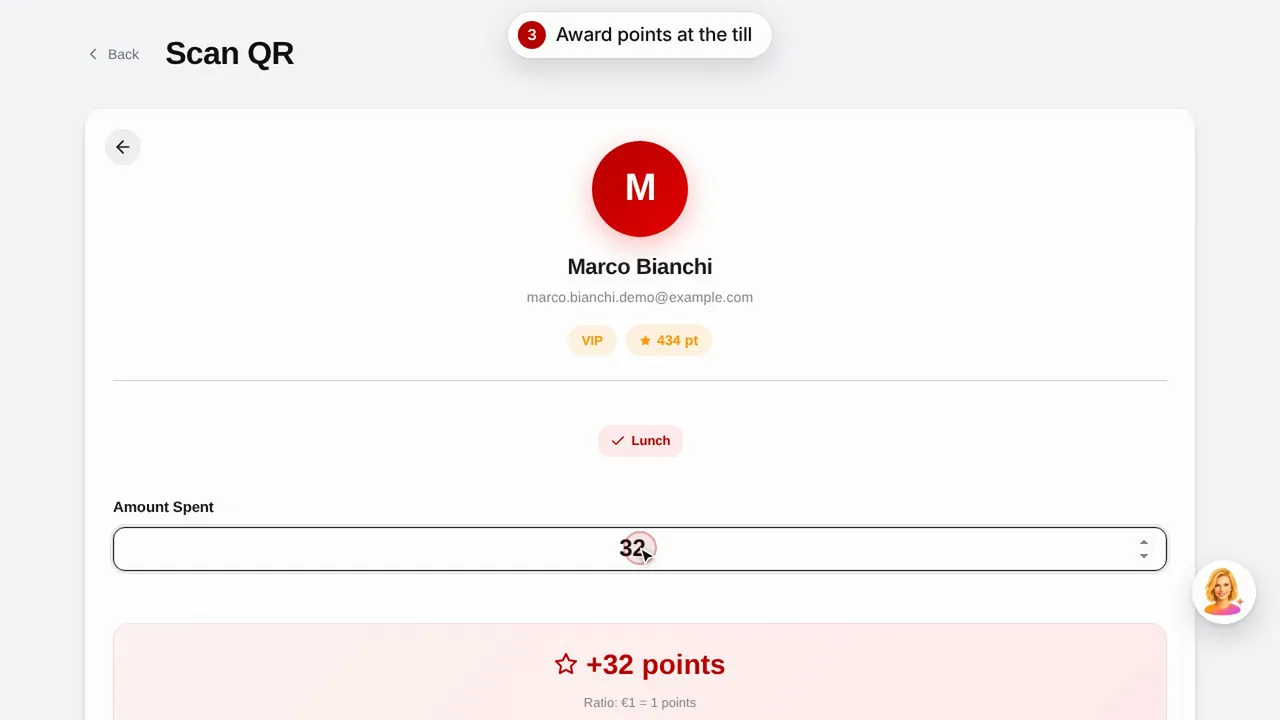
Fidélisation : points et récompenses
Créez une récompense, attribuez des points au client en scannant son QR code et découvrez comment il consulte ses points et ses récompenses.Regarder la vidéo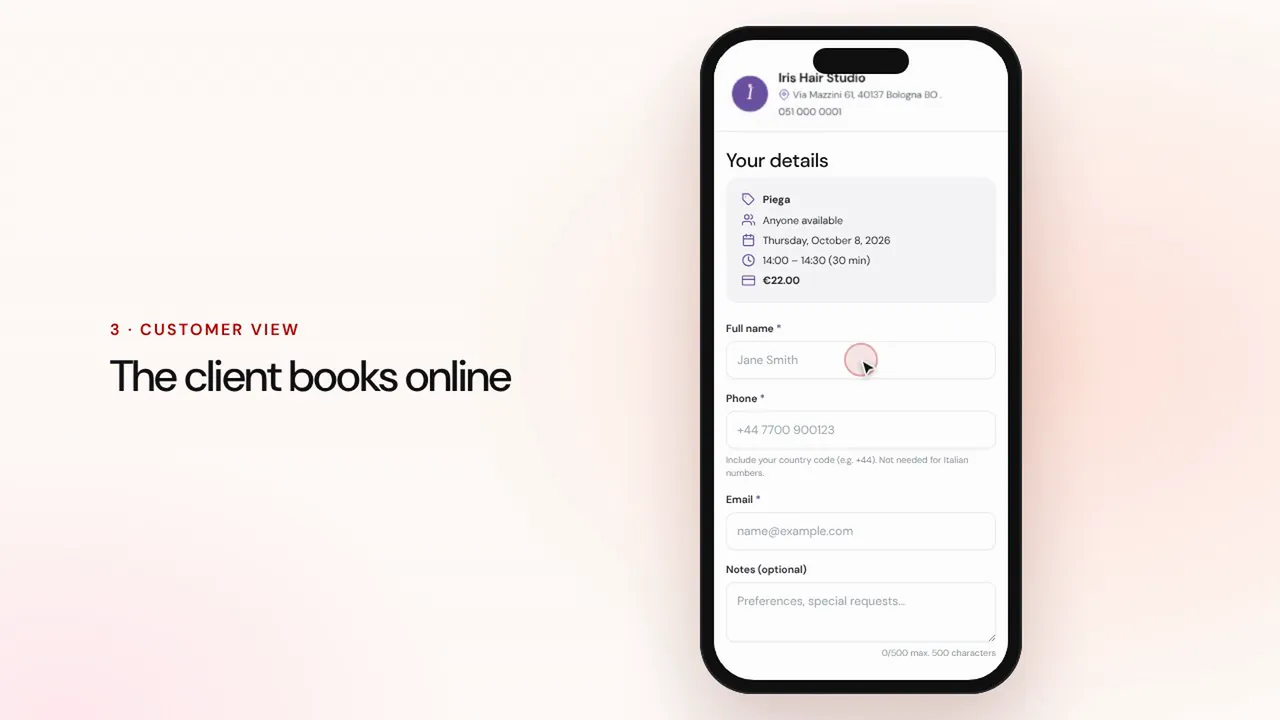 Durée 1:07
Réservations en ligne
Configurez prestations et collaborateurs : le client réserve depuis la page de votre commerce et le rendez-vous arrive dans votre agenda avec des rappels.Regarder la vidéo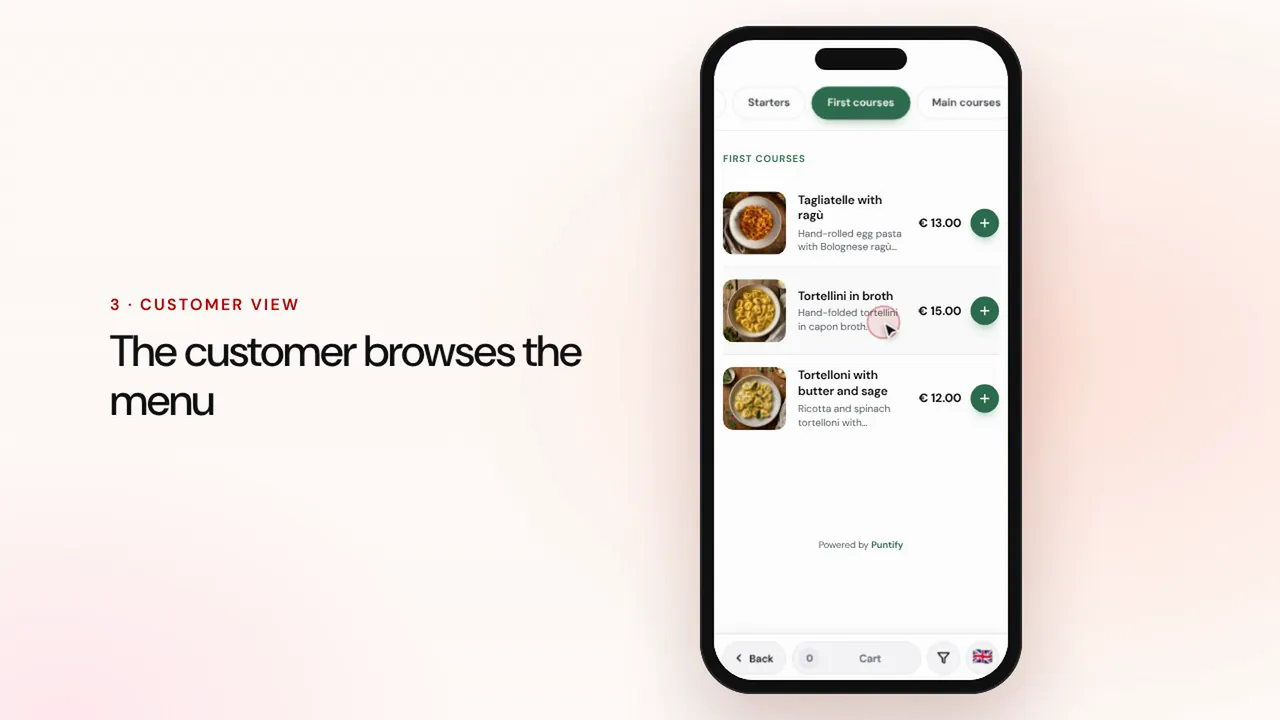 Durée 0:56
Menu digital
Composez le menu avec rubriques, plats, photos et allergènes, puis mettez-le à disposition sur les tables avec un QR code.Regarder la vidéo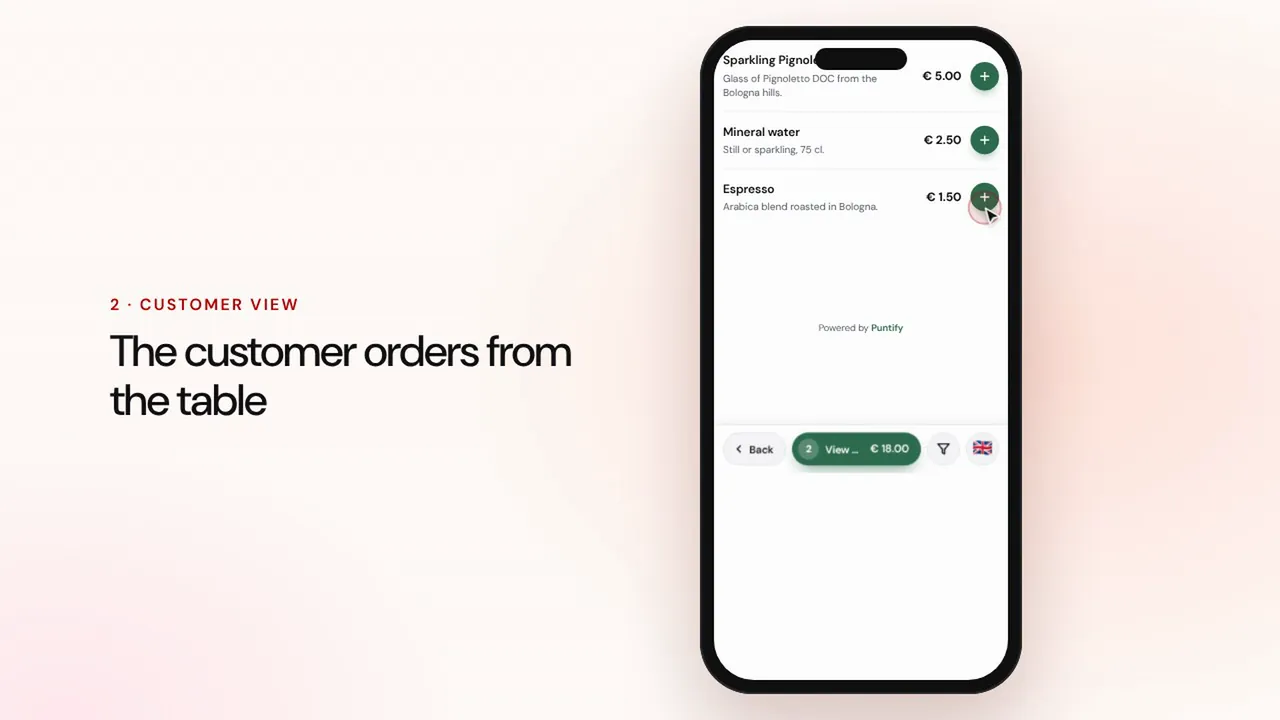 Durée 1:19
Commandes à table et à emporter
Le client commande depuis le menu à table ou à emporter, la commande arrive en caisse et en cuisine, puis vous encaissez et clôturez l'addition.Regarder la vidéo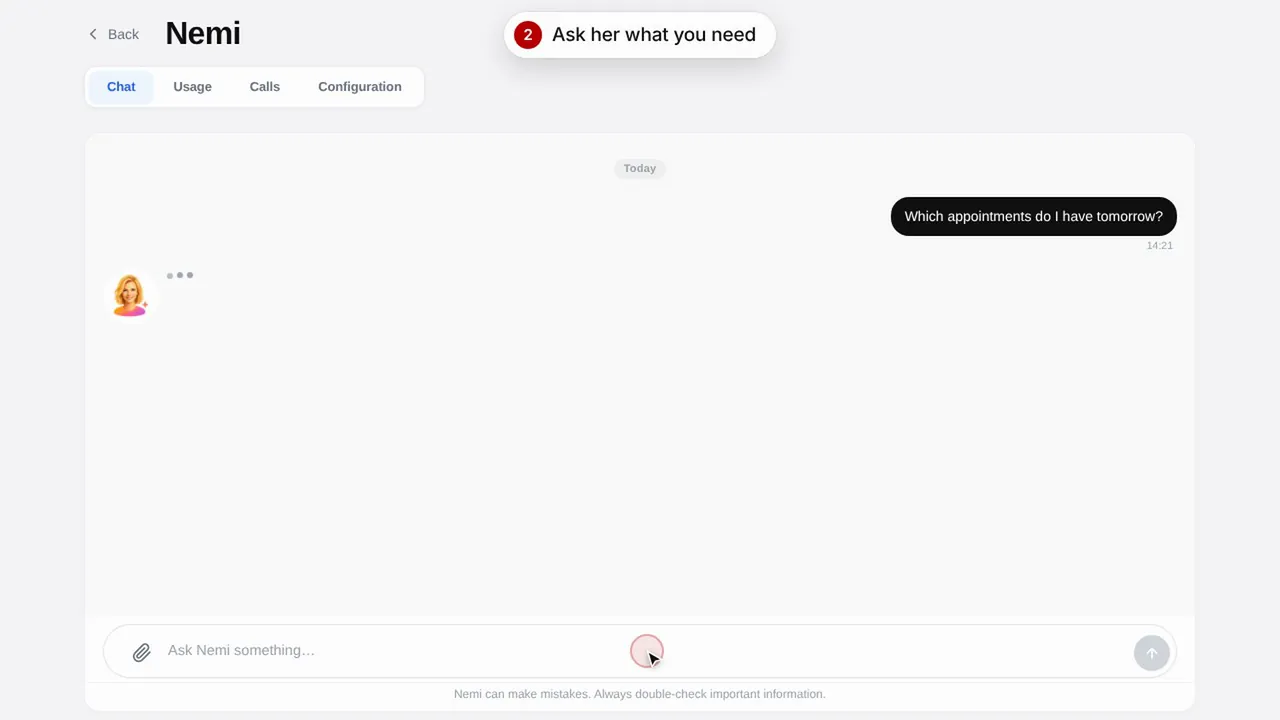 Durée 0:48
Nemi, l'assistante digitale
Nemi répond par chat et par téléphone avec les informations de votre commerce et prend les réservations à votre place.Regarder la vidéo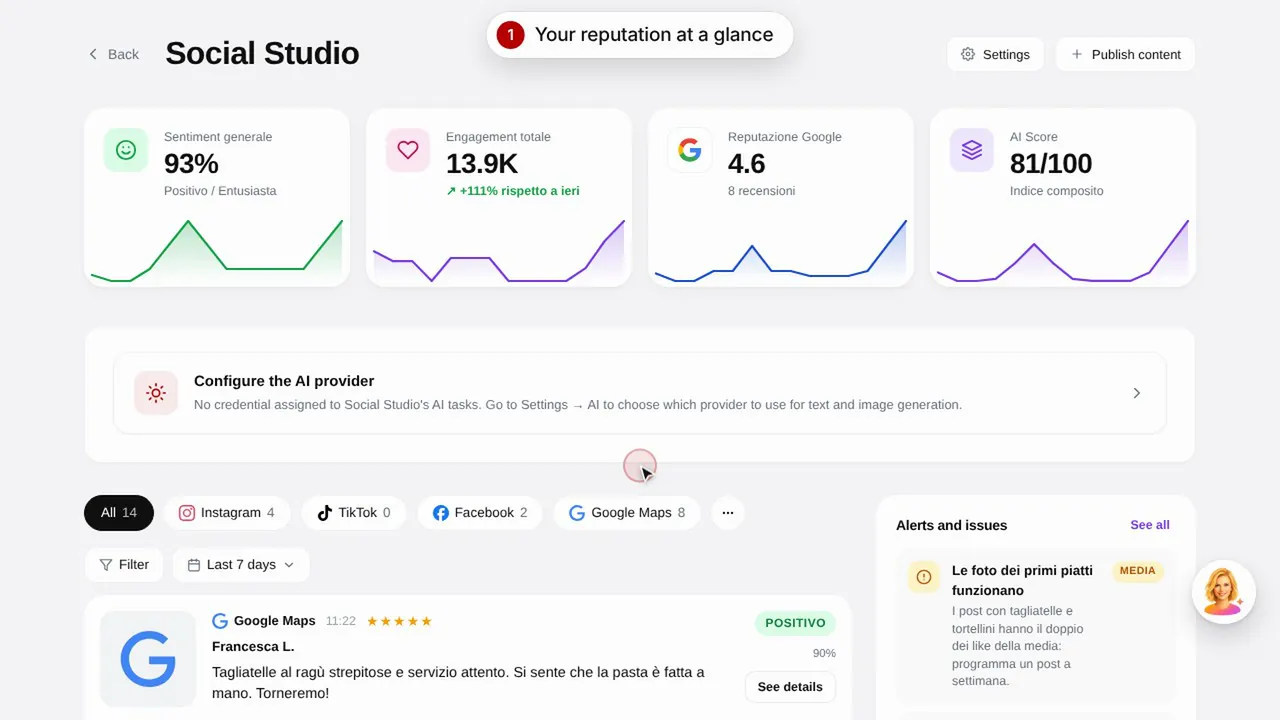 Durée 0:57
Social Studio et avis
Créez les publications pour vos réseaux sociaux et gérez les avis clients depuis un seul endroit.Regarder la vidéo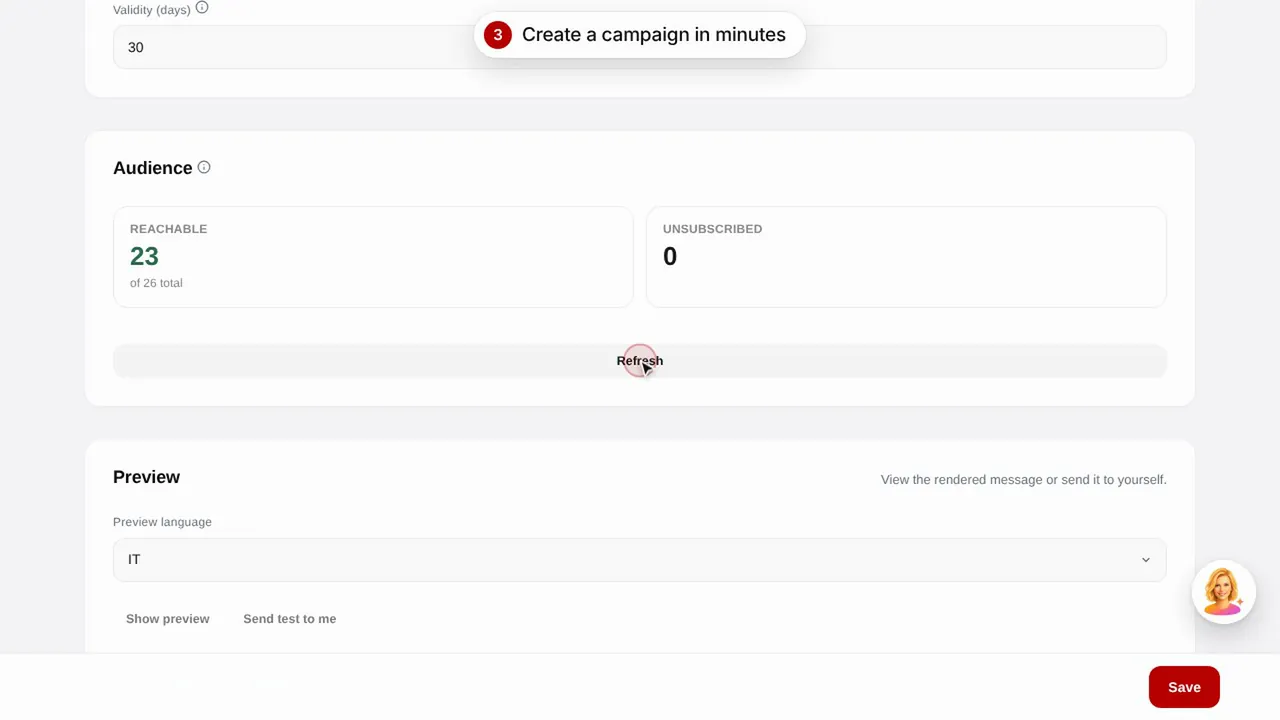 Durée 0:56
Campagnes e-mail
Envoyez des campagnes e-mail à vos clients à partir de modèles prêts à l'emploi : anniversaire, clients perdus et promotions.Regarder la vidéo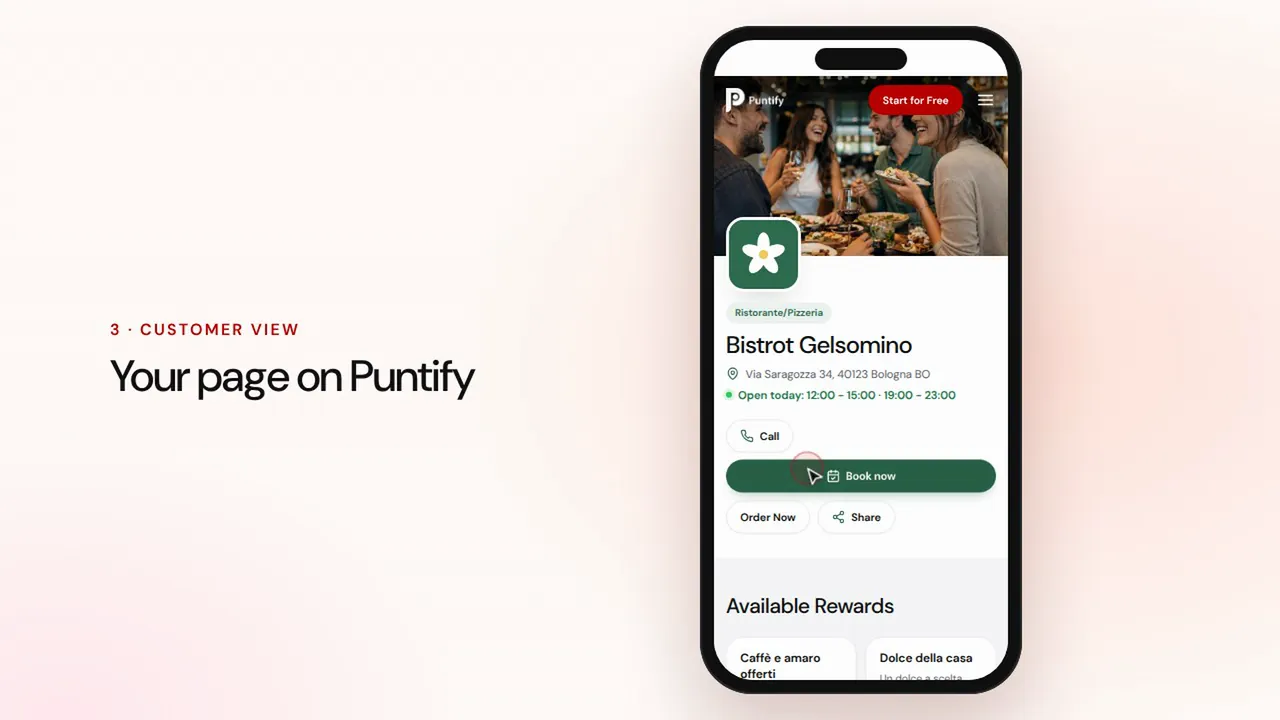 Durée 0:48
La page de votre commerce
Soignez la page publique de votre commerce sur Puntify avec photos, horaires, prestations et la couleur de votre marque.Regarder la vidéo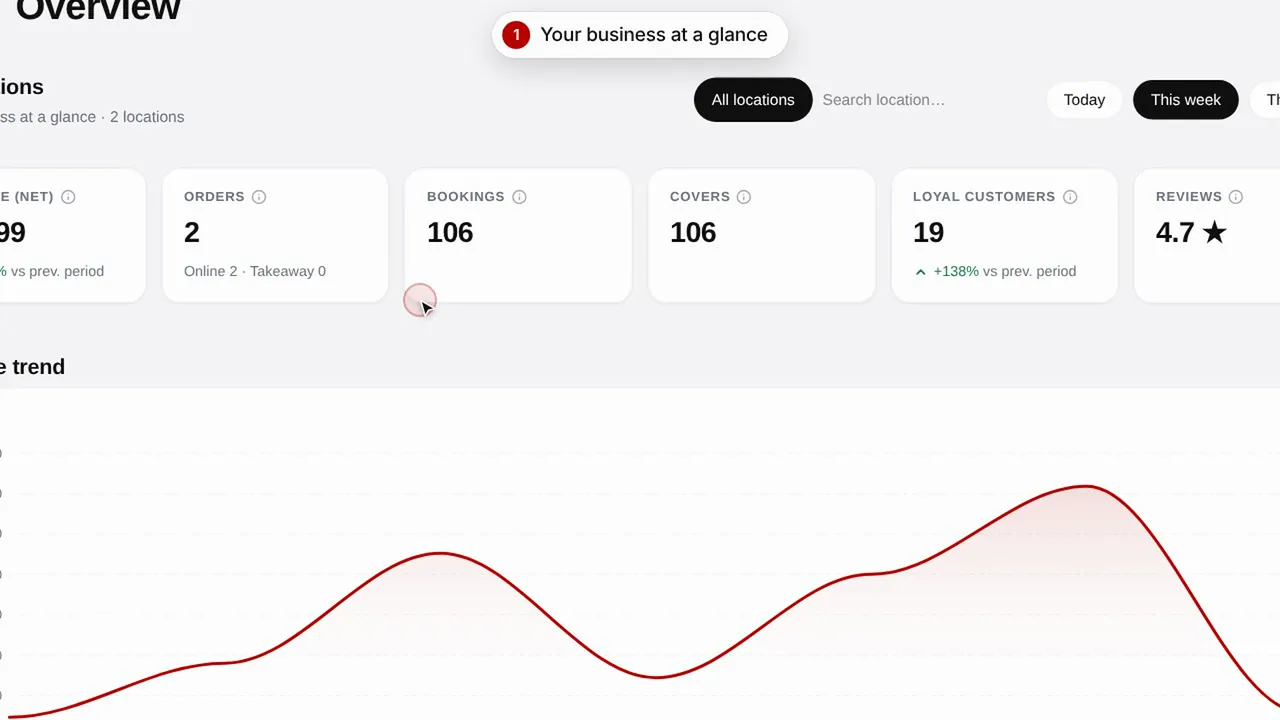 Durée 0:51
Vue d'ensemble et statistiques
Suivez l'évolution de votre commerce, vos clients et les visites de votre page.Regarder la vidéo