
Video tutorials
Your shop page
- Duration 0:48
- Audio in English
- Subtitles available
Polish your shop's public page on Puntify with photos, opening hours, services and your brand colour.
Transcript
Read the full transcript
Introduction
0:00 Every shop on Puntify gets a ready-made public page: customers find information, your menu and rewards, and can call you, book or order.
Profile and description
0:10 In Point of sale you fill in your profile: name, category and a description of your venue. If you like, AI writes it for you from your information.
Photos and opening hours
0:21 In the other tabs you upload your logo and cover photo, and set your opening hours and holiday closures, always up to date on the page.
Your page on Puntify
0:31 Here's the result: a page in your brand colours, with buttons to call, book and order, your menu, loyalty rewards and map. Share it on social media and on Google. Create your shop's page with Puntify.
0:45 Get started at puntify.it.
 Duration 1:01
Loyalty: points and rewards
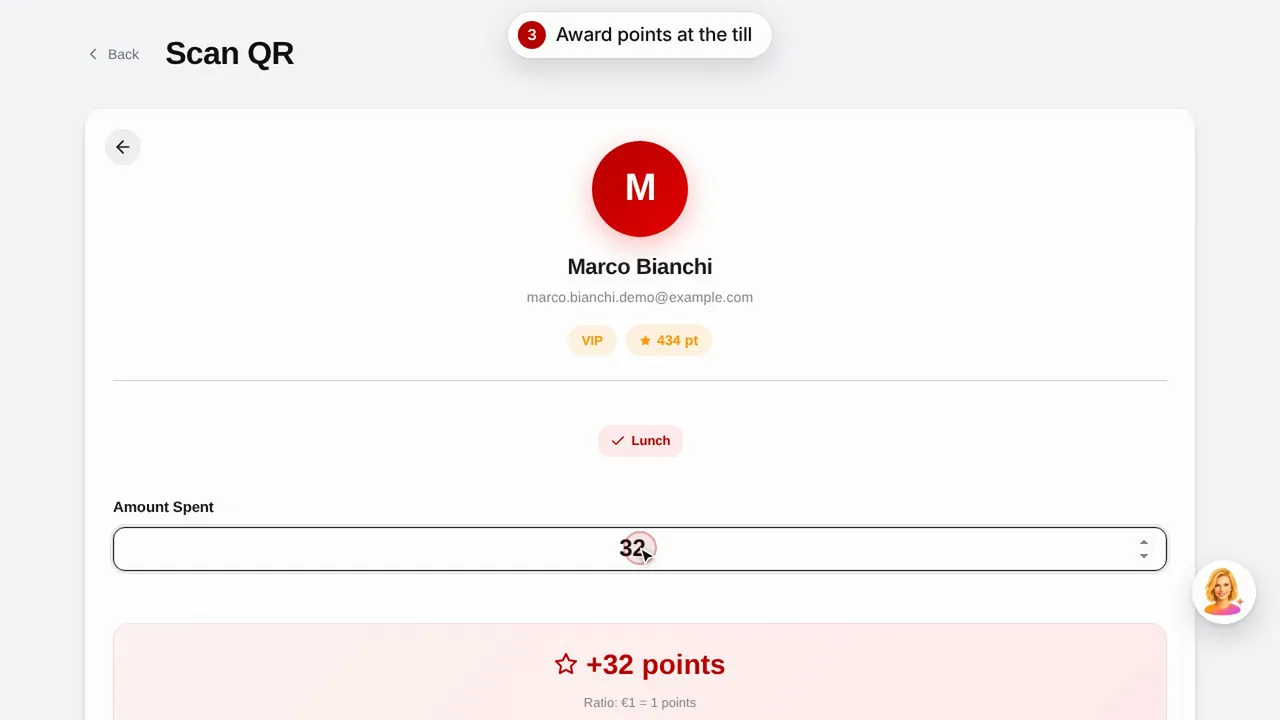
Create a reward, give points to a customer by scanning their QR code and see how customers view their points and rewards.Watch the video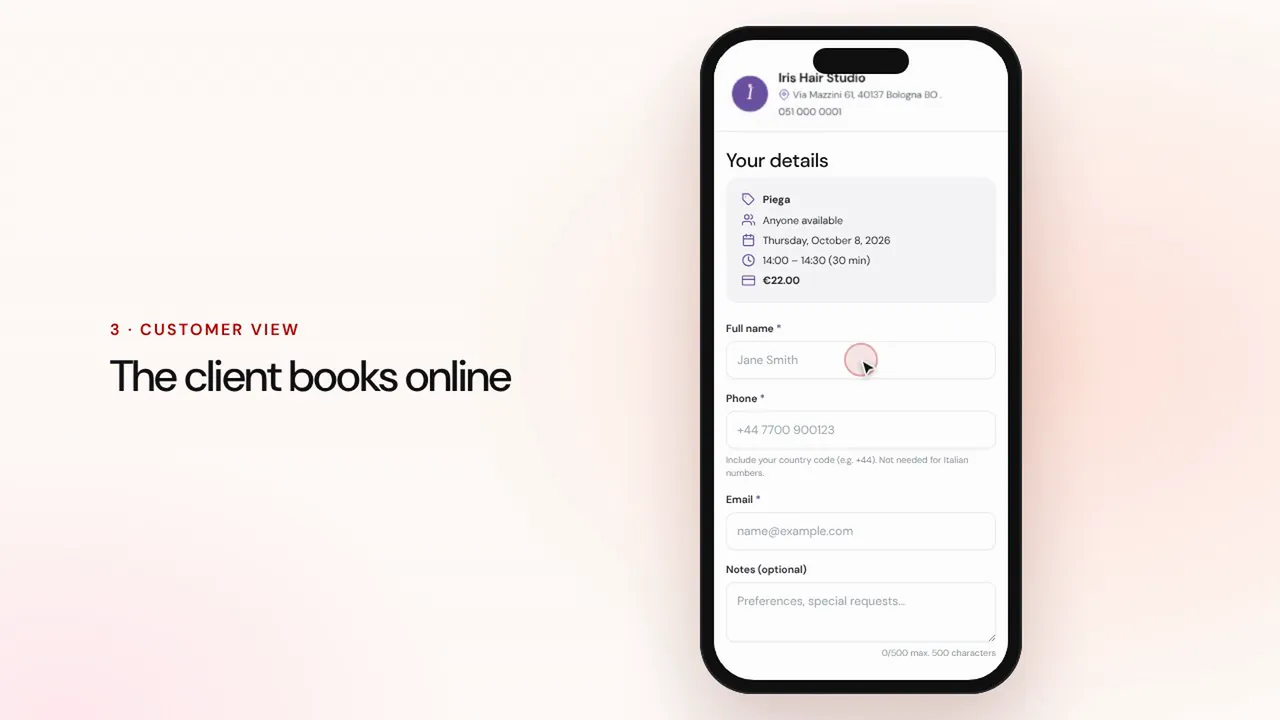 Duration 1:07
Online bookings
Set up services and staff: customers book from your shop page and the appointment lands in your calendar with reminders.Watch the video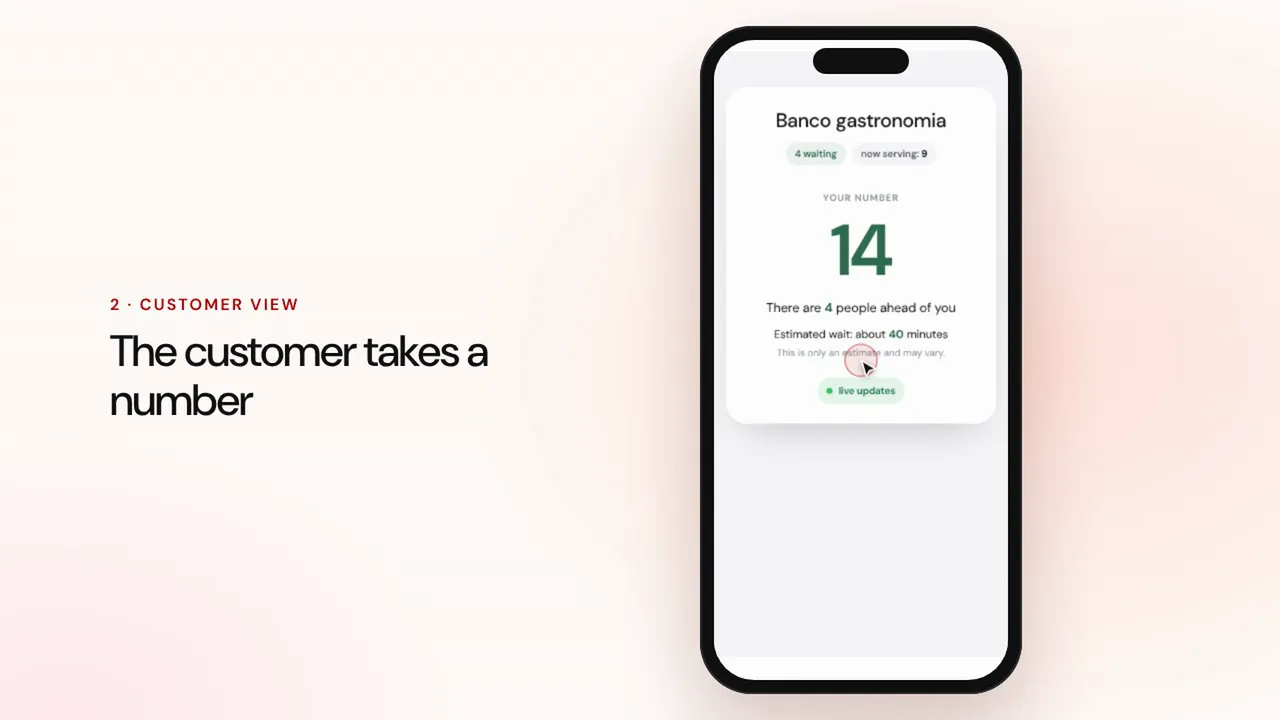 Duration 0:57
Queue management
Create a queue, let customers take a number with the QR code, call the next one and show the turns on the waiting room screen.Watch the video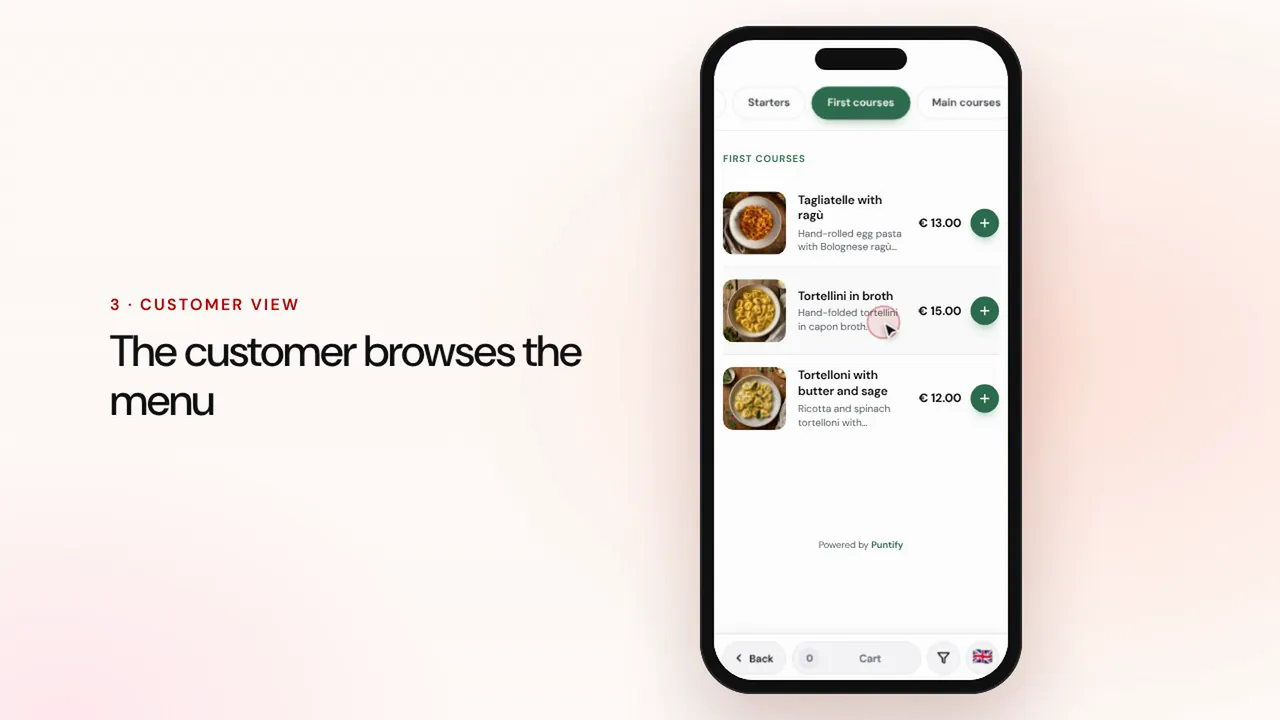 Duration 0:56
Digital menu
Build your menu with sections, dishes, photos and allergens, and bring it to every table with a QR code.Watch the video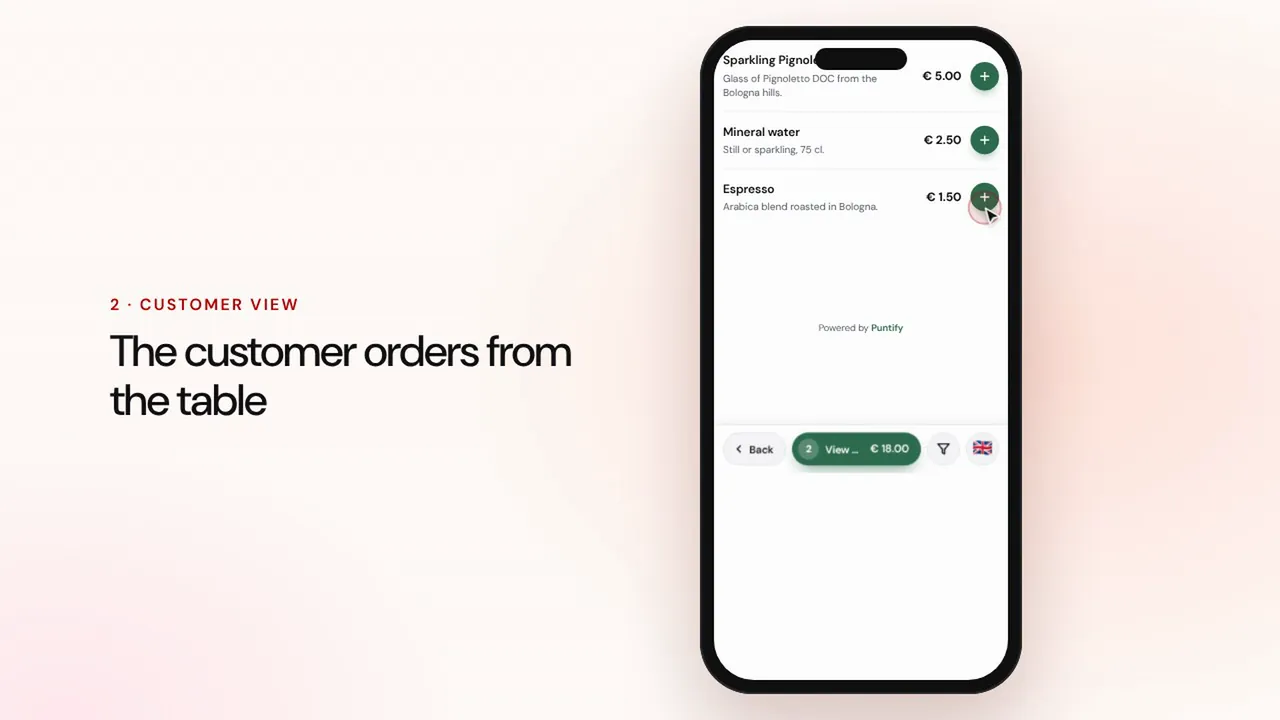 Duration 1:19
Table and takeaway ordering
Customers order from the menu at the table or for takeaway, the order reaches the till and the kitchen, then you take payment and close the bill.Watch the video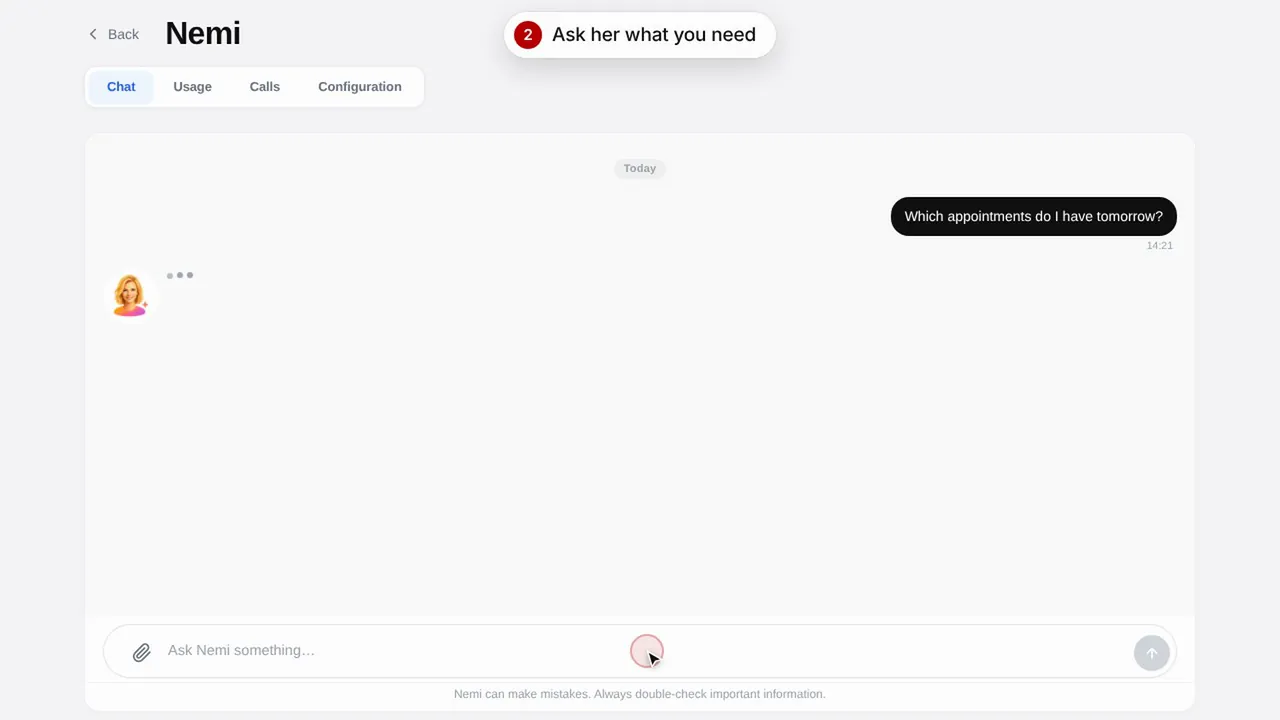 Duration 0:48
Nemi, the digital assistant
Nemi answers in chat and on the phone with your shop's information and takes bookings on your behalf.Watch the video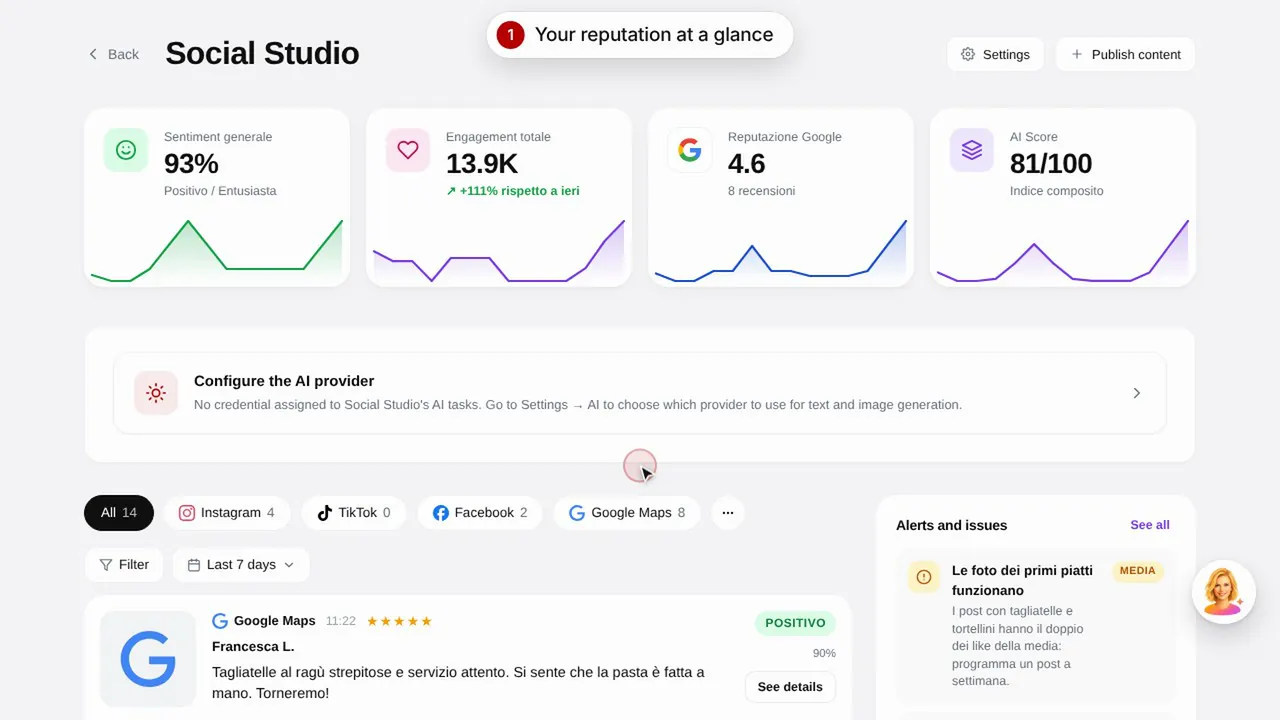 Duration 0:57
Social Studio and reviews
Create posts for your social media channels and manage customer reviews in one place.Watch the video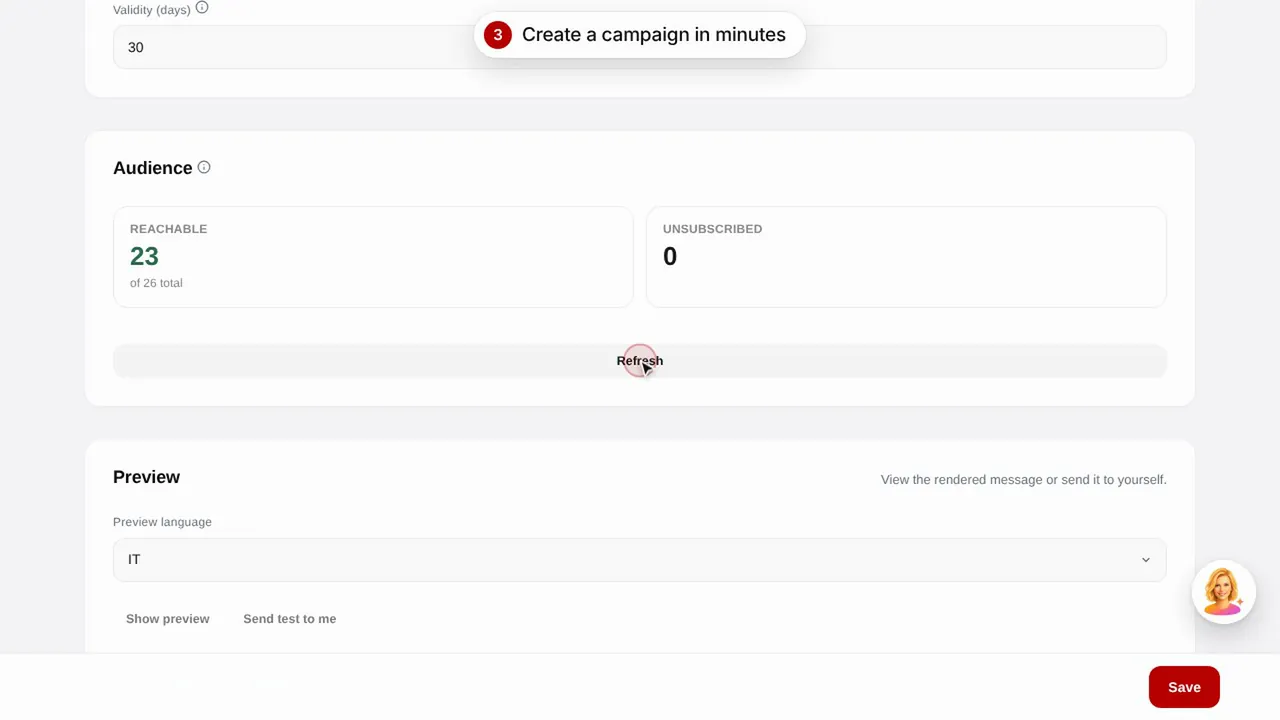 Duration 0:56
Email campaigns
Send email campaigns to your customers with ready-made templates: birthdays, lapsed customers and promotions.Watch the video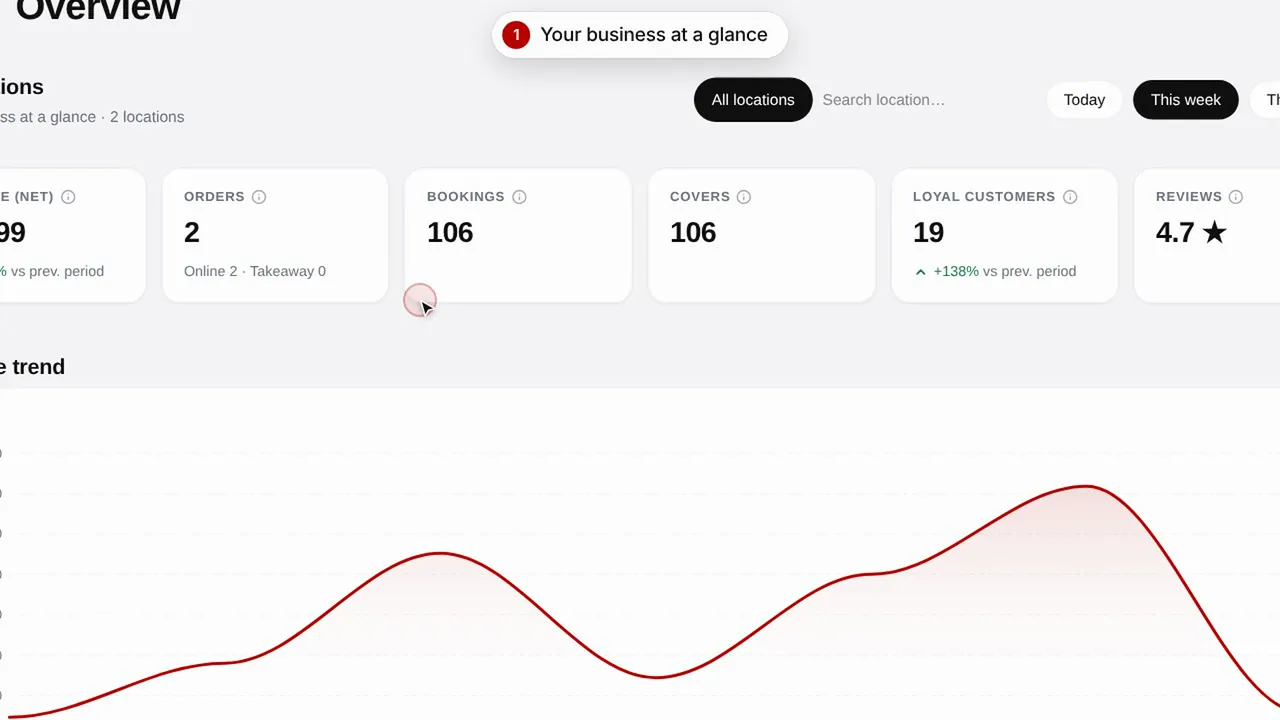 Duration 0:51
Overview and insights
Keep an eye on your shop's performance, your customers and the visits to your page.Watch the video