
Video tutorials
Digital menu
- Duration 0:56
- Audio in English
- Subtitles available
Build your menu with sections, dishes, photos and allergens, and bring it to every table with a QR code.
Transcript
Read the full transcript
Introduction
0:00 Let's see how to build your venue's digital menu with Puntify: you update it from the app, and customers browse it on their phone by scanning a QR code.
Sections and dishes
0:09 In Catalog, open your menu and organise it into sections: starters, first courses, mains, desserts and drinks. Add dishes to each section and reorder them by dragging.
Prices, photos and allergens
0:22 For each dish you set the name, description and price, pick or generate a photo, and list ingredients and allergens. AI helps you write descriptions and ingredients.
The customer browses the menu
0:37 The customer scans the QR code on the table and browses the menu on their phone, with photos, allergens and their own language. Every change you make shows up immediately. Build your digital menu with Puntify.
0:53 Get started at puntify.it.
 Duration 1:01
Loyalty: points and rewards
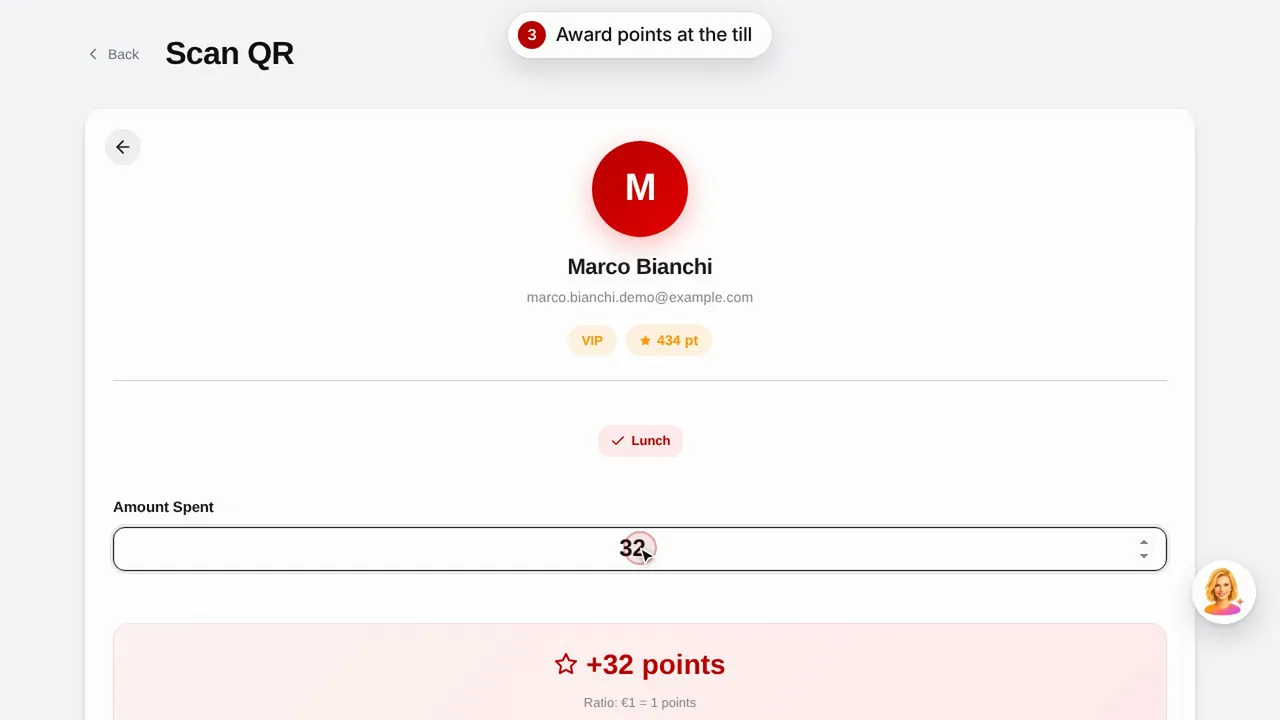
Create a reward, give points to a customer by scanning their QR code and see how customers view their points and rewards.Watch the video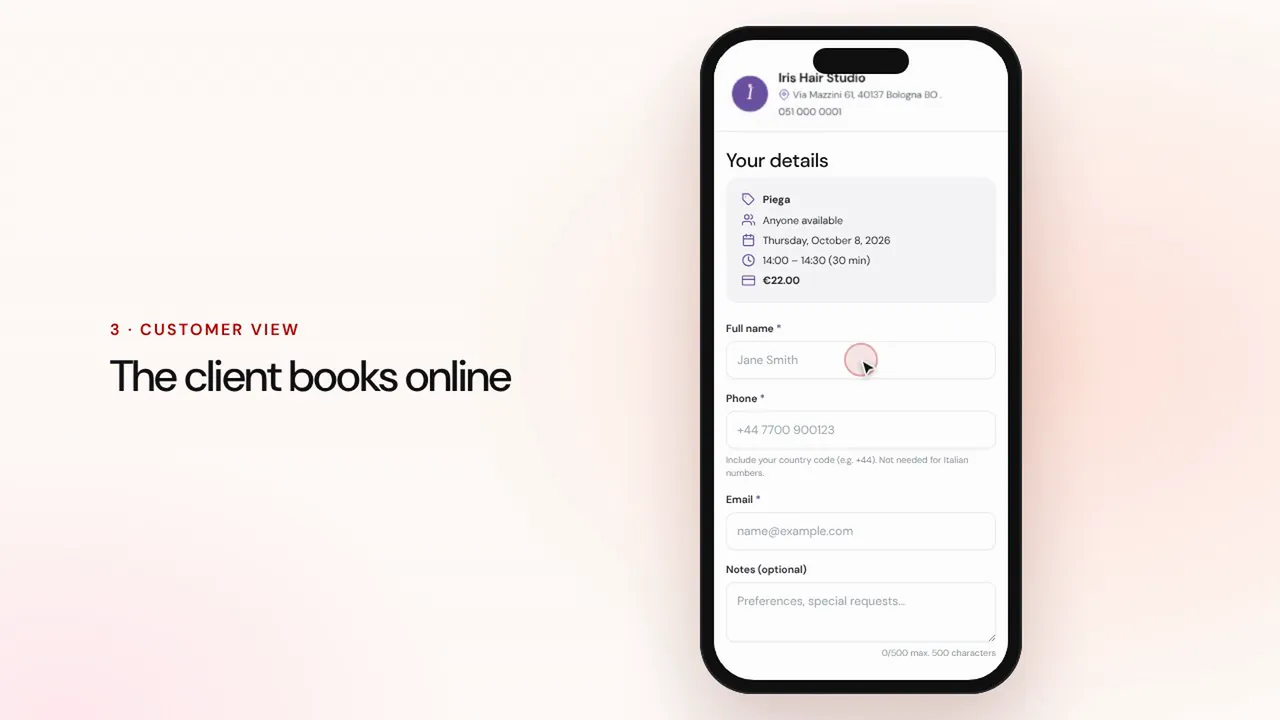 Duration 1:07
Online bookings
Set up services and staff: customers book from your shop page and the appointment lands in your calendar with reminders.Watch the video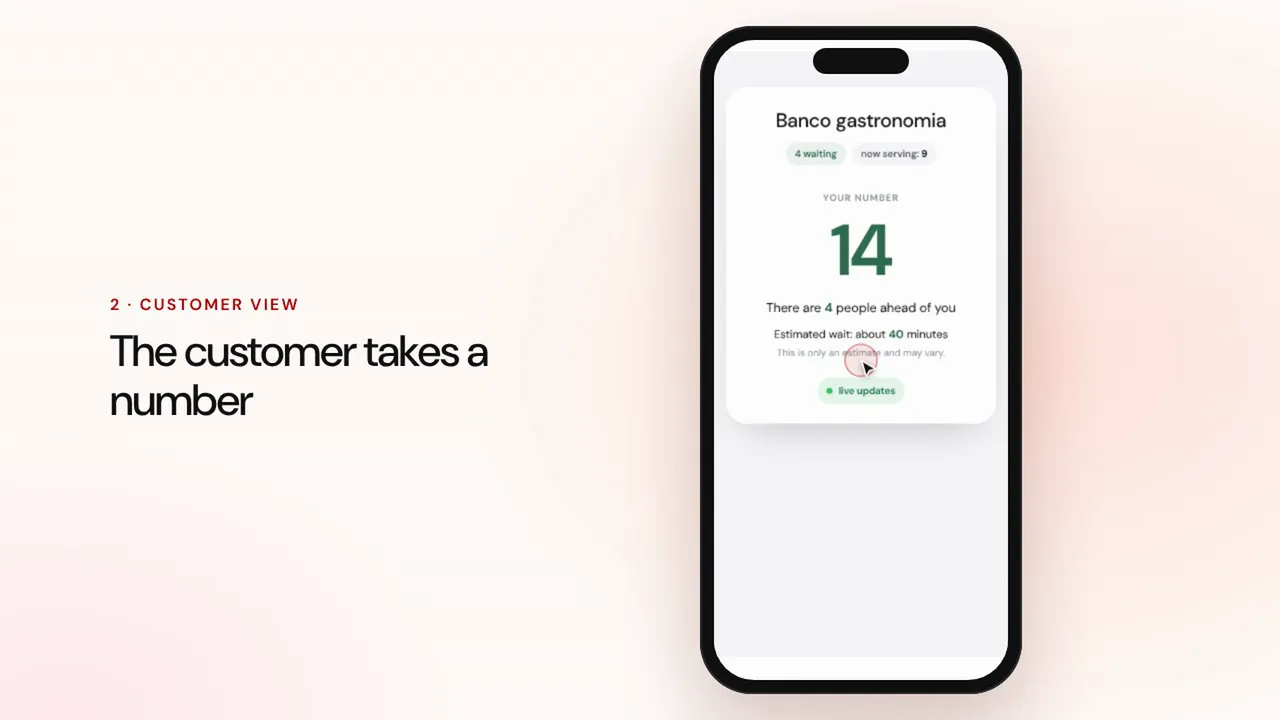 Duration 0:57
Queue management
Create a queue, let customers take a number with the QR code, call the next one and show the turns on the waiting room screen.Watch the video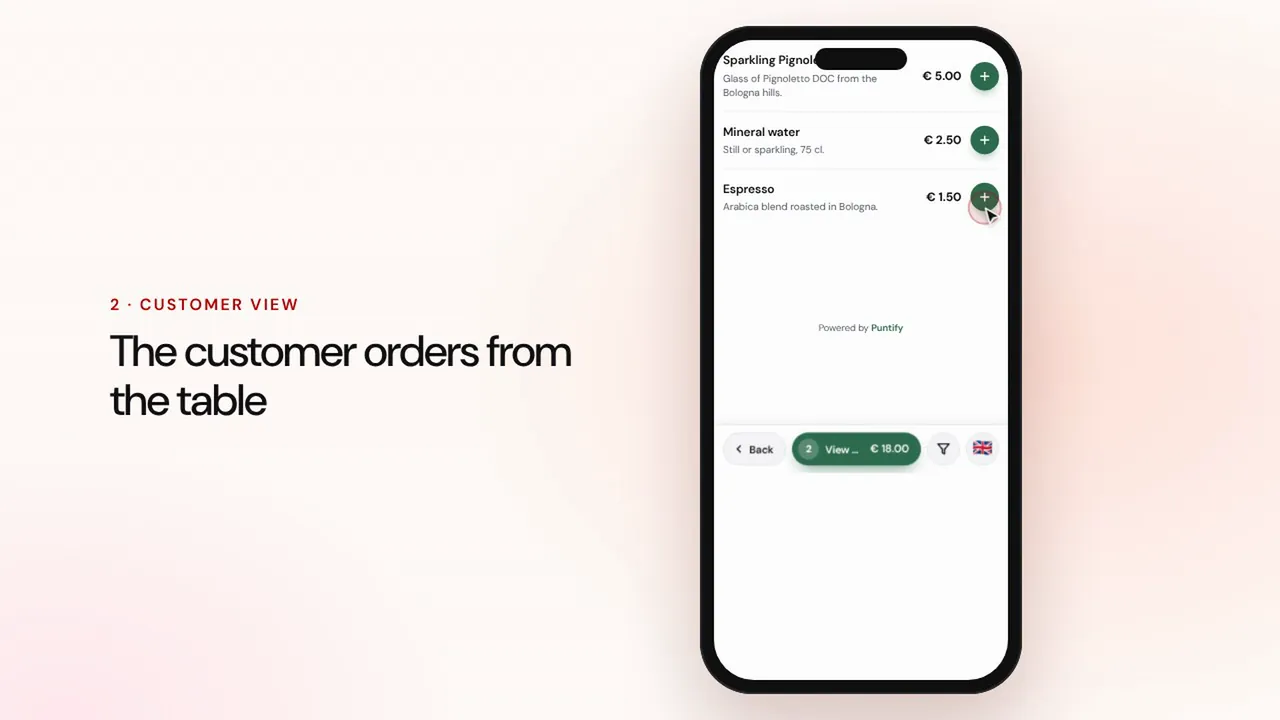 Duration 1:19
Table and takeaway ordering
Customers order from the menu at the table or for takeaway, the order reaches the till and the kitchen, then you take payment and close the bill.Watch the video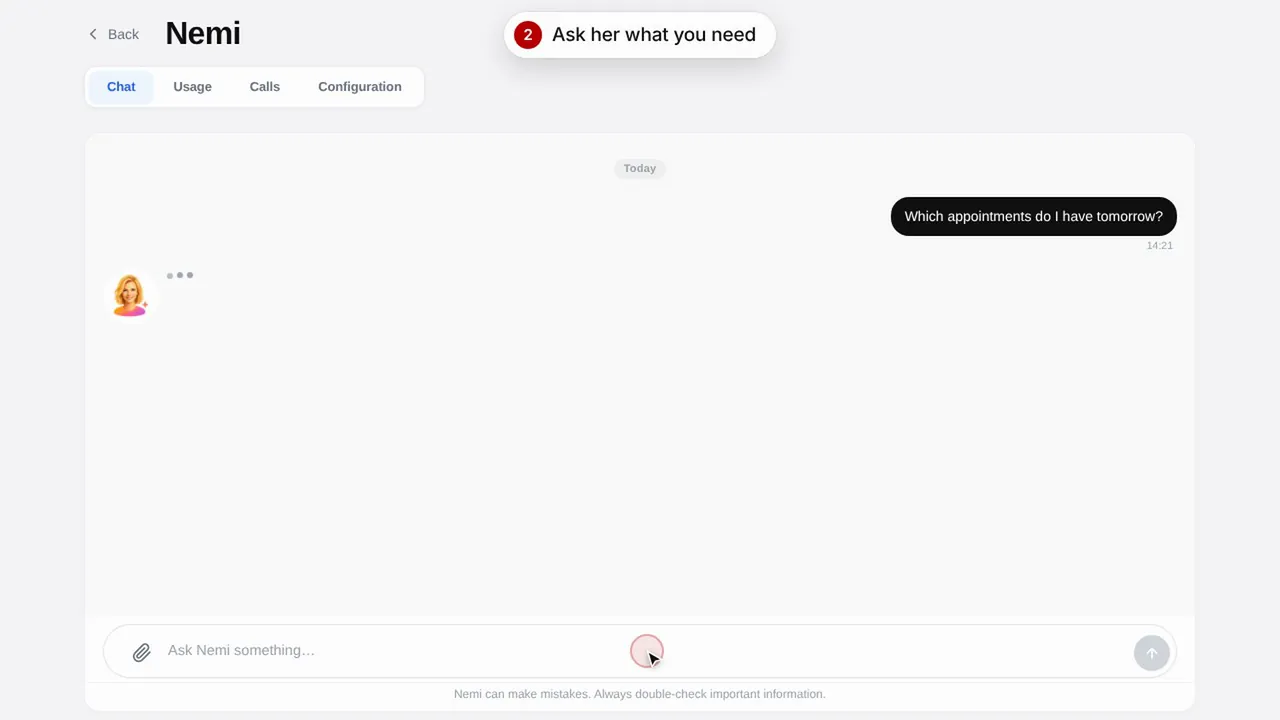 Duration 0:48
Nemi, the digital assistant
Nemi answers in chat and on the phone with your shop's information and takes bookings on your behalf.Watch the video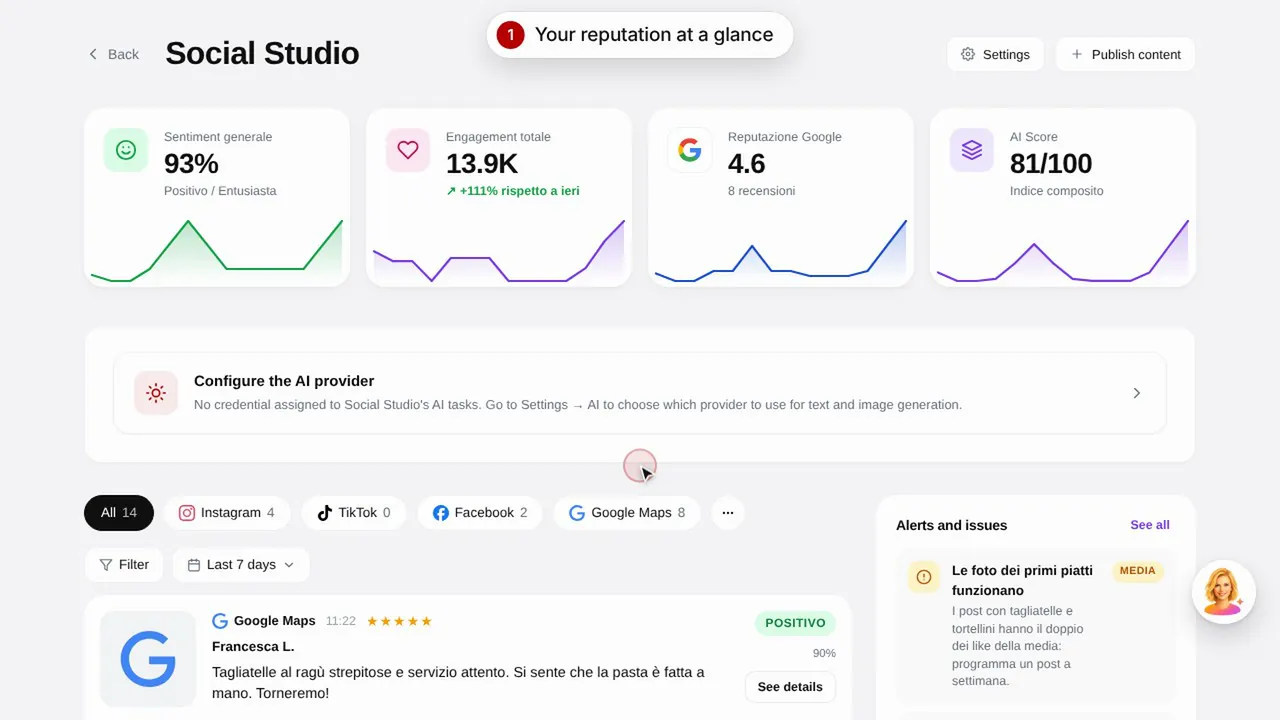 Duration 0:57
Social Studio and reviews
Create posts for your social media channels and manage customer reviews in one place.Watch the video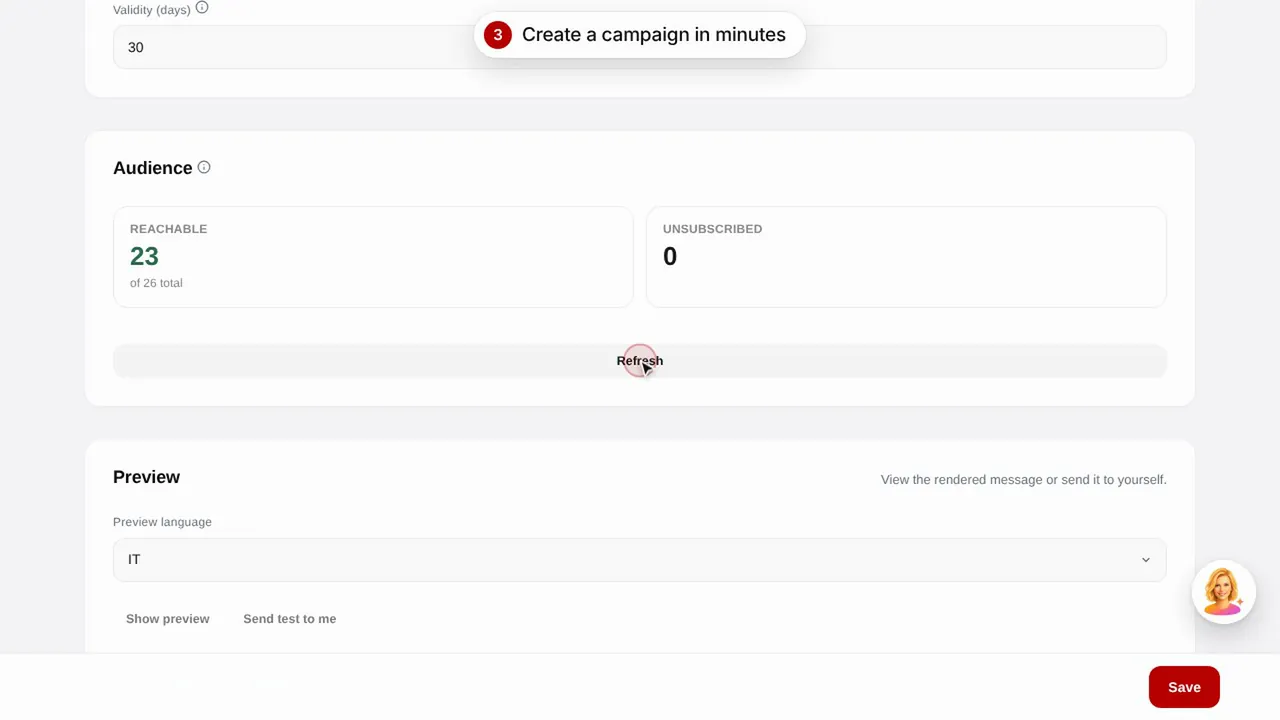 Duration 0:56
Email campaigns
Send email campaigns to your customers with ready-made templates: birthdays, lapsed customers and promotions.Watch the video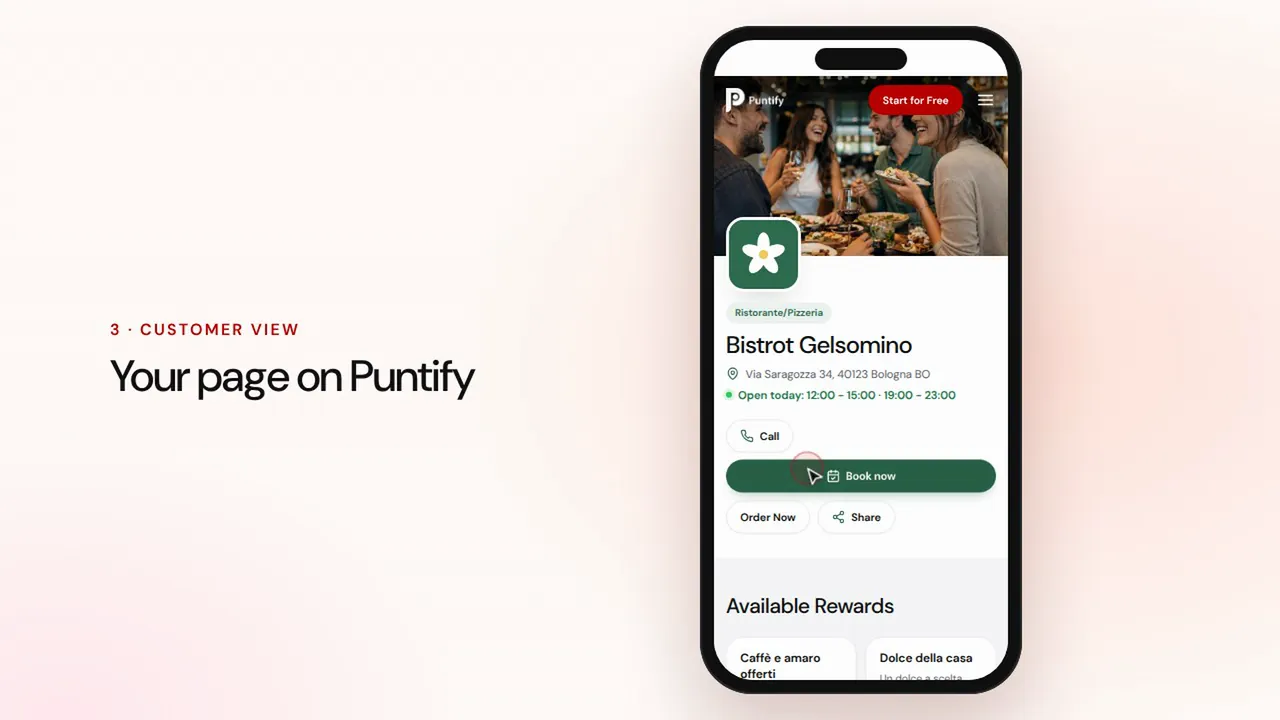 Duration 0:48
Your shop page
Polish your shop's public page on Puntify with photos, opening hours, services and your brand colour.Watch the video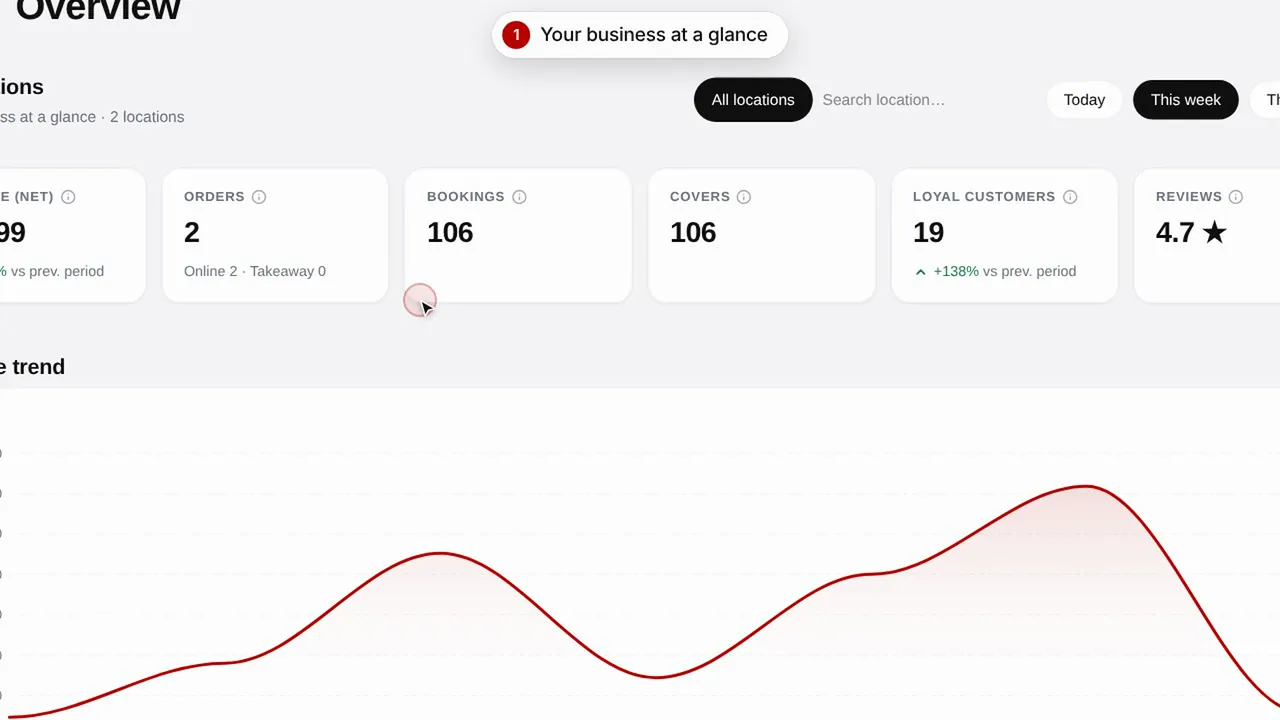 Duration 0:51
Overview and insights
Keep an eye on your shop's performance, your customers and the visits to your page.Watch the video