
No more lines at the counter:
customers wait wherever they want
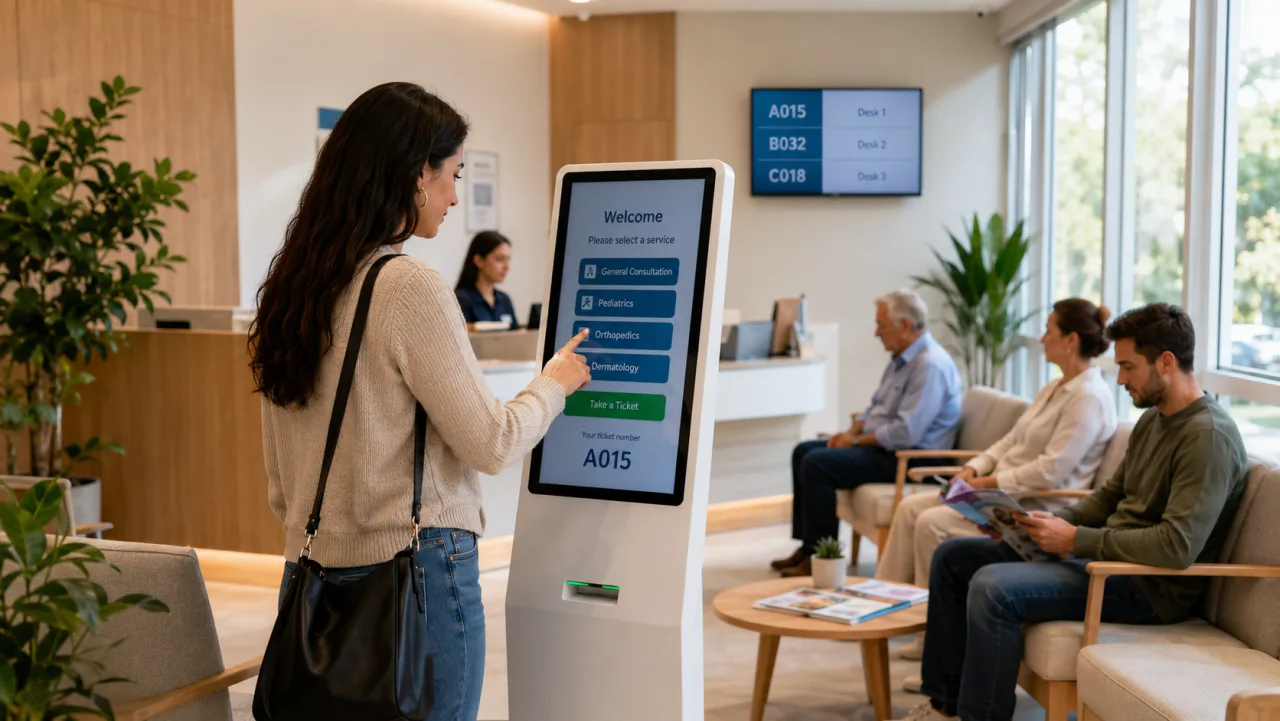
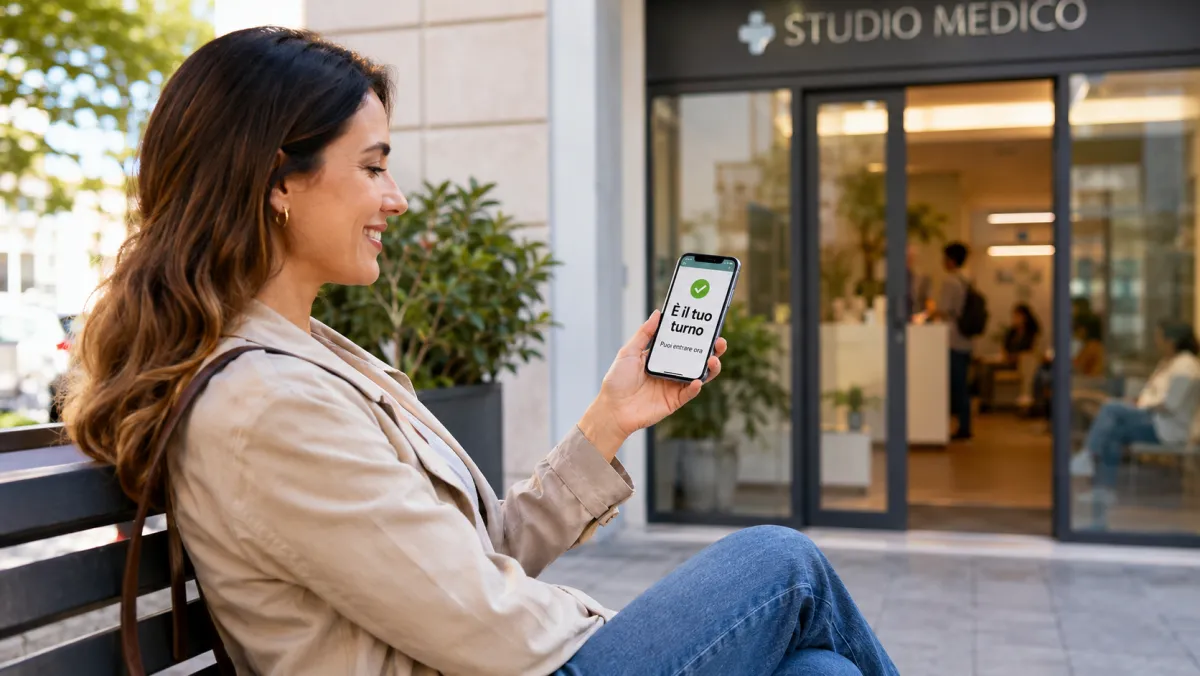
With Puntify's digital queue system, customers take a number from a kiosk (the pillar screen in the shop) or from their own smartphone, with a digital or printed ticket and in their own language, and follow their turn in real time. No physical lines, no crowding: a more relaxed wait for customers and more efficient staff.
Take a number, without queuing
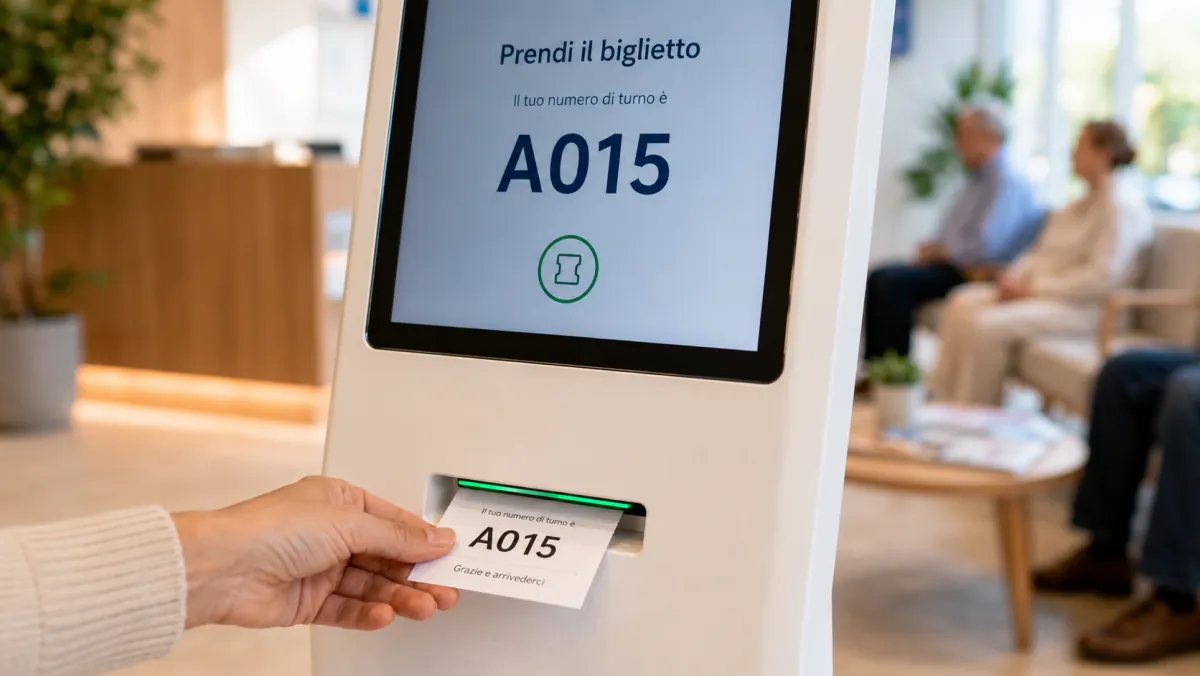
The customer gets their ticket with a single tap: from the in-store kiosk or by scanning a QR code with their smartphone. At the kiosk they can also print it on paper, handy for those without a smartphone. No physical line, no unnecessary contact.
Your turn always under control
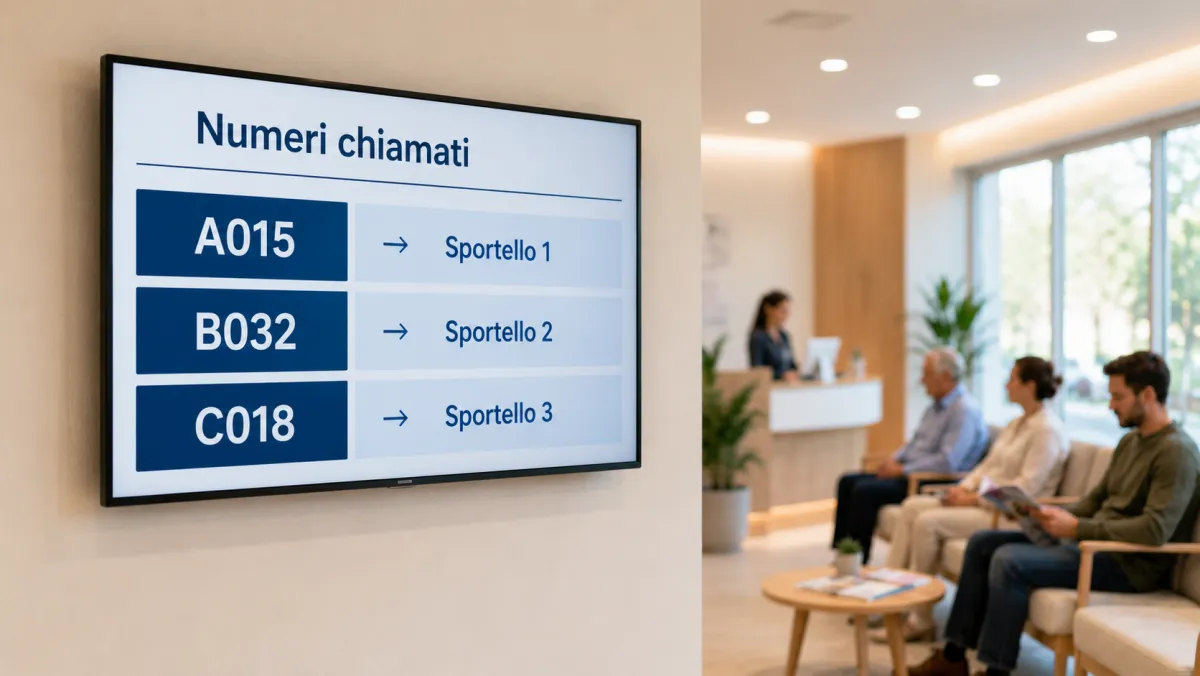
A monitor shows the numbers being called in-store, and customers can watch their turn approach remotely too: they get an alert when it's their turn, with nothing to install, and come back at the right moment.
The operator calls the next with one tap
A simple panel to call, recall or skip a number. Manage multiple queues and desks, with operators dedicated to each service. Assign a priority to each queue: when one operator handles several, the urgent ones are served sooner, without leaving the others behind.
Less waiting, more satisfaction
Orderly, professional queues, fewer crowds in-store and customers free to wait wherever they like: a better experience that brings them back.
A printed ticket, when needed
At the kiosk, with a printer, the customer takes a paper ticket with number, queue and time, plus a QR code to follow their turn from the phone. Perfect for those who don't use a smartphone.
In the customer's language
The kiosk and the ticket speak the language the customer picks on screen: ideal for tourist areas and international clientele, who always understand their turn.
Priority for the queues that matter
Assign a priority to each queue. When a single operator handles several queues — for example a priority till and a standard one, or a desk for urgent cases — the most important ones are served first. The advantage is gradual: even someone who has been waiting a while in a lower-priority queue still gets called, so no one is left behind.
Frequently asked questions
Everything you need to know about Elimina Code.
What is Puntify's Elimina Code?
How does the customer take a number?
Does the customer have to wait in the store?
How are the turns displayed?
Can I manage multiple queues or counters?
Do I need special hardware?
Is Elimina Code included in the subscription?
Can the totem print a paper ticket?
How do I follow my turn from my phone?
What language are the totem and the ticket in?
Is an app required?
Ready to eliminate the lines?
Activate Queue Management and give your customers a stress-free wait.