
ভিডিও টিউটোরিয়াল
অনলাইন বুকিং
- সময়কাল 1:07
- ইংরেজি ভাষায় অডিও
- সাবটাইটেল উপলব্ধ
সেবা ও কর্মী সেট করুন: গ্রাহক দোকানের পেজ থেকে বুক করেন এবং অ্যাপয়েন্টমেন্ট রিমাইন্ডারসহ আপনার ক্যালেন্ডারে চলে আসে।
ইংরেজি ভিডিও, সাবটাইটেলসহ
ট্রান্সক্রিপ্ট
সম্পূর্ণ ট্রান্সক্রিপ্ট পড়ুন
ভূমিকা
0:00 In this tutorial we set up online bookings for a hair salon: clients choose the service, the stylist and the time, and the appointment goes straight into your agenda.
সেবা, সময়কাল ও মূল্য
0:11 Open Services and create what clients can book. For each service you set the duration and the price: the duration decides how much room it takes in the agenda.
কর্মী ও কাজের সময়
0:21 In Staff you link each person to the services they offer and, in the Availability tab, set their working hours.
গ্রাহক অনলাইনে বুক করেন
0:31 From your shop page the client picks the service, the day and a free slot, leaves a name and phone number and confirms. No phone calls, no double bookings.
সবকিছু ক্যালেন্ডারে
0:51 The appointment shows up straight away in the Agenda, by day or by week. The client gets a confirmation and a reminder before the appointment. Turn on online bookings with Puntify. Get started at puntify.it.
 সময়কাল 1:01
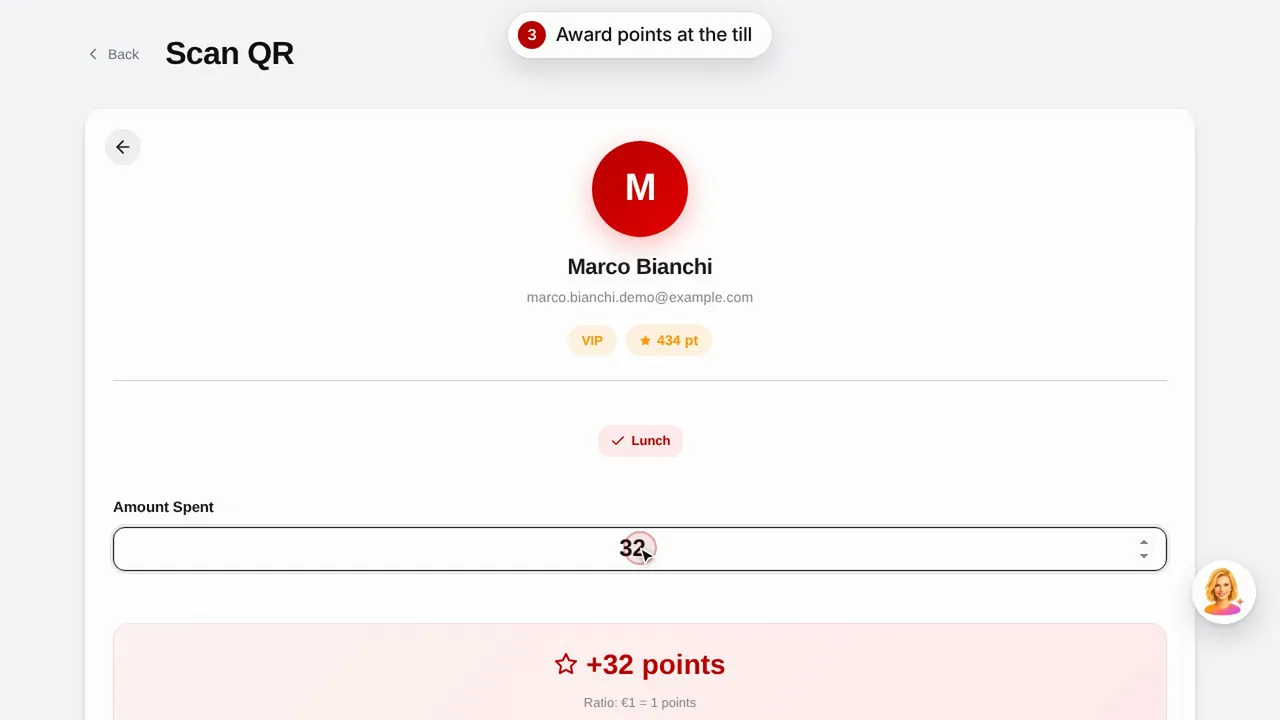
লয়্যালটি: পয়েন্ট ও পুরস্কার
একটি পুরস্কার তৈরি করুন, গ্রাহকের QR কোড স্ক্যান করে পয়েন্ট দিন এবং দেখুন গ্রাহক কীভাবে তার পয়েন্ট ও পুরস্কার দেখেন।ভিডিওটি দেখুন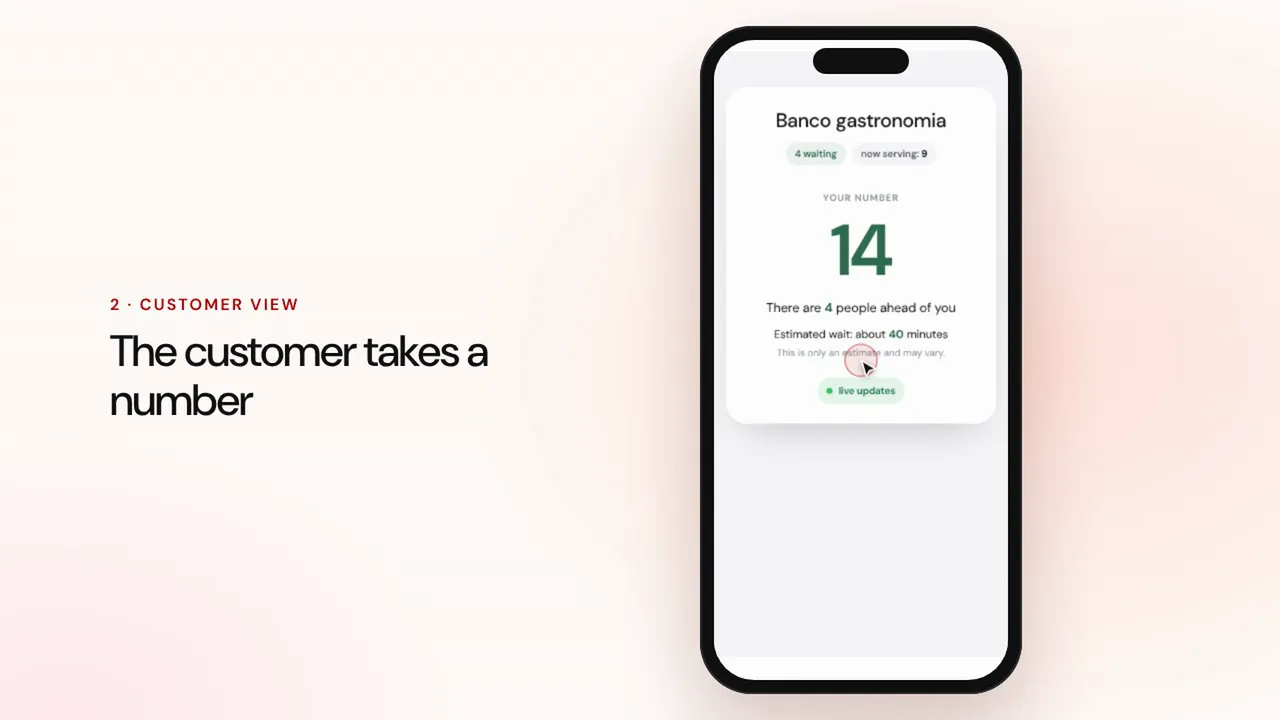 সময়কাল 0:57
সারি ব্যবস্থাপনা
একটি সারি তৈরি করুন, গ্রাহকদের QR কোড দিয়ে নম্বর নিতে দিন, পরের জনকে ডাকুন এবং অপেক্ষার জায়গার স্ক্রিনে পালা দেখান।ভিডিওটি দেখুন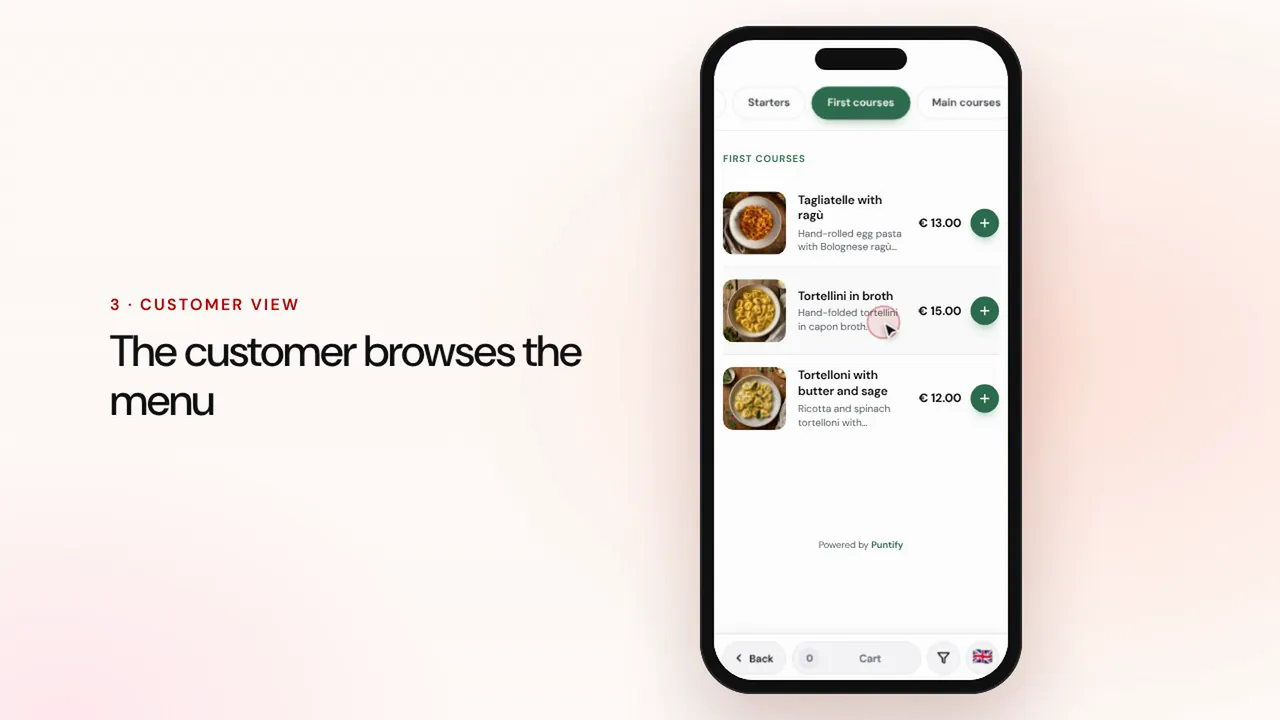 সময়কাল 0:56
ডিজিটাল মেনু
বিভাগ, খাবার, ছবি ও অ্যালার্জেনসহ মেনু তৈরি করুন এবং QR কোড দিয়ে প্রতিটি টেবিলে পৌঁছে দিন।ভিডিওটি দেখুন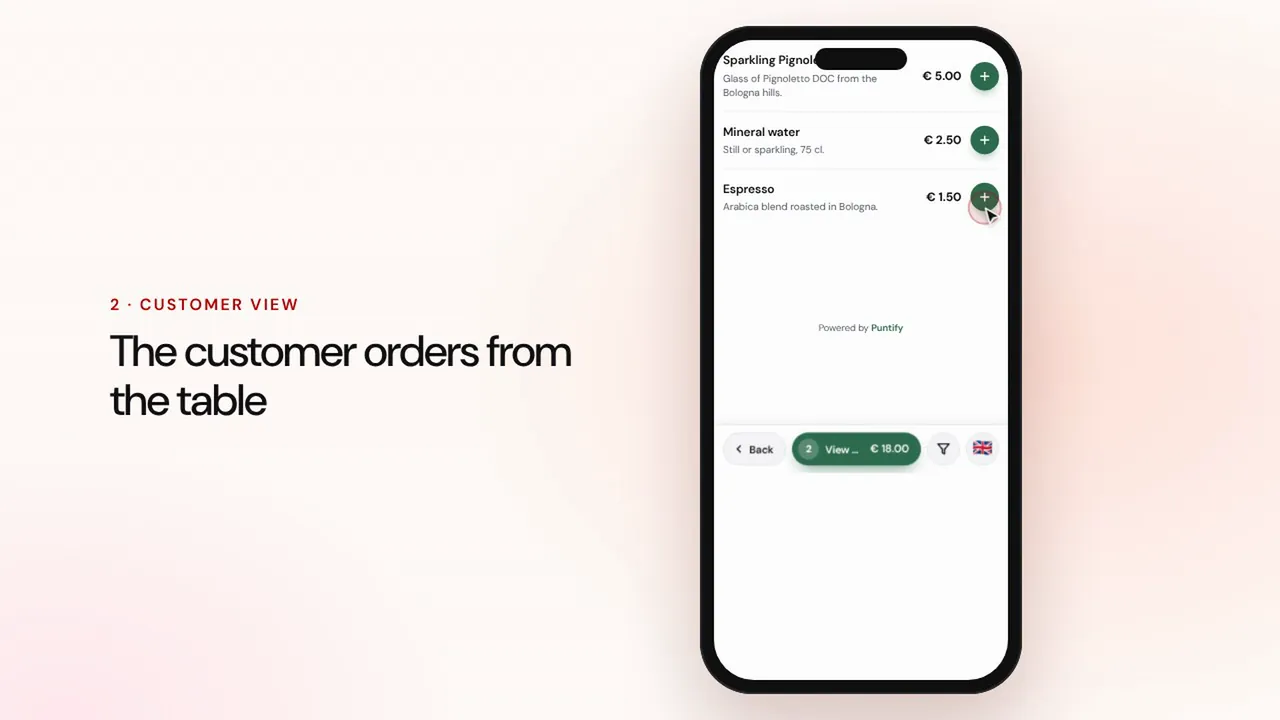 সময়কাল 1:19
টেবিলে ও টেকঅ্যাওয়ে অর্ডার
গ্রাহক টেবিলে বসে বা টেকঅ্যাওয়ের জন্য মেনু থেকে অর্ডার দেন, অর্ডার ক্যাশ কাউন্টার ও রান্নাঘরে পৌঁছায়, তারপর আপনি পেমেন্ট নিয়ে বিল বন্ধ করেন।ভিডিওটি দেখুন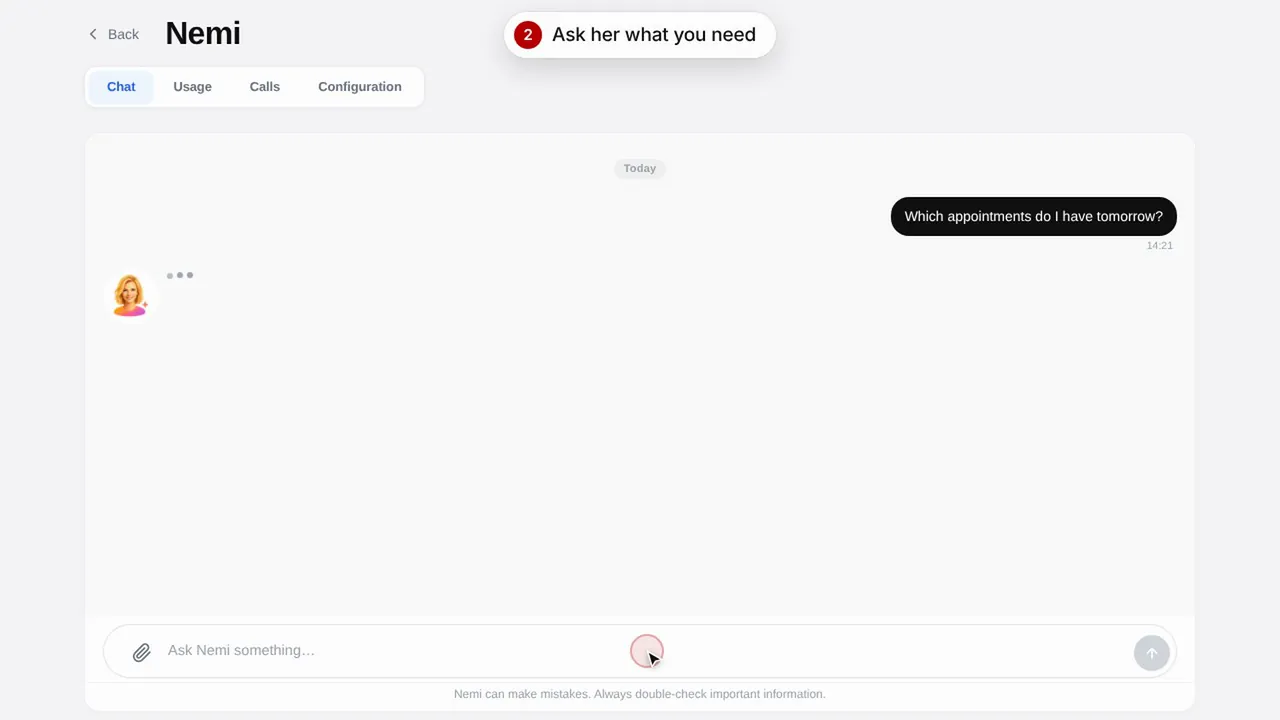 সময়কাল 0:48
Nemi, ডিজিটাল অ্যাসিস্ট্যান্ট
Nemi চ্যাটে ও ফোনে আপনার দোকানের তথ্য দিয়ে উত্তর দেয় এবং আপনার হয়ে বুকিং নেয়।ভিডিওটি দেখুন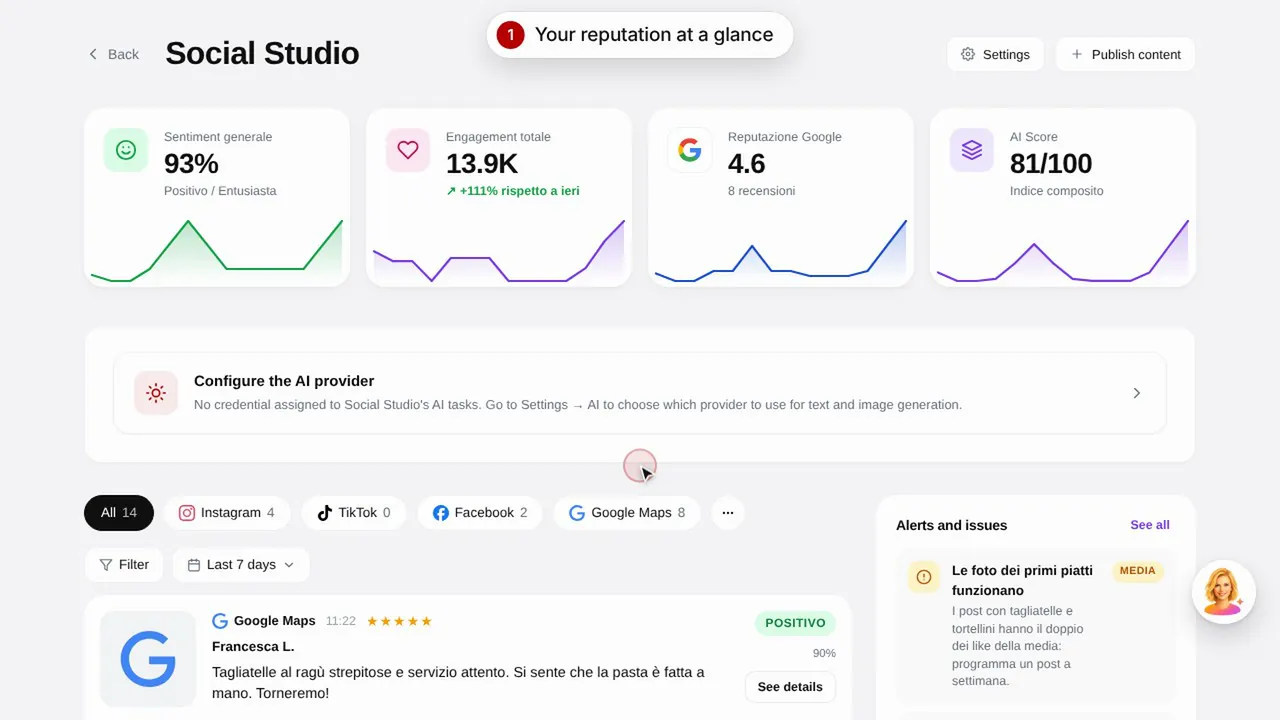 সময়কাল 0:57
Social Studio ও রিভিউ
আপনার সোশ্যাল মিডিয়া চ্যানেলের জন্য পোস্ট তৈরি করুন এবং এক জায়গা থেকে গ্রাহকদের রিভিউ পরিচালনা করুন।ভিডিওটি দেখুন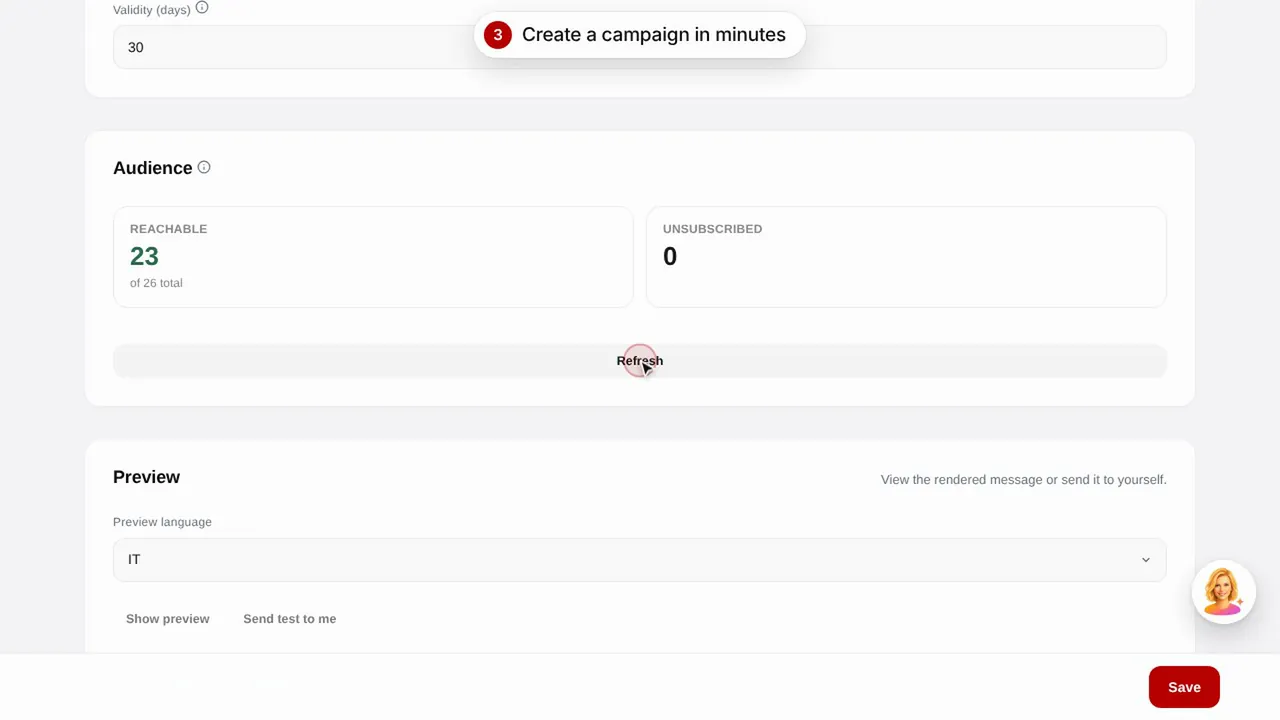 সময়কাল 0:56
ইমেল ক্যাম্পেইন
তৈরি টেমপ্লেট দিয়ে গ্রাহকদের ইমেল ক্যাম্পেইন পাঠান: জন্মদিন, হারিয়ে যাওয়া গ্রাহকদের ফিরিয়ে আনা ও প্রচার।ভিডিওটি দেখুন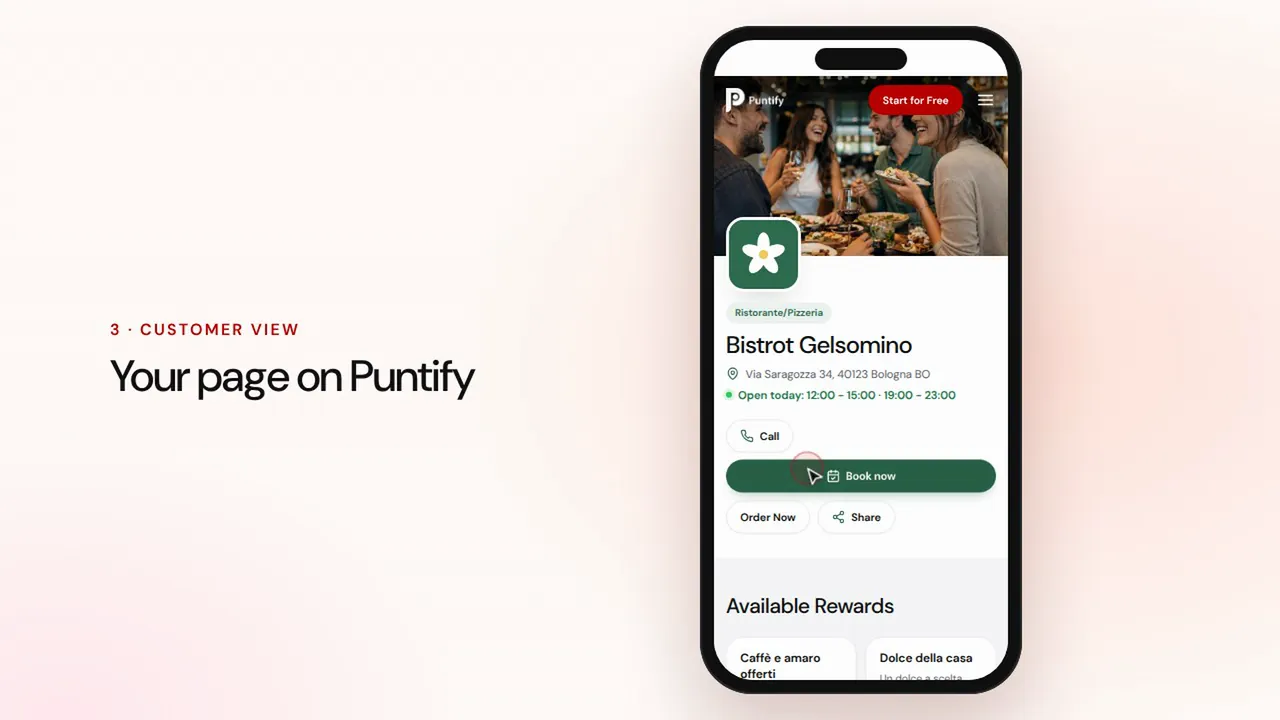 সময়কাল 0:48
দোকানের পেজ
Puntify-তে আপনার দোকানের পাবলিক পেজ সাজান ছবি, সময়সূচি, সেবা ও আপনার ব্র্যান্ডের রঙ দিয়ে।ভিডিওটি দেখুন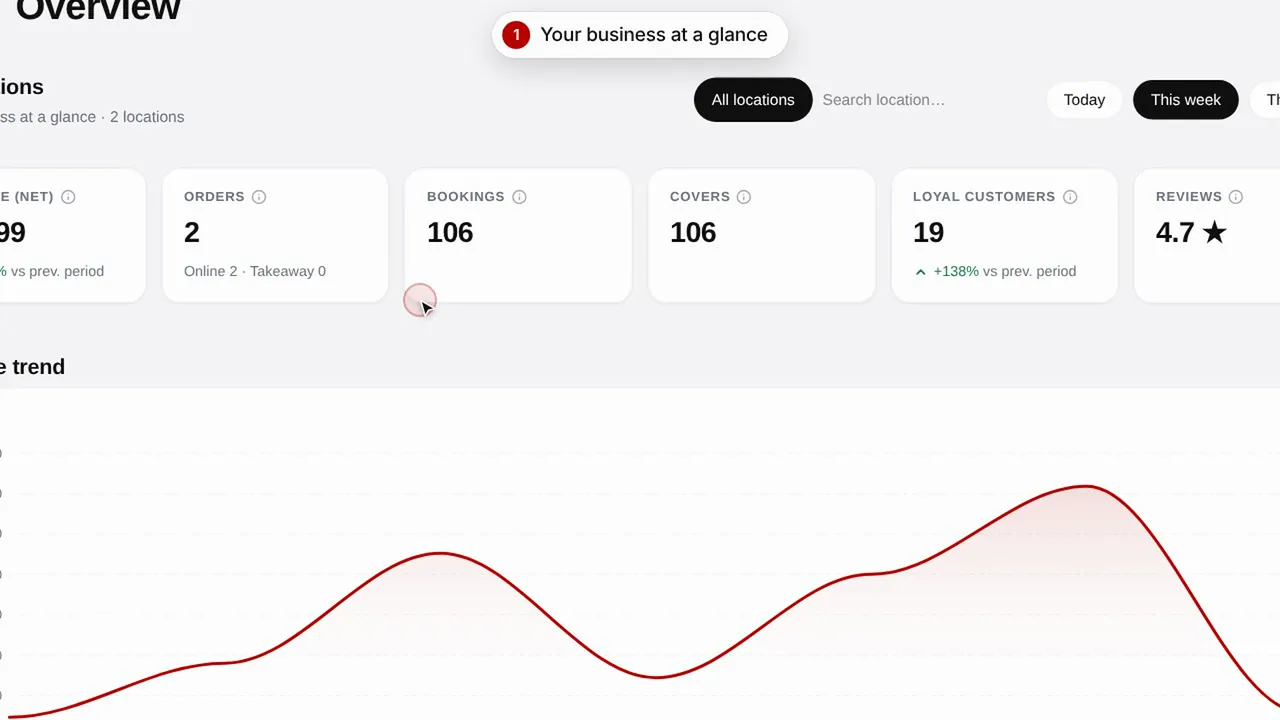 সময়কাল 0:51
সারসংক্ষেপ ও ইনসাইটস
আপনার দোকানের পারফরম্যান্স, গ্রাহক এবং পেজের ভিজিট নজরে রাখুন।ভিডিওটি দেখুন