
ভিডিও টিউটোরিয়াল
টেবিলে ও টেকঅ্যাওয়ে অর্ডার
- সময়কাল 1:19
- ইংরেজি ভাষায় অডিও
- সাবটাইটেল উপলব্ধ
গ্রাহক টেবিলে বসে বা টেকঅ্যাওয়ের জন্য মেনু থেকে অর্ডার দেন, অর্ডার ক্যাশ কাউন্টার ও রান্নাঘরে পৌঁছায়, তারপর আপনি পেমেন্ট নিয়ে বিল বন্ধ করেন।
ইংরেজি ভিডিও, সাবটাইটেলসহ
ট্রান্সক্রিপ্ট
সম্পূর্ণ ট্রান্সক্রিপ্ট পড়ুন
ভূমিকা
0:00 Let's see how customers order straight from their table, and how the order reaches the kitchen and the till, with no paper tickets.
প্রতিটি টেবিলে একটি QR কোড
0:08 In Resources you draw your dining room with its tables. Each table has its own QR code to print, so every order arrives with the table number.
গ্রাহক টেবিল থেকে অর্ডার দেন
0:23 The customer scans the QR code, picks dishes from the menu, checks the basket and sends the order. They get an instant confirmation with the order number.
নিশ্চিত করে রান্নাঘরে পাঠান
0:39 On the Orders board it appears among those to confirm. Enter the number of guests and send it to the kitchen: food and drinks go to the right station automatically.
রান্নাঘর অর্ডার তৈরি করে
0:55 On the kitchen screen the order moves from received to in preparation, then to ready, with a single tap.
পেমেন্ট নিন ও বিল বন্ধ করুন
1:02 When the meal is over, open the table, tap Collect and choose cash or card. The bill closes, the table is free again and the loyalty points go to the customer. Try Puntify orders and till.
1:16 Get started at puntify.it.
 সময়কাল 1:01
লয়্যালটি: পয়েন্ট ও পুরস্কার
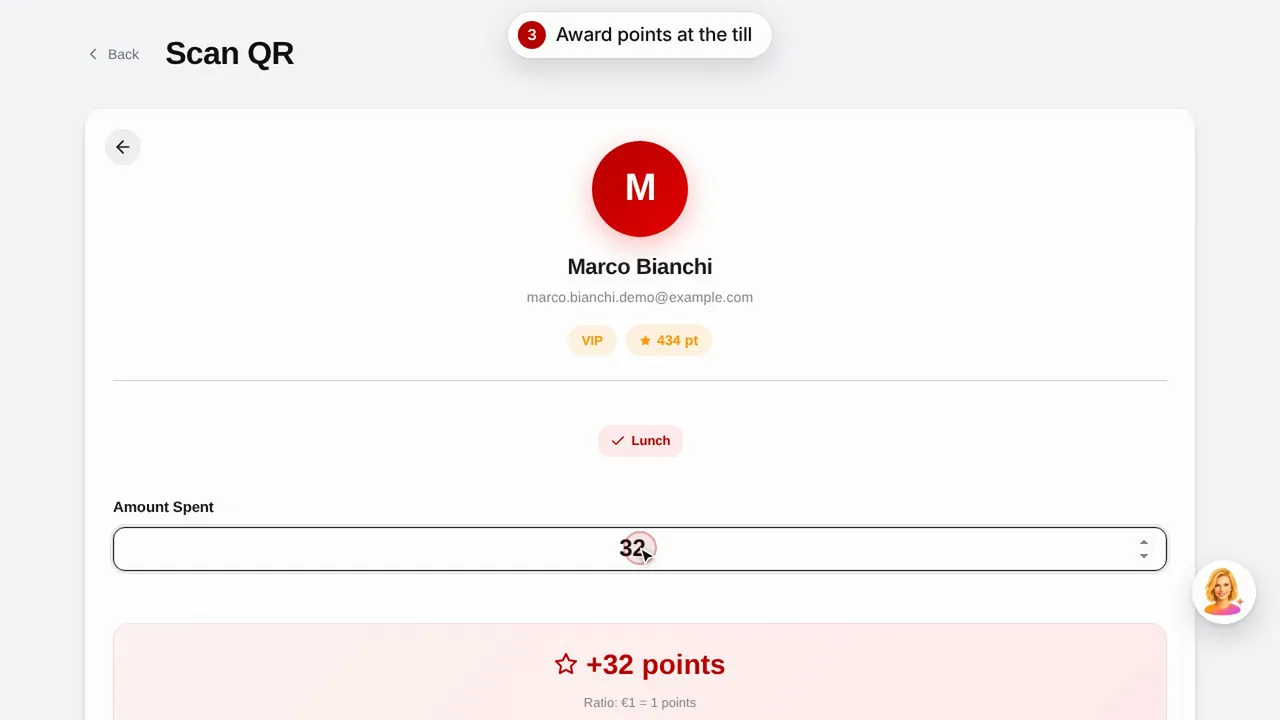
একটি পুরস্কার তৈরি করুন, গ্রাহকের QR কোড স্ক্যান করে পয়েন্ট দিন এবং দেখুন গ্রাহক কীভাবে তার পয়েন্ট ও পুরস্কার দেখেন।ভিডিওটি দেখুন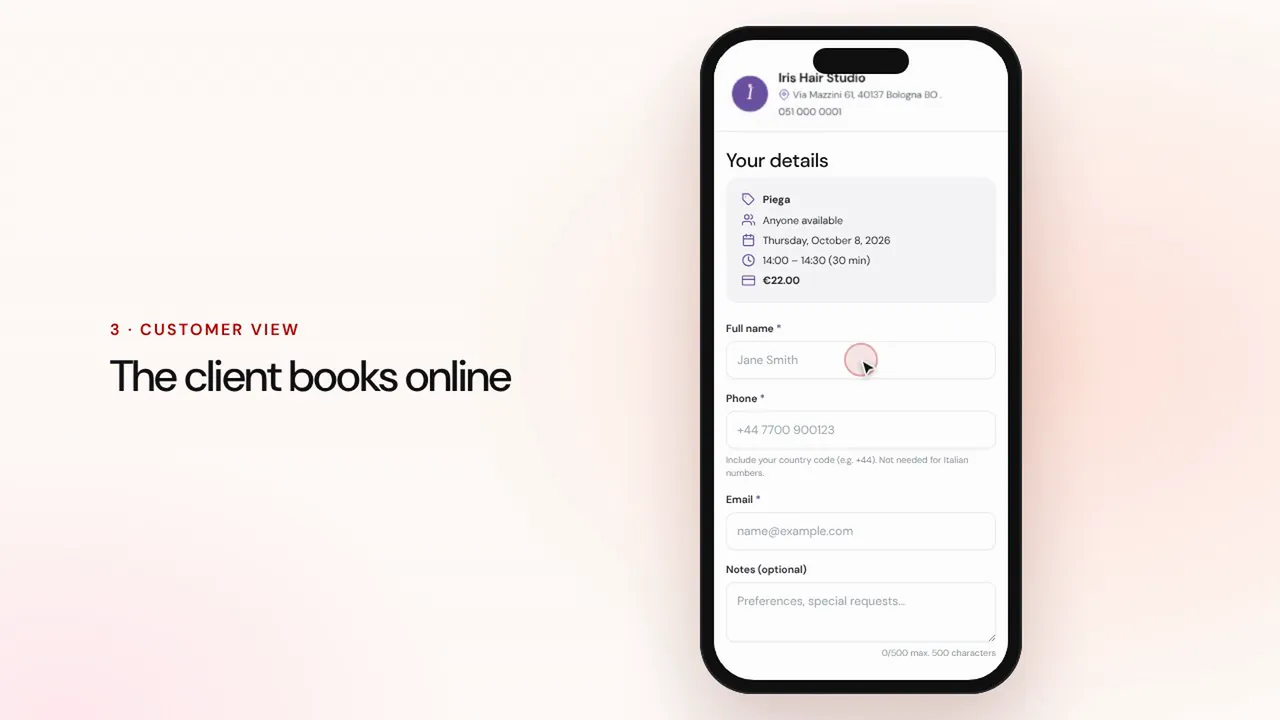 সময়কাল 1:07
অনলাইন বুকিং
সেবা ও কর্মী সেট করুন: গ্রাহক দোকানের পেজ থেকে বুক করেন এবং অ্যাপয়েন্টমেন্ট রিমাইন্ডারসহ আপনার ক্যালেন্ডারে চলে আসে।ভিডিওটি দেখুন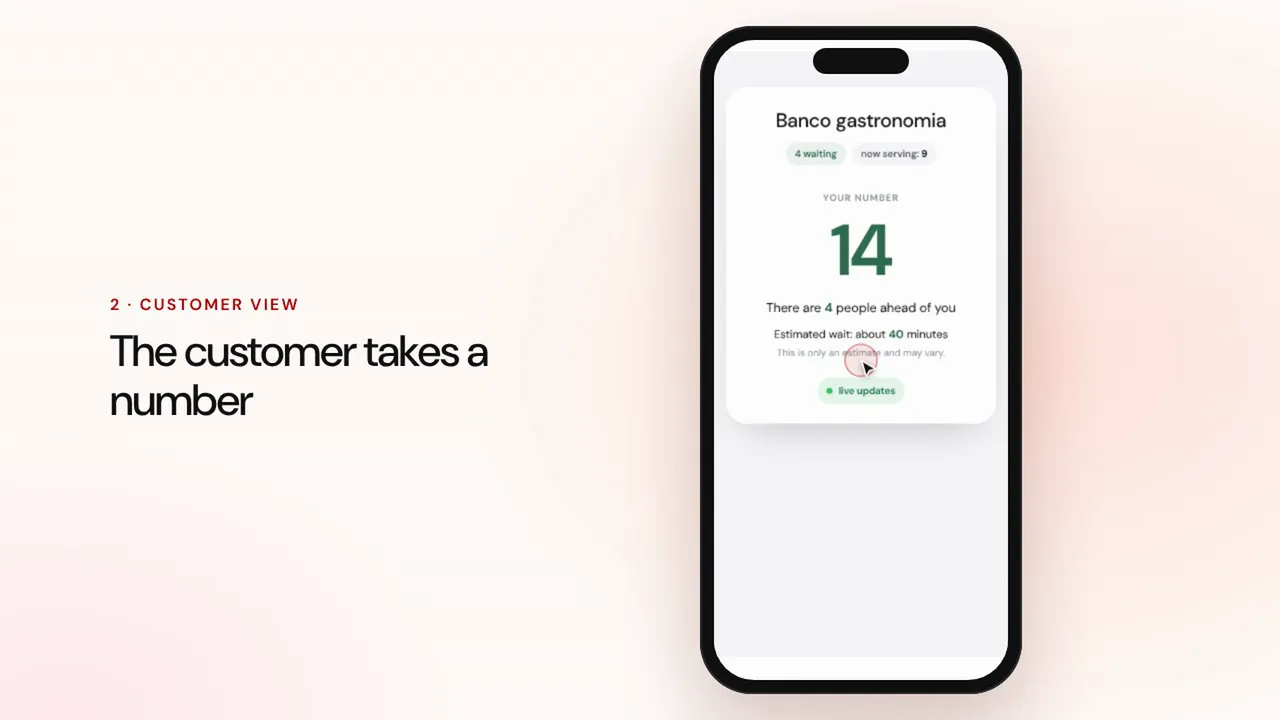 সময়কাল 0:57
সারি ব্যবস্থাপনা
একটি সারি তৈরি করুন, গ্রাহকদের QR কোড দিয়ে নম্বর নিতে দিন, পরের জনকে ডাকুন এবং অপেক্ষার জায়গার স্ক্রিনে পালা দেখান।ভিডিওটি দেখুন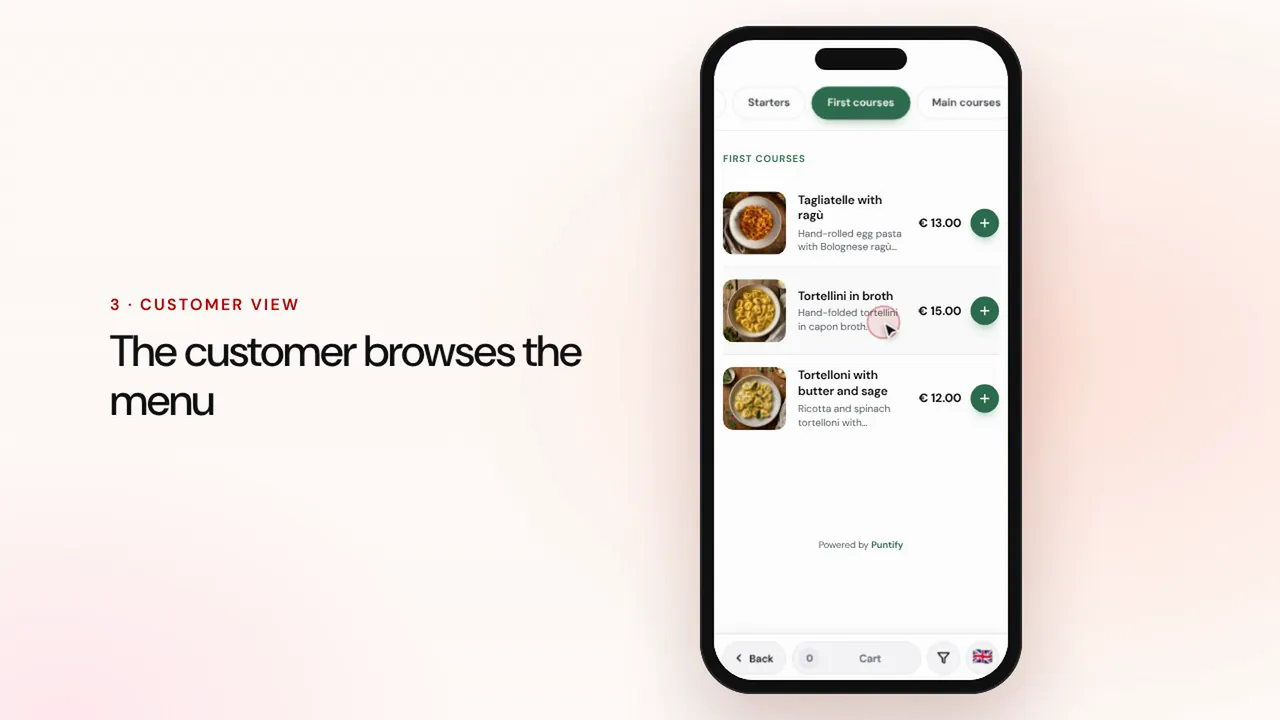 সময়কাল 0:56
ডিজিটাল মেনু
বিভাগ, খাবার, ছবি ও অ্যালার্জেনসহ মেনু তৈরি করুন এবং QR কোড দিয়ে প্রতিটি টেবিলে পৌঁছে দিন।ভিডিওটি দেখুন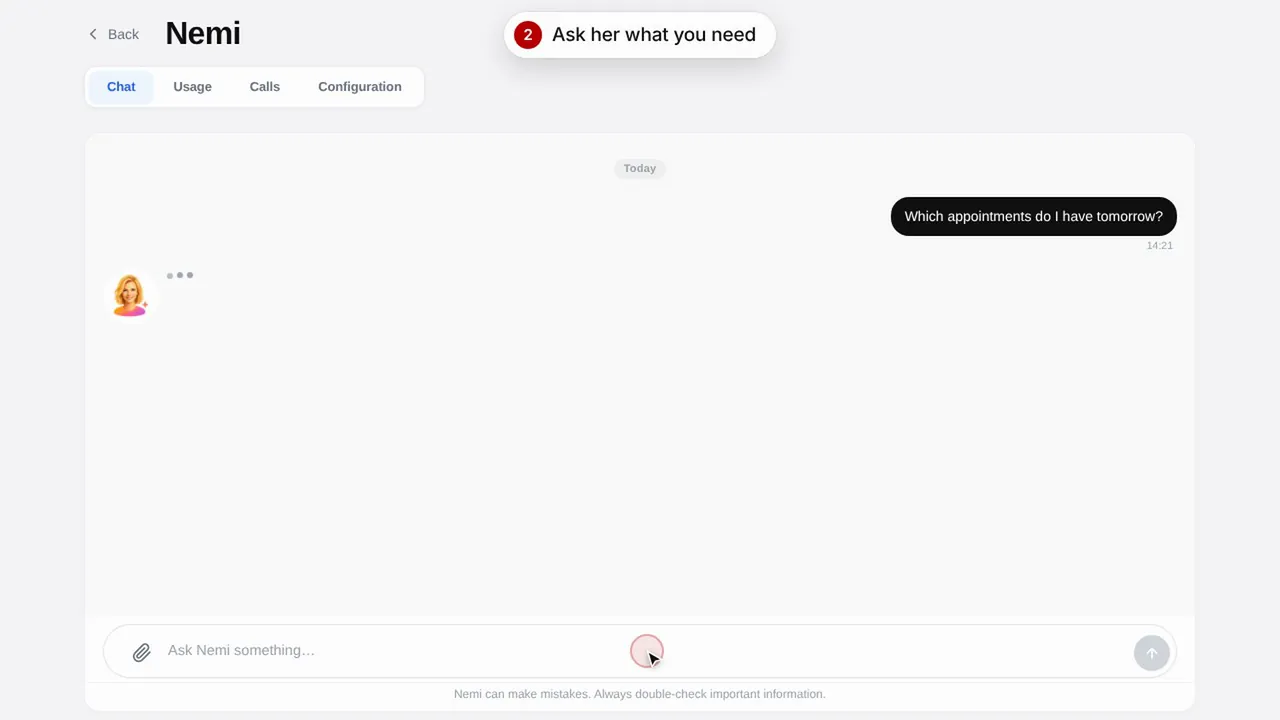 সময়কাল 0:48
Nemi, ডিজিটাল অ্যাসিস্ট্যান্ট
Nemi চ্যাটে ও ফোনে আপনার দোকানের তথ্য দিয়ে উত্তর দেয় এবং আপনার হয়ে বুকিং নেয়।ভিডিওটি দেখুন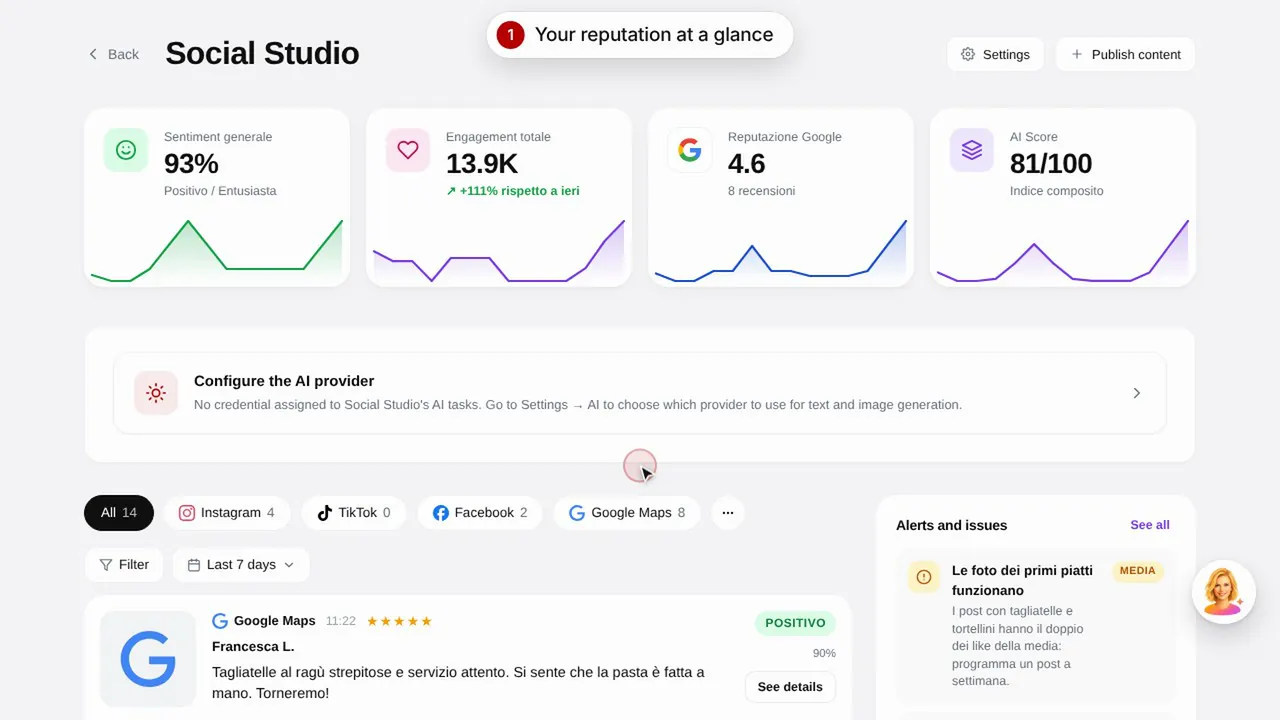 সময়কাল 0:57
Social Studio ও রিভিউ
আপনার সোশ্যাল মিডিয়া চ্যানেলের জন্য পোস্ট তৈরি করুন এবং এক জায়গা থেকে গ্রাহকদের রিভিউ পরিচালনা করুন।ভিডিওটি দেখুন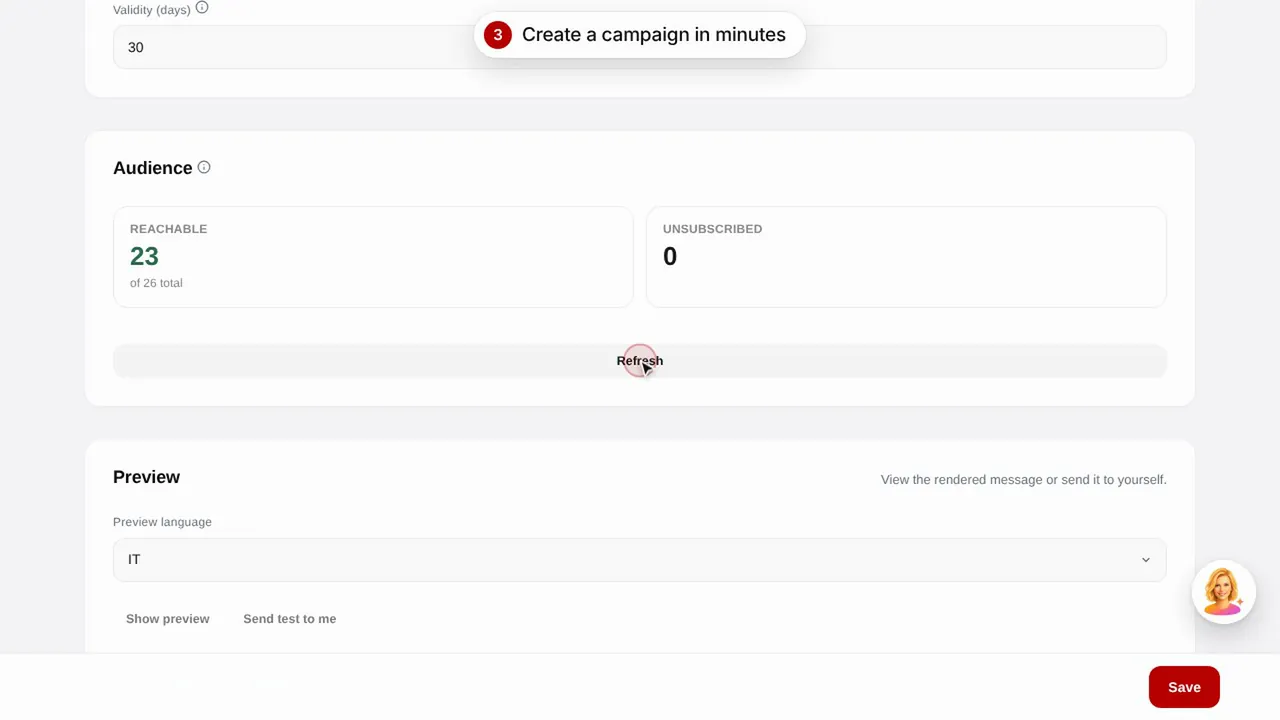 সময়কাল 0:56
ইমেল ক্যাম্পেইন
তৈরি টেমপ্লেট দিয়ে গ্রাহকদের ইমেল ক্যাম্পেইন পাঠান: জন্মদিন, হারিয়ে যাওয়া গ্রাহকদের ফিরিয়ে আনা ও প্রচার।ভিডিওটি দেখুন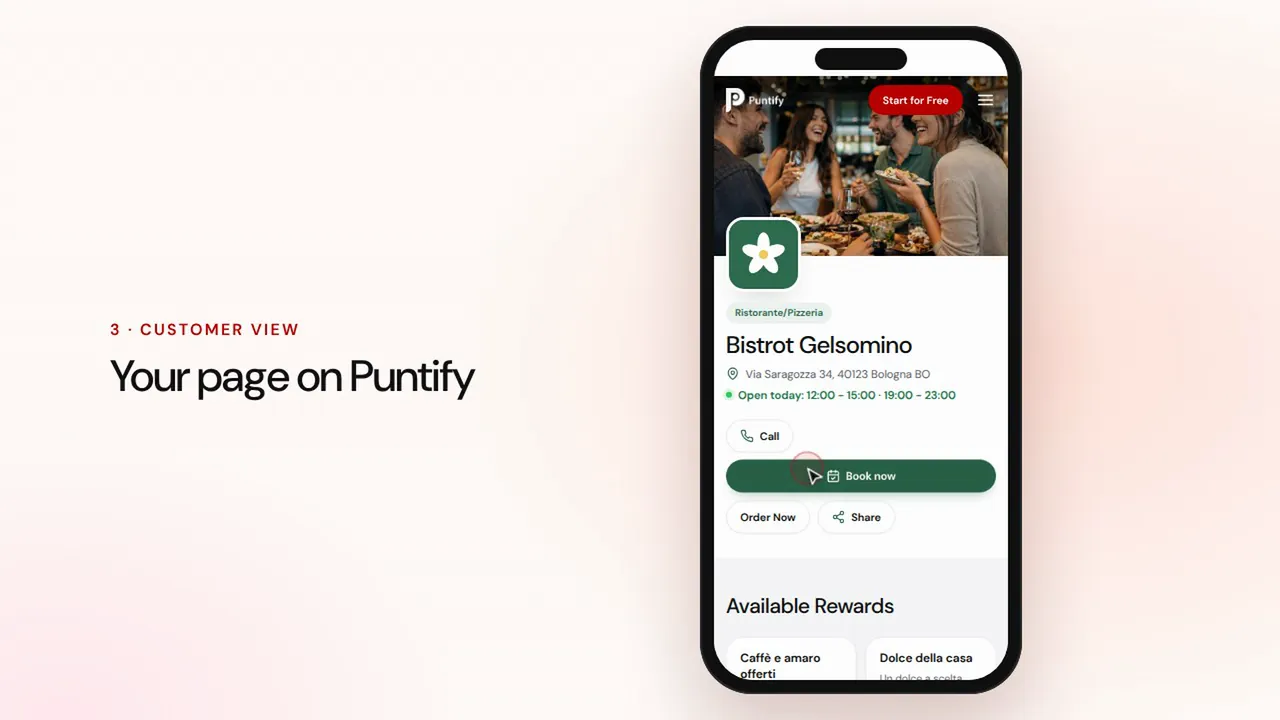 সময়কাল 0:48
দোকানের পেজ
Puntify-তে আপনার দোকানের পাবলিক পেজ সাজান ছবি, সময়সূচি, সেবা ও আপনার ব্র্যান্ডের রঙ দিয়ে।ভিডিওটি দেখুন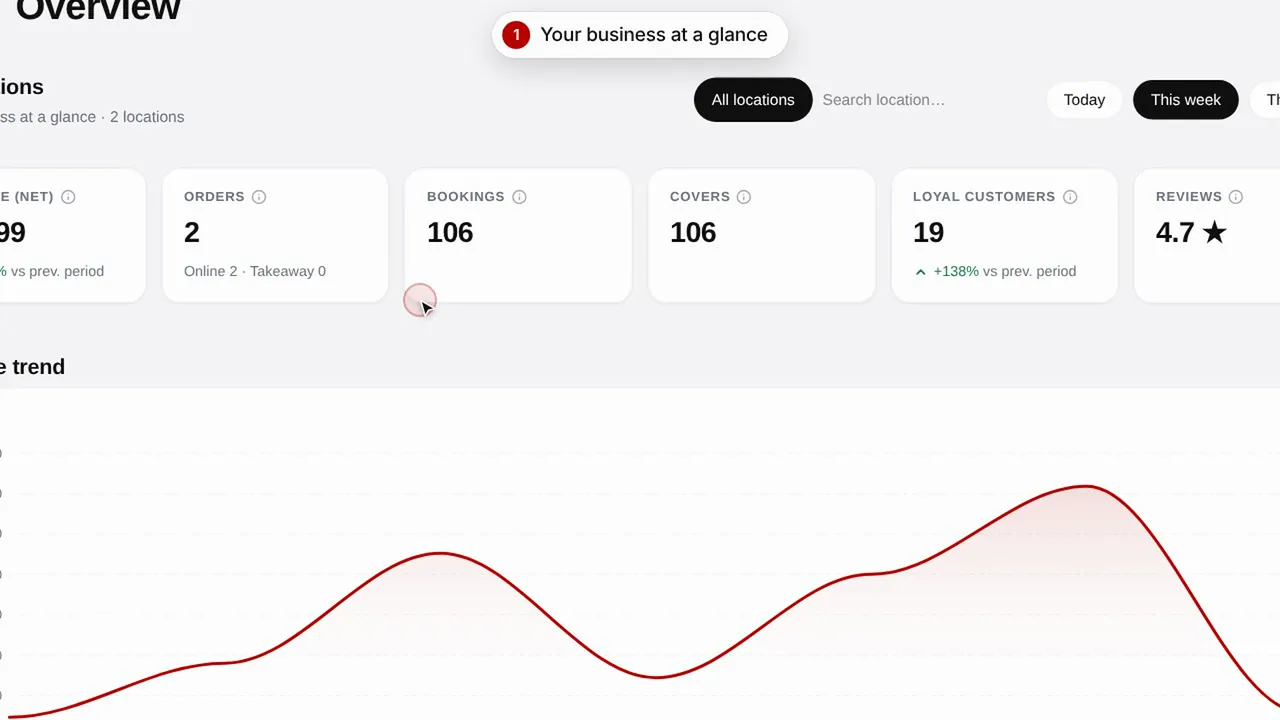 সময়কাল 0:51
সারসংক্ষেপ ও ইনসাইটস
আপনার দোকানের পারফরম্যান্স, গ্রাহক এবং পেজের ভিজিট নজরে রাখুন।ভিডিওটি দেখুন