
文字稿
阅读完整文字稿
简介
0:00 Let's see how customers order straight from their table, and how the order reaches the kitchen and the till, with no paper tickets.
每张餐桌一个二维码
0:08 In Resources you draw your dining room with its tables. Each table has its own QR code to print, so every order arrives with the table number.
顾客在餐桌点单
0:23 The customer scans the QR code, picks dishes from the menu, checks the basket and sends the order. They get an instant confirmation with the order number.
确认并发送到厨房
0:39 On the Orders board it appears among those to confirm. Enter the number of guests and send it to the kitchen: food and drinks go to the right station automatically.
厨房备餐
0:55 On the kitchen screen the order moves from received to in preparation, then to ready, with a single tap.
收款并结账
1:02 When the meal is over, open the table, tap Collect and choose cash or card. The bill closes, the table is free again and the loyalty points go to the customer. Try Puntify orders and till.
1:16 Get started at puntify.it.
 时长 1:01
会员忠诚:积分与奖励
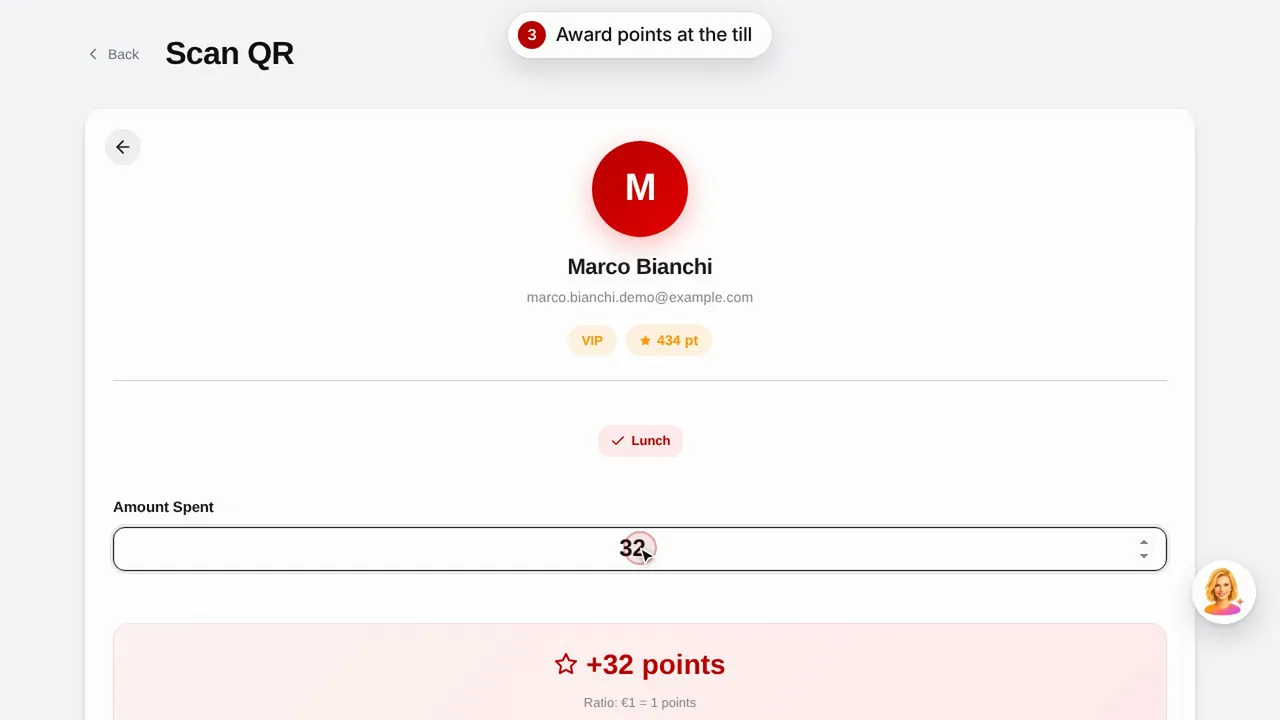
创建奖励,扫描顾客的二维码为其发放积分,并了解顾客如何查看自己的积分和奖励。观看视频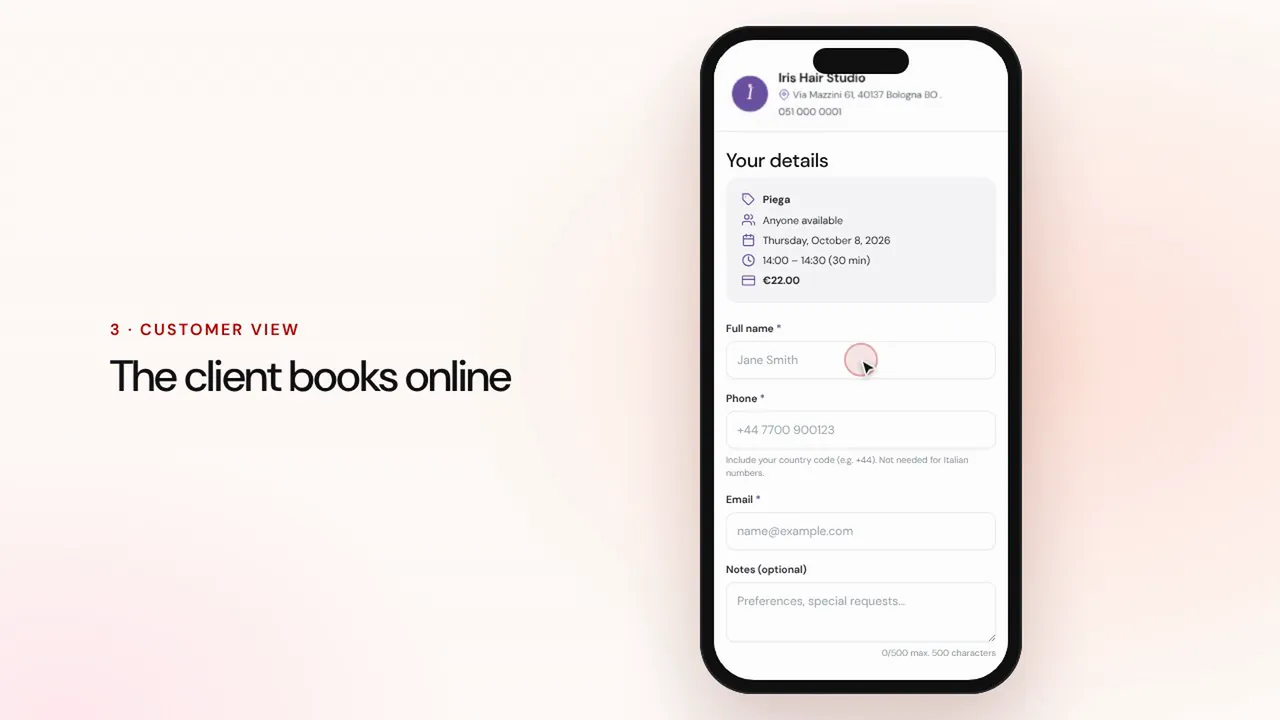 时长 1:07
在线预约
设置服务和员工:顾客在店铺页面在线预约,预约连同提醒一起进入您的日程。观看视频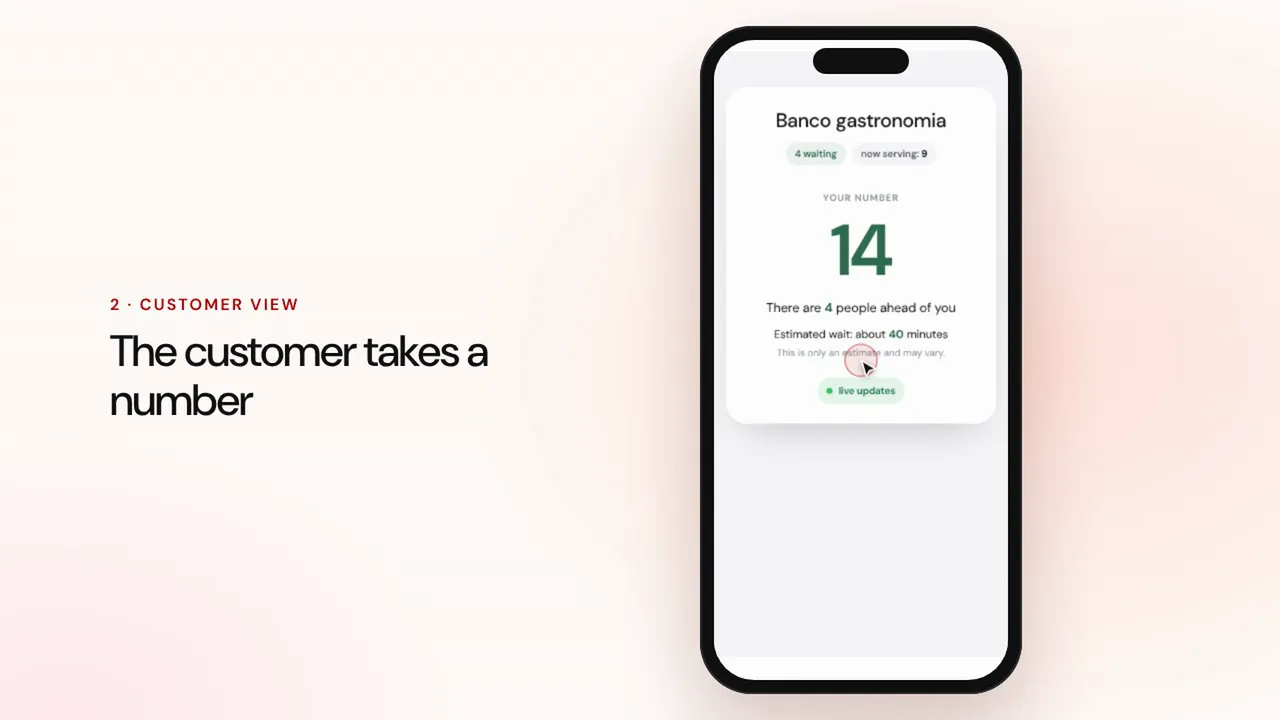 时长 0:57
排队管理
创建队列,让顾客扫描二维码取号,呼叫下一位,并在等候区屏幕上显示叫号。观看视频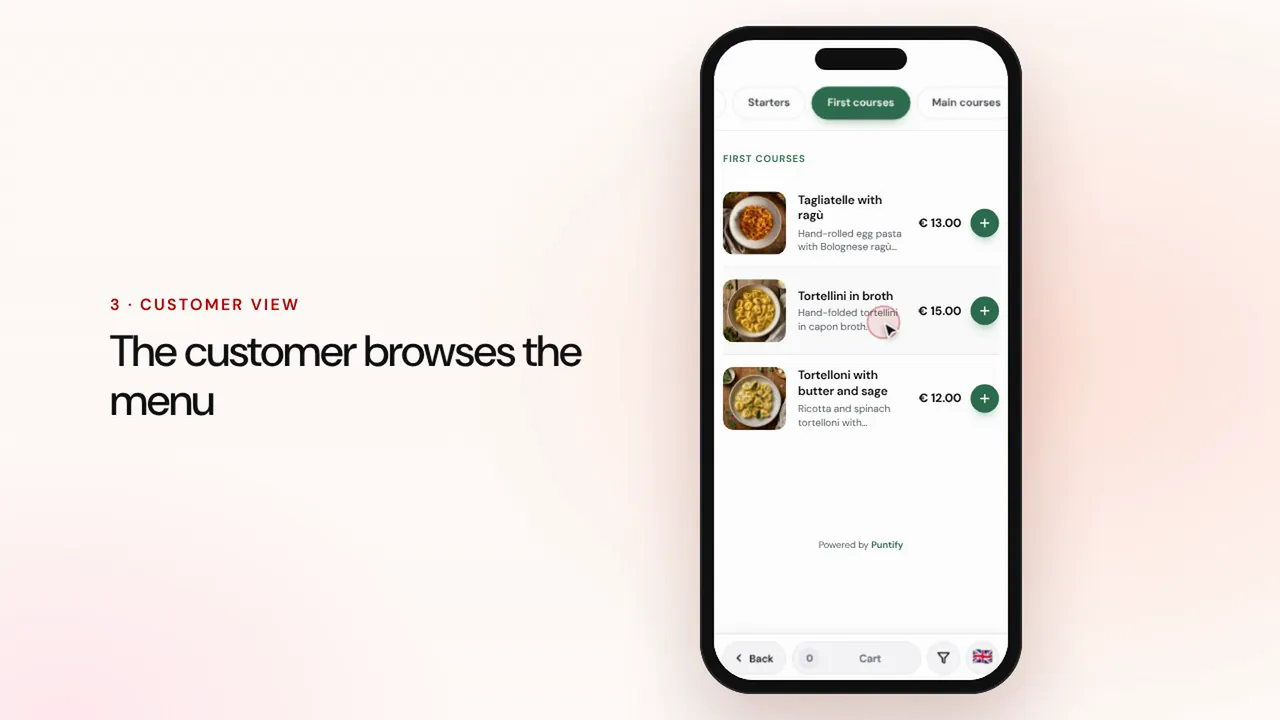 时长 0:56
电子菜单
用分类、菜品、照片和过敏原信息制作菜单,并通过桌上的二维码提供给顾客。观看视频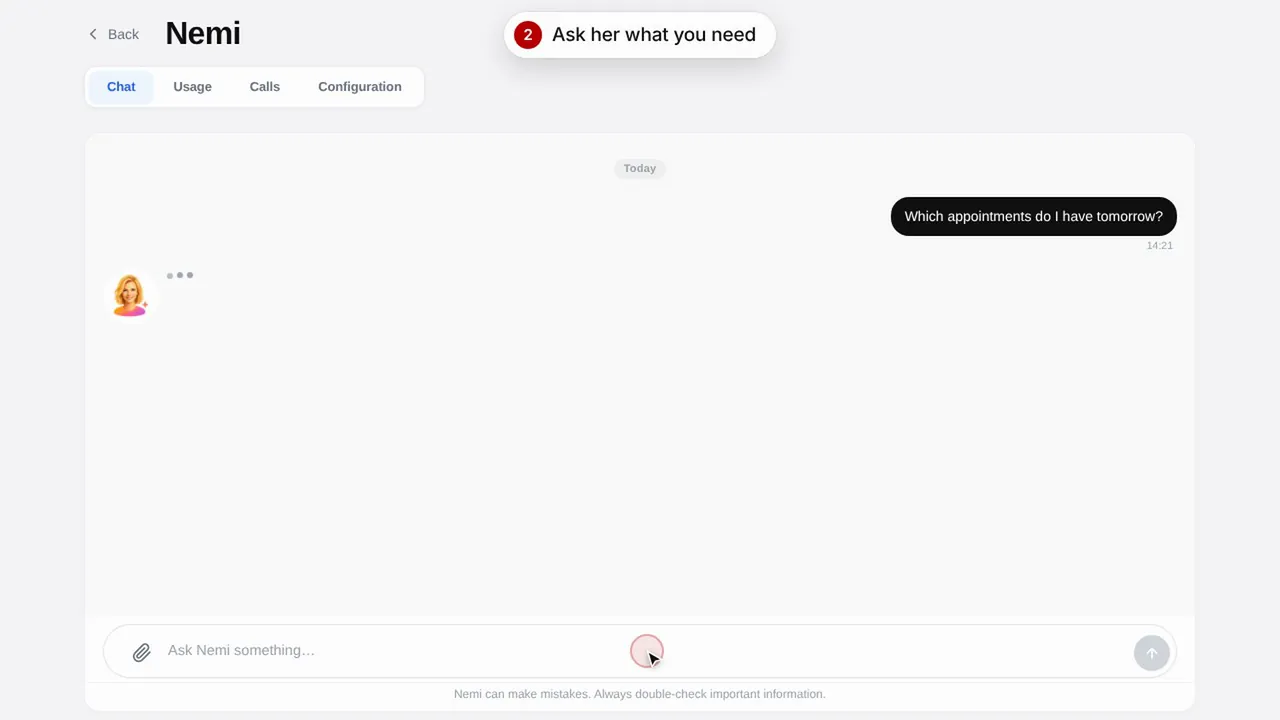 时长 0:48
数字助理 Nemi
Nemi 在聊天和电话中用您店铺的信息答复顾客,并替您接受预约。观看视频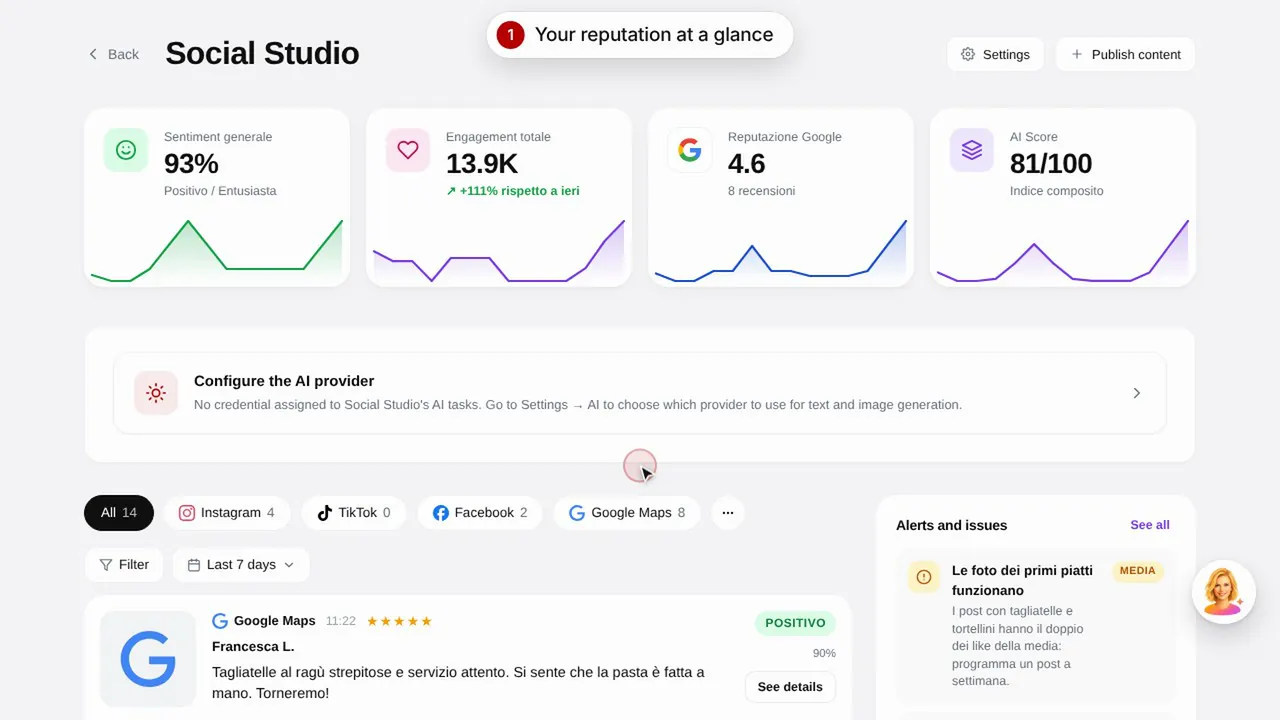 时长 0:57
Social Studio 与评价
为社交媒体渠道创建帖子,并在一处集中管理顾客评价。观看视频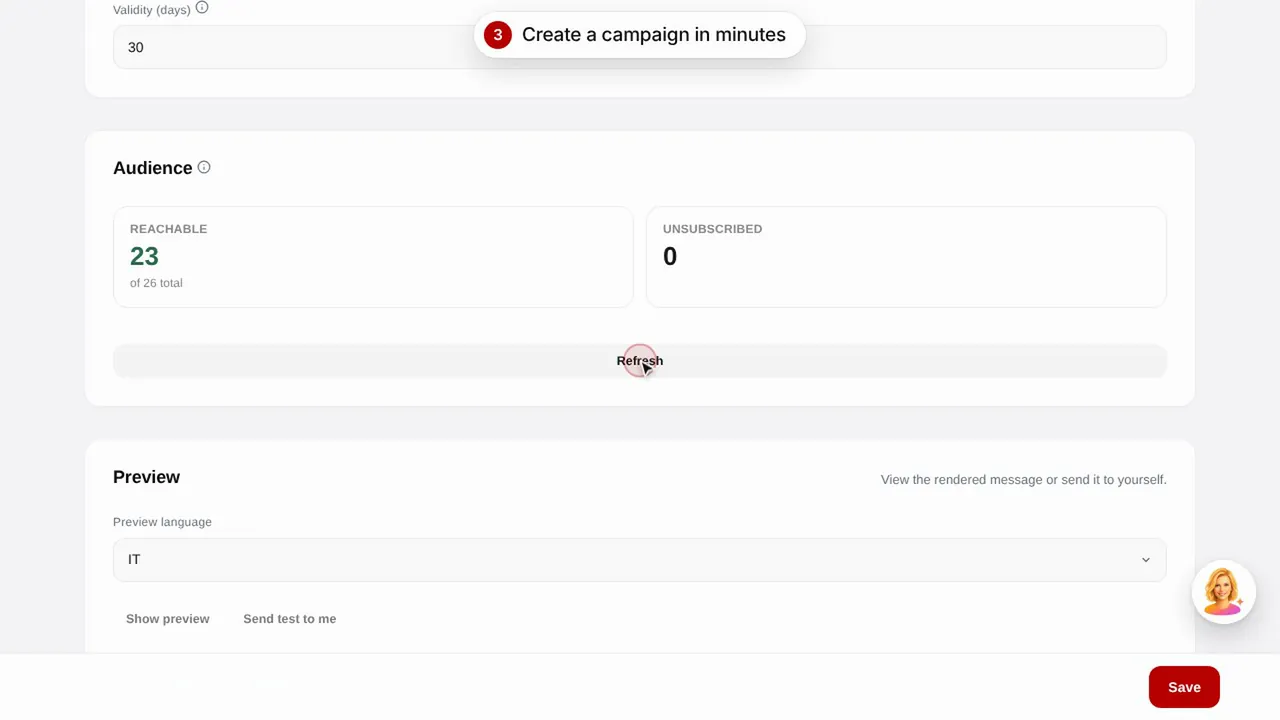 时长 0:56
电子邮件营销
使用现成模板向顾客发送电子邮件营销活动:生日祝福、流失顾客召回和促销活动。观看视频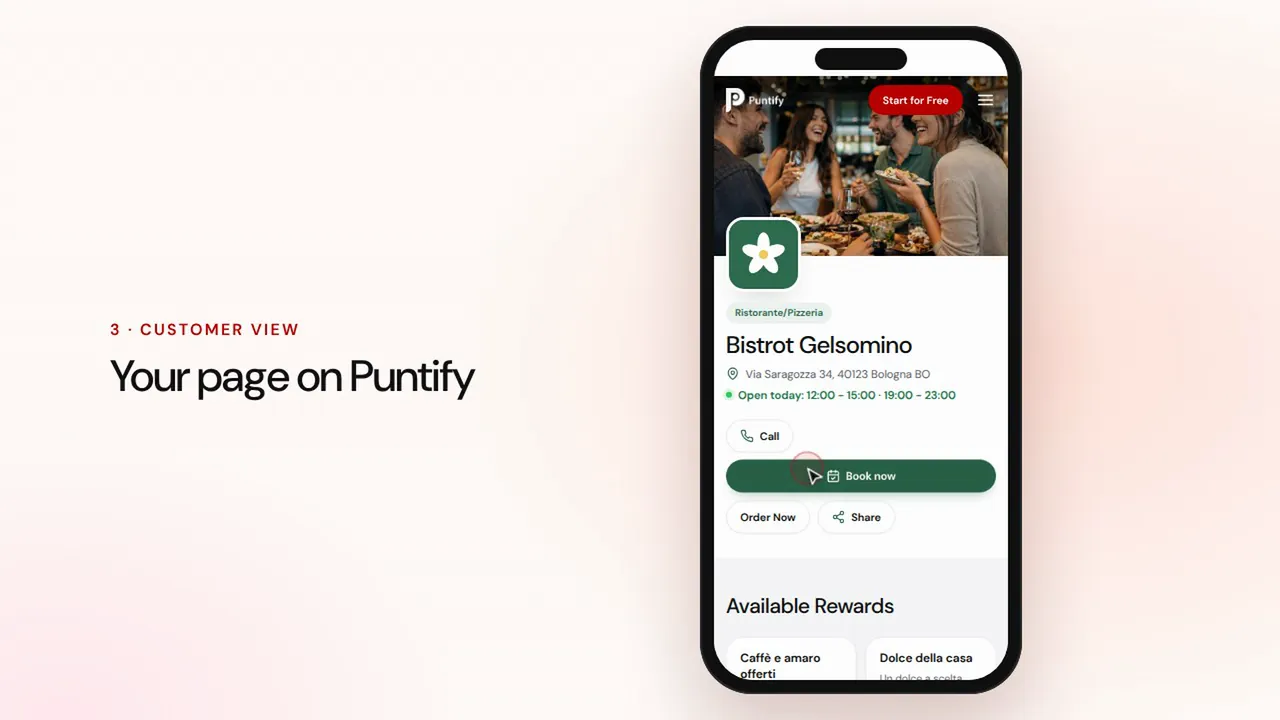 时长 0:48
店铺页面
在 Puntify 上完善店铺公开页面:照片、营业时间、服务和品牌颜色。观看视频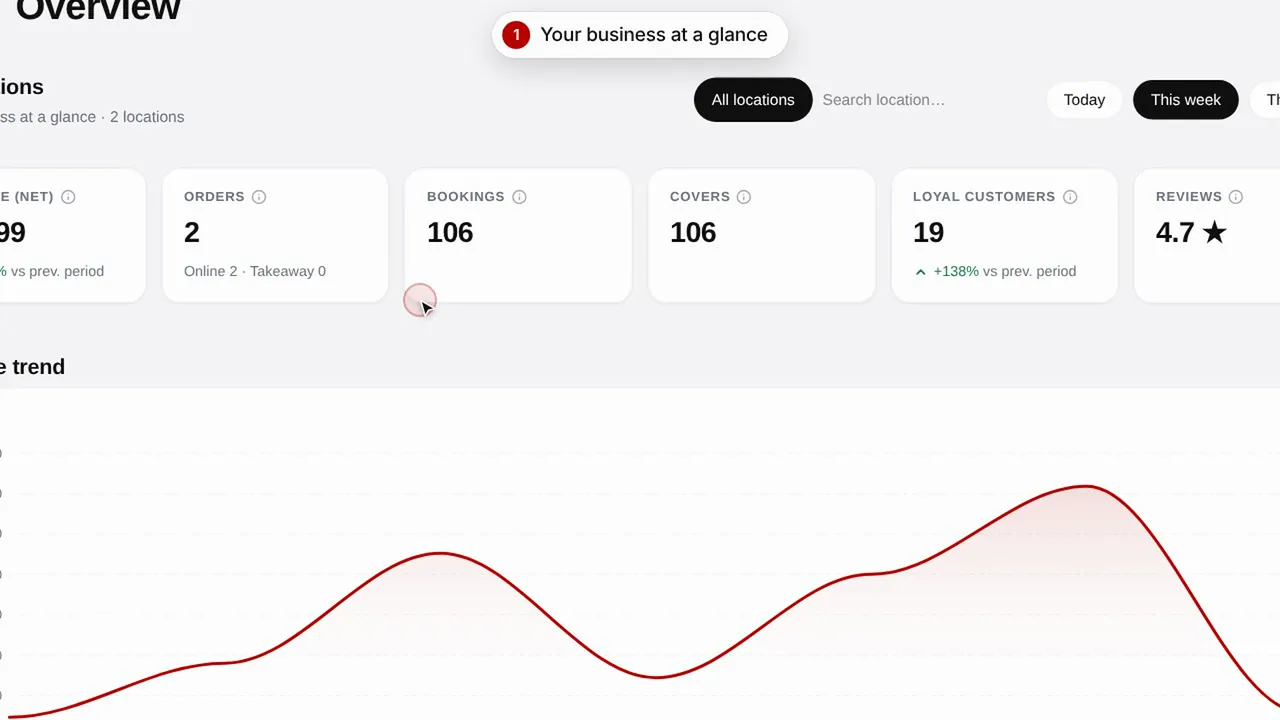 时长 0:51
概览与数据洞察
随时掌握店铺经营情况、顾客动态以及页面访问量。观看视频