
文字稿
阅读完整文字稿
简介
0:00 Let's see how to get rid of the line at your counter with Puntify's digital queue: customers take a number on their phone and follow their turn in real time.
创建队列并打印二维码
0:09 In Queue Manager create a queue, for example the deli counter, and choose whether people take a number in store, remotely or both. Then open it and print its QR code.
顾客取号
0:23 The customer scans the QR code and taps to take a number: they instantly see their turn, how many people are ahead and the estimated wait, without installing any app.
呼叫下一位
0:34 At the counter, open the operation panel and tap to call the next number. The queue moves on and the customer is notified on their phone.
等候区屏幕
0:44 On a TV in your shop you can show the board with the number being served and those waiting, always up to date. Queue Manager is included in Puntify. Get started at puntify.it.
 时长 1:01
会员忠诚:积分与奖励
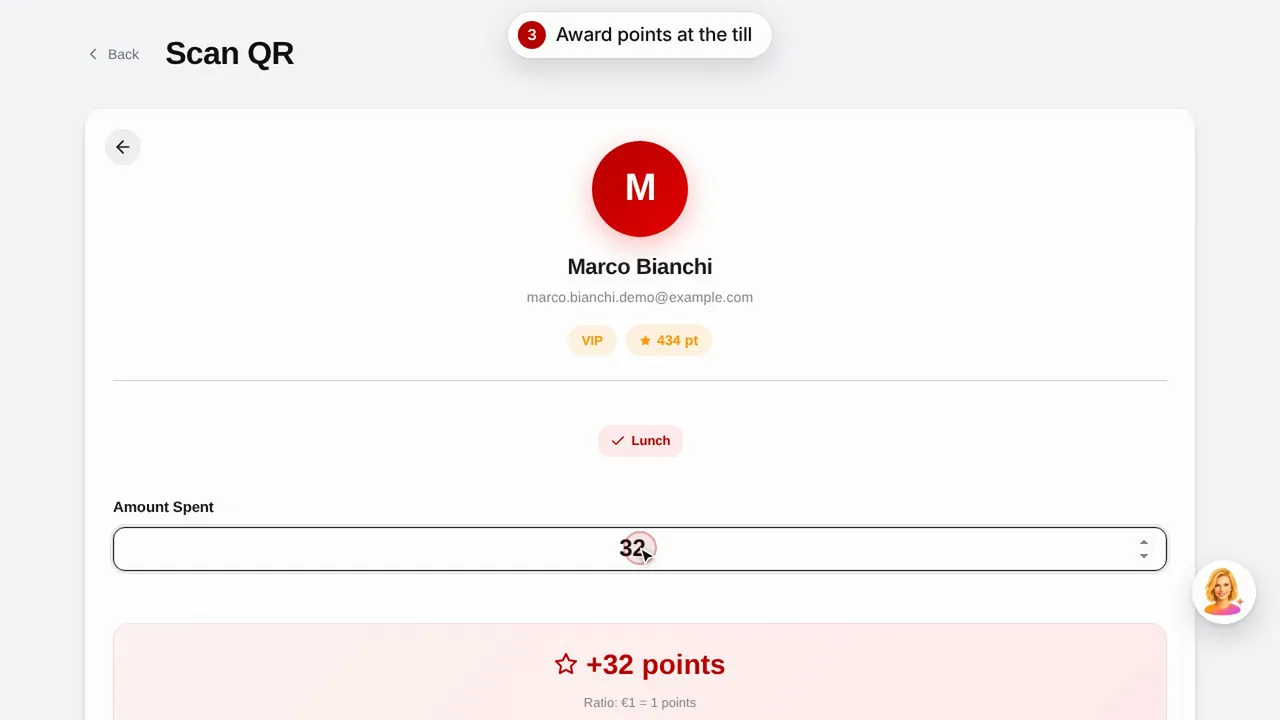
创建奖励,扫描顾客的二维码为其发放积分,并了解顾客如何查看自己的积分和奖励。观看视频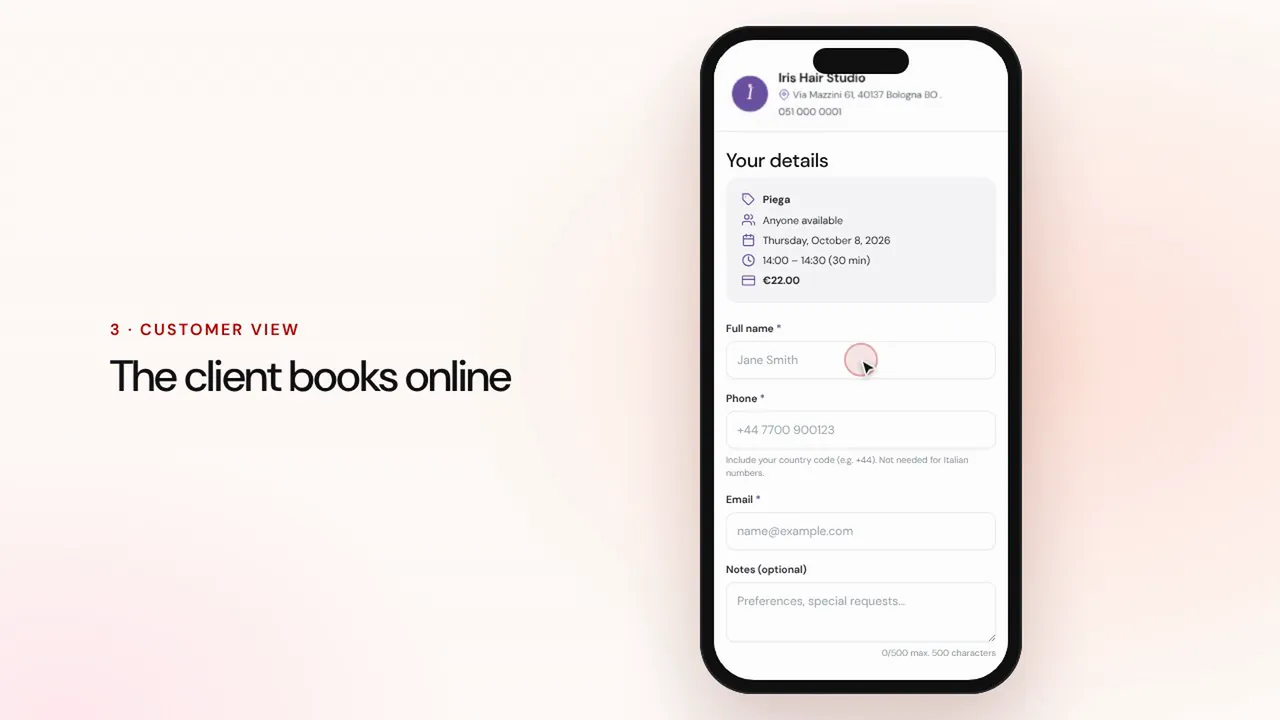 时长 1:07
在线预约
设置服务和员工:顾客在店铺页面在线预约,预约连同提醒一起进入您的日程。观看视频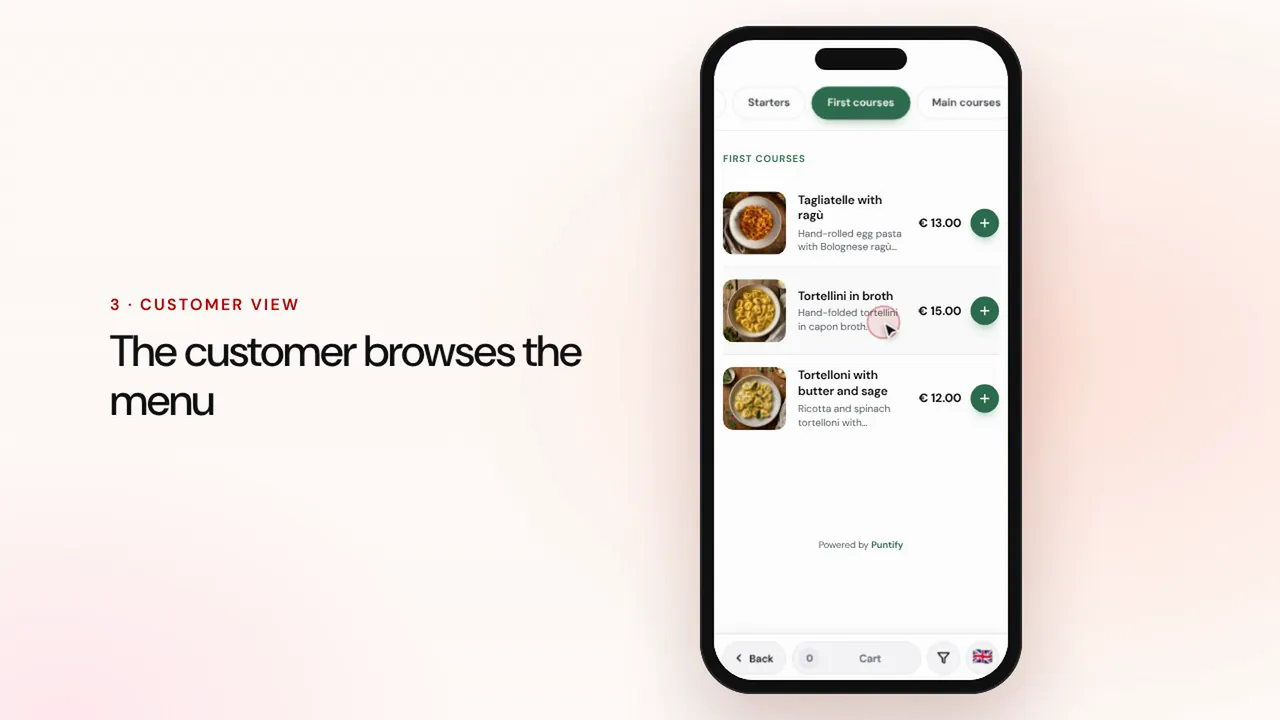 时长 0:56
电子菜单
用分类、菜品、照片和过敏原信息制作菜单,并通过桌上的二维码提供给顾客。观看视频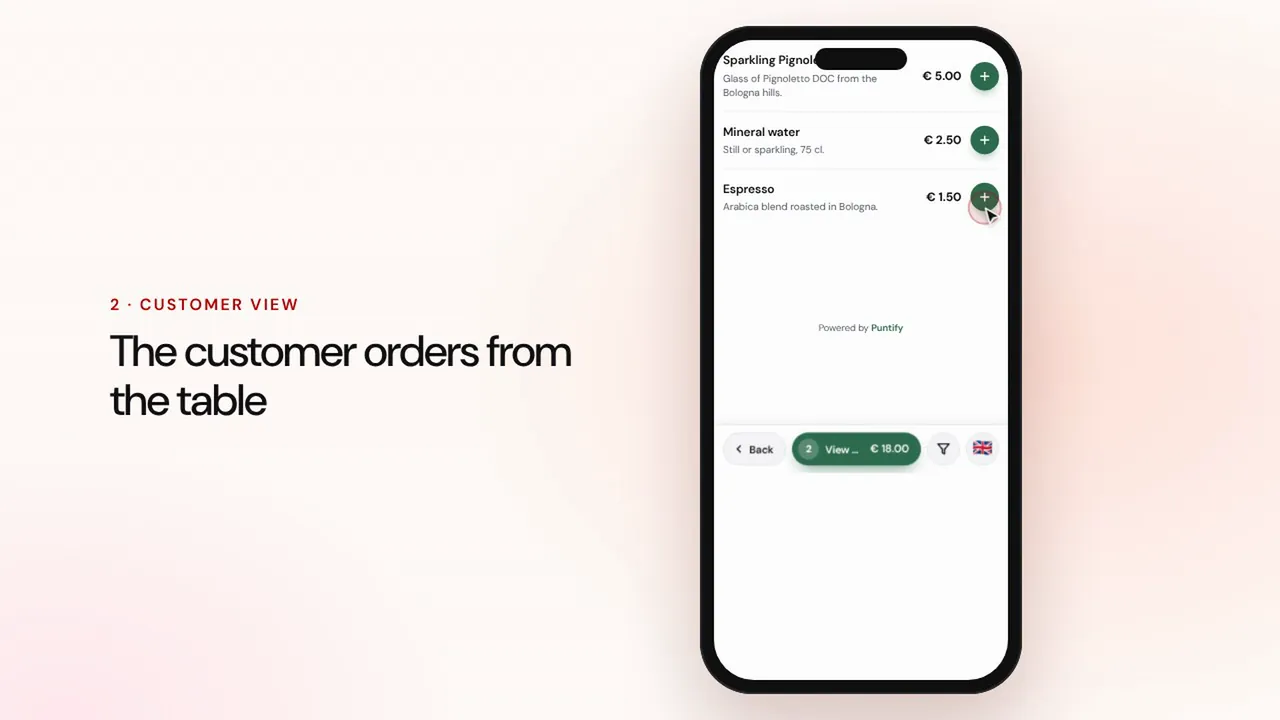 时长 1:19
堂食与外带点单
顾客在餐桌或外带时通过菜单下单,订单同时送达收银台和厨房,随后您完成收款并结账。观看视频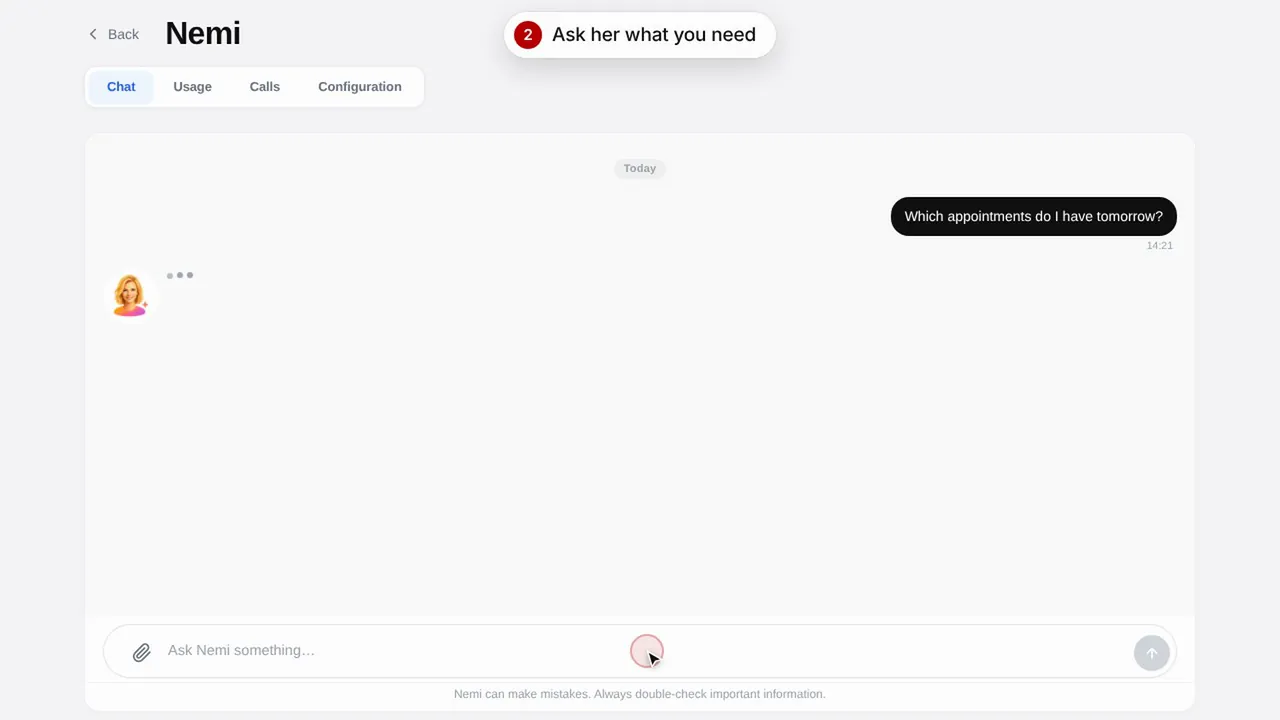 时长 0:48
数字助理 Nemi
Nemi 在聊天和电话中用您店铺的信息答复顾客,并替您接受预约。观看视频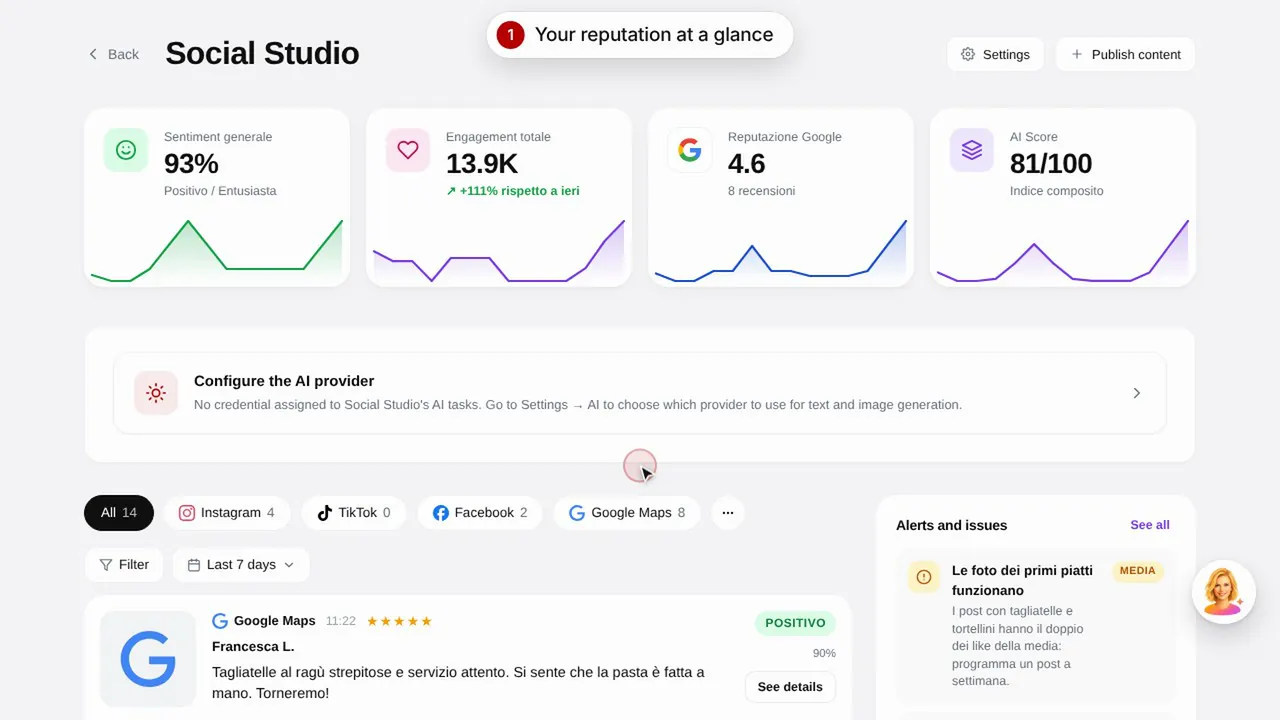 时长 0:57
Social Studio 与评价
为社交媒体渠道创建帖子,并在一处集中管理顾客评价。观看视频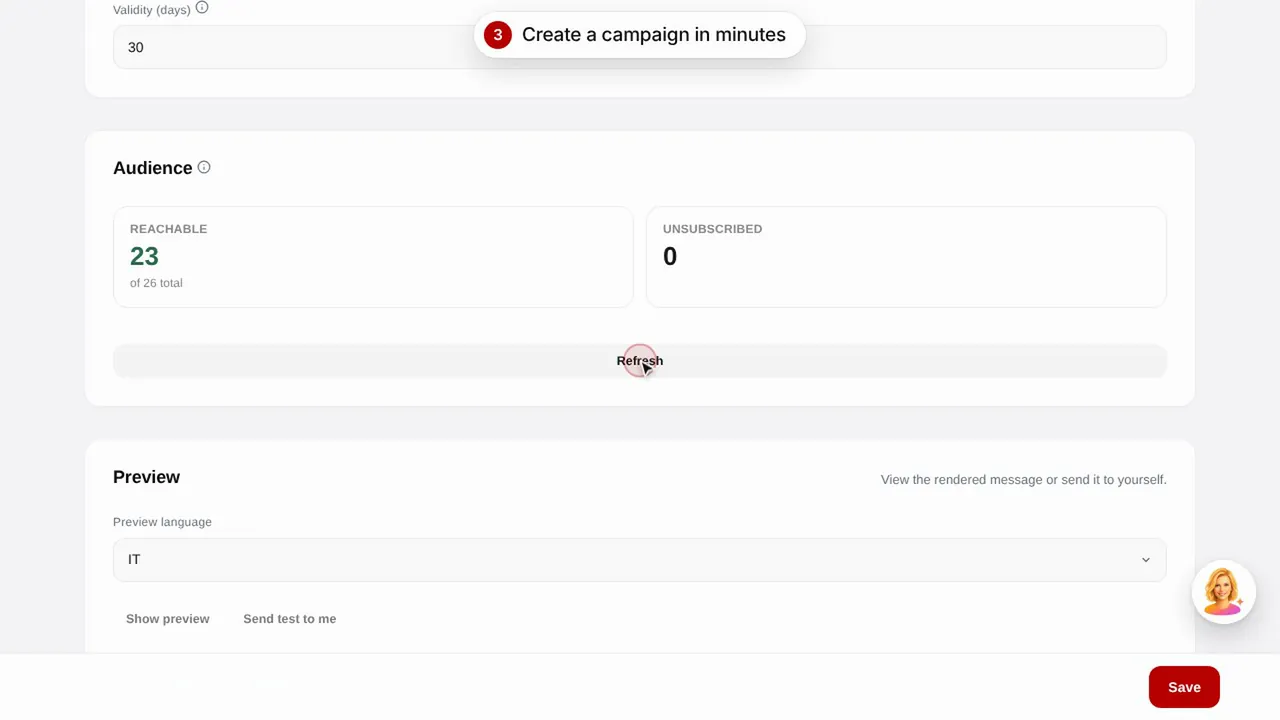 时长 0:56
电子邮件营销
使用现成模板向顾客发送电子邮件营销活动:生日祝福、流失顾客召回和促销活动。观看视频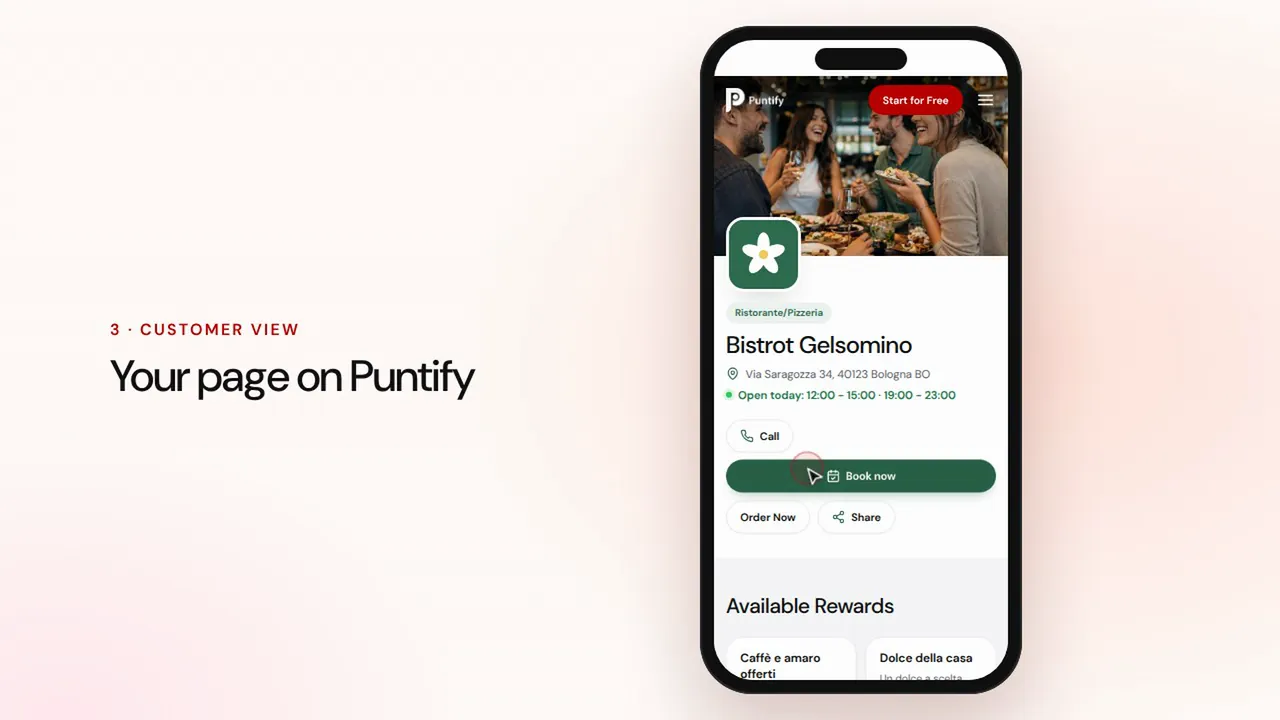 时长 0:48
店铺页面
在 Puntify 上完善店铺公开页面:照片、营业时间、服务和品牌颜色。观看视频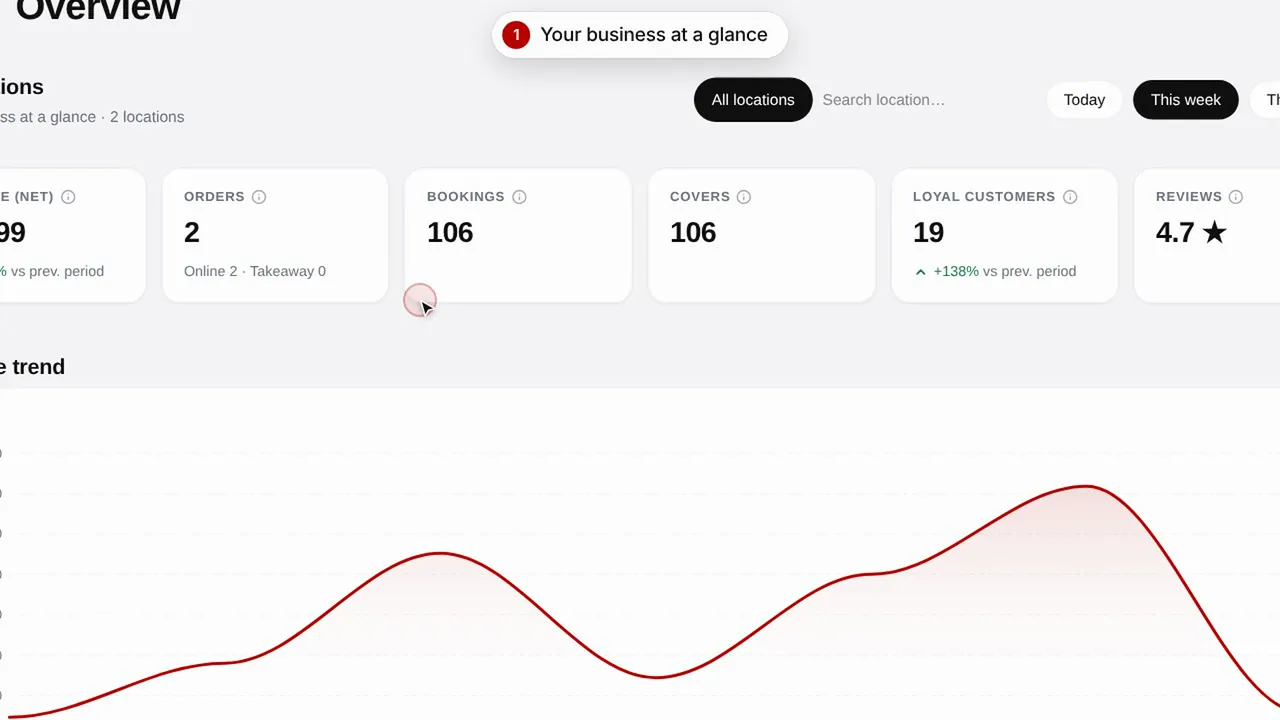 时长 0:51
概览与数据洞察
随时掌握店铺经营情况、顾客动态以及页面访问量。观看视频