
فيديوهات تعليمية
الطلبات على الطاولة وللاستلام
- المدة 1:19
- الصوت باللغة الإنجليزية
- الترجمة متاحة
يطلب العميل من القائمة على الطاولة أو للاستلام، ويصل الطلب إلى الصندوق والمطبخ، ثم تحصّل المبلغ وتغلق الحساب.
فيديو باللغة الإنجليزية مع ترجمة مكتوبة
النص المكتوب
اقرأ النص الكامل
مقدمة
0:00 Let's see how customers order straight from their table, and how the order reaches the kitchen and the till, with no paper tickets.
رمز QR على كل طاولة
0:08 In Resources you draw your dining room with its tables. Each table has its own QR code to print, so every order arrives with the table number.
العميل يطلب من الطاولة
0:23 The customer scans the QR code, picks dishes from the menu, checks the basket and sends the order. They get an instant confirmation with the order number.
أكّد الطلب وأرسله إلى المطبخ
0:39 On the Orders board it appears among those to confirm. Enter the number of guests and send it to the kitchen: food and drinks go to the right station automatically.
المطبخ يحضّر الطلب
0:55 On the kitchen screen the order moves from received to in preparation, then to ready, with a single tap.
حصّل المبلغ وأغلق الحساب
1:02 When the meal is over, open the table, tap Collect and choose cash or card. The bill closes, the table is free again and the loyalty points go to the customer. Try Puntify orders and till.
1:16 Get started at puntify.it.
 المدة 1:01
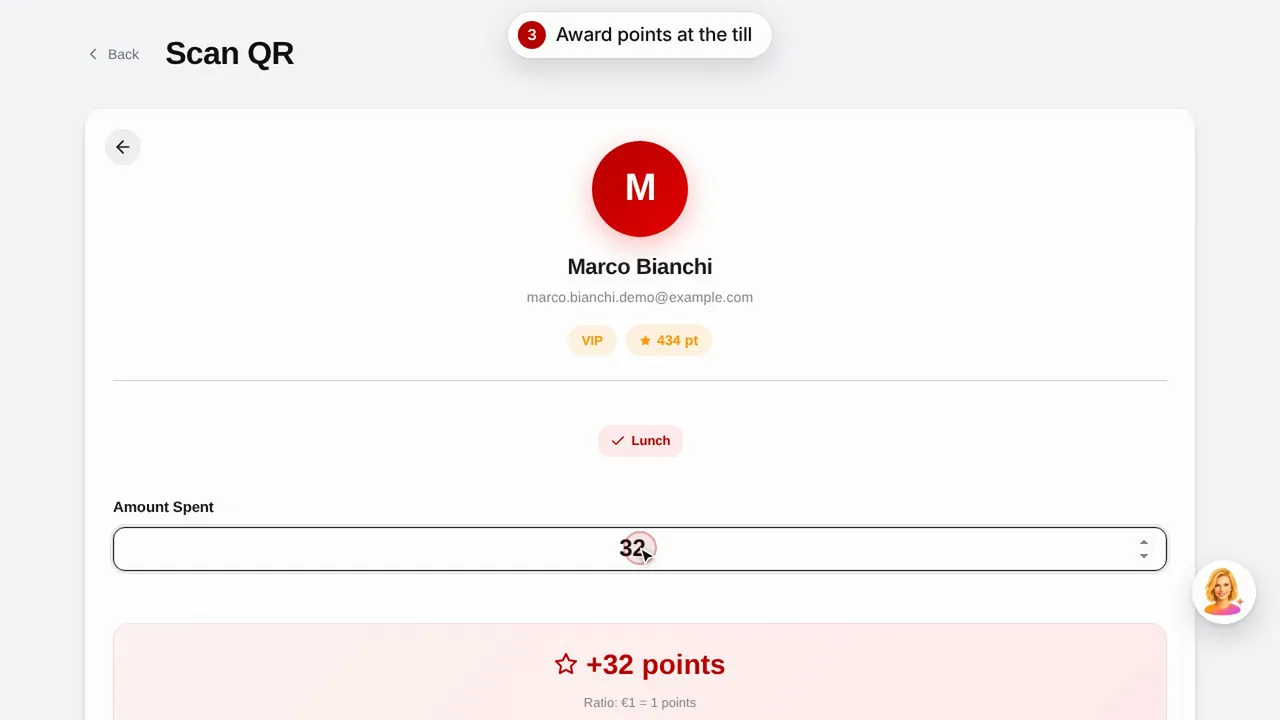
برنامج الولاء: النقاط والمكافآت
أنشئ مكافأة، وامنح العميل نقاطًا بمسح رمز QR الخاص به، وشاهد كيف يرى العميل نقاطه ومكافآته.شاهد الفيديو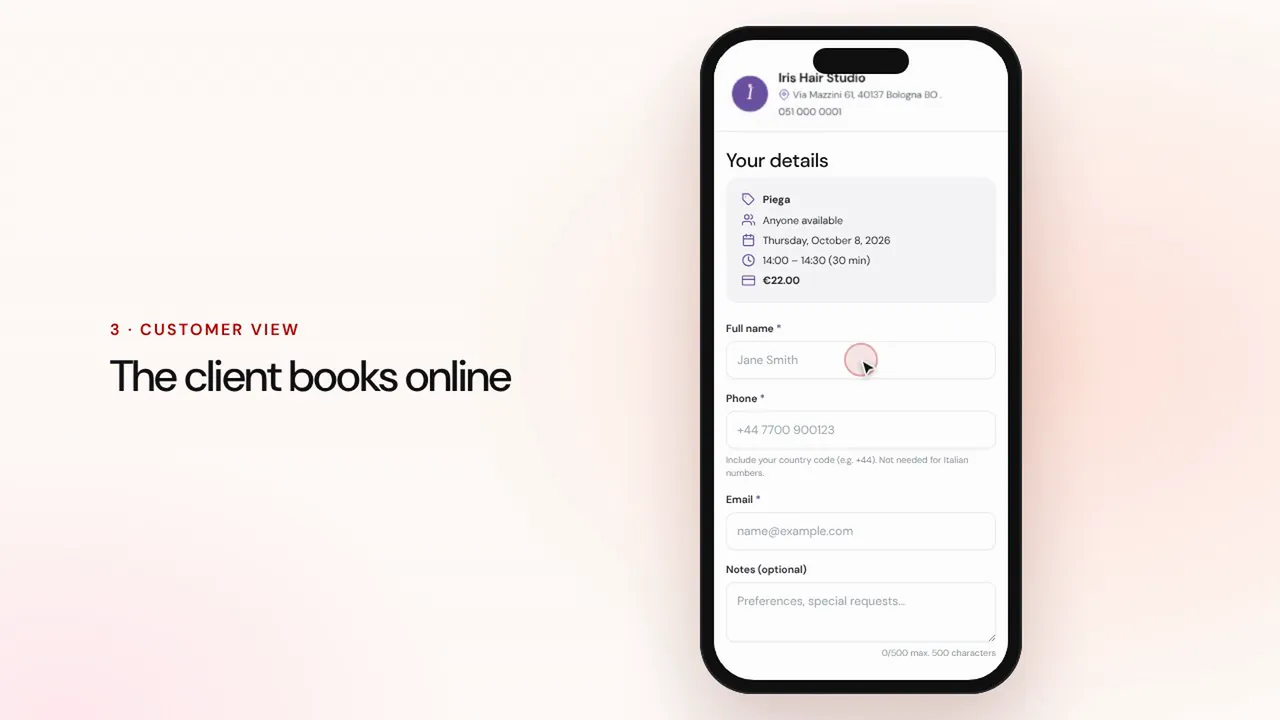 المدة 1:07
الحجوزات عبر الإنترنت
اضبط الخدمات والموظفين: يحجز العميل من صفحة المتجر، ويصل الموعد إلى جدولك مع التذكيرات.شاهد الفيديو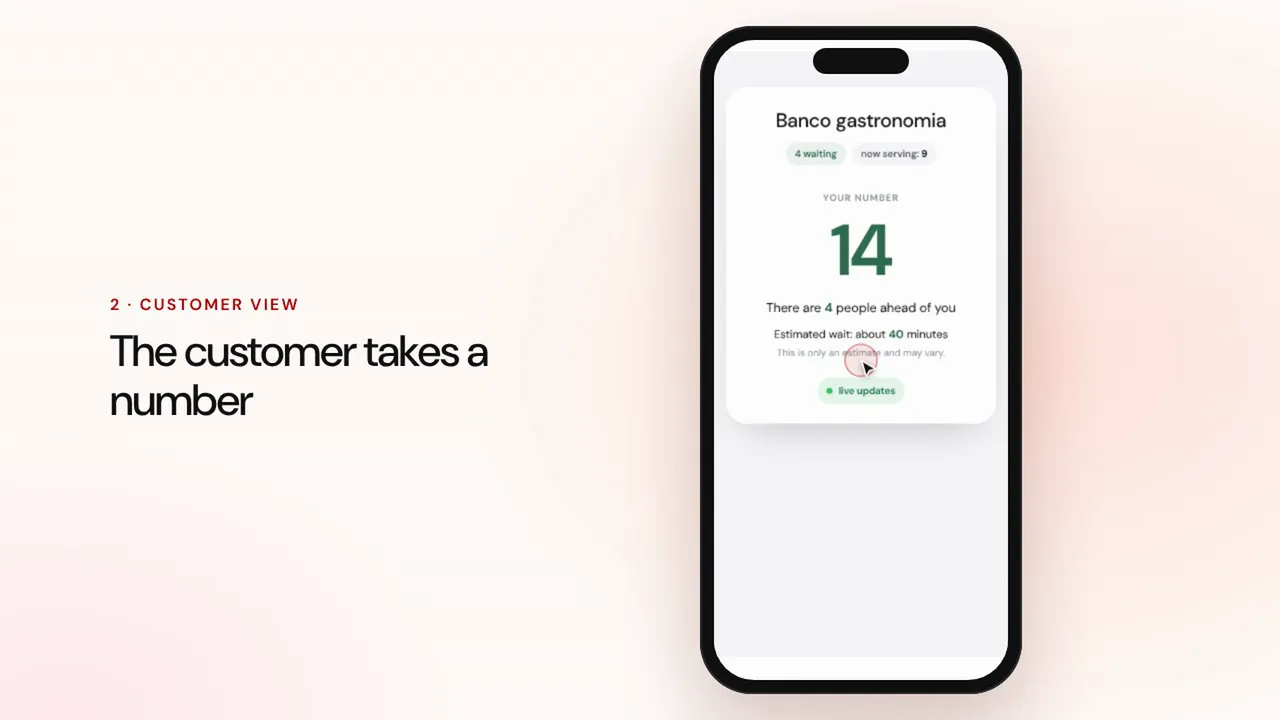 المدة 0:57
إدارة الطوابير
أنشئ طابورًا، ودع العملاء يأخذون رقمًا عبر رمز QR، ونادِ على التالي، واعرض الأدوار على شاشة صالة الانتظار.شاهد الفيديو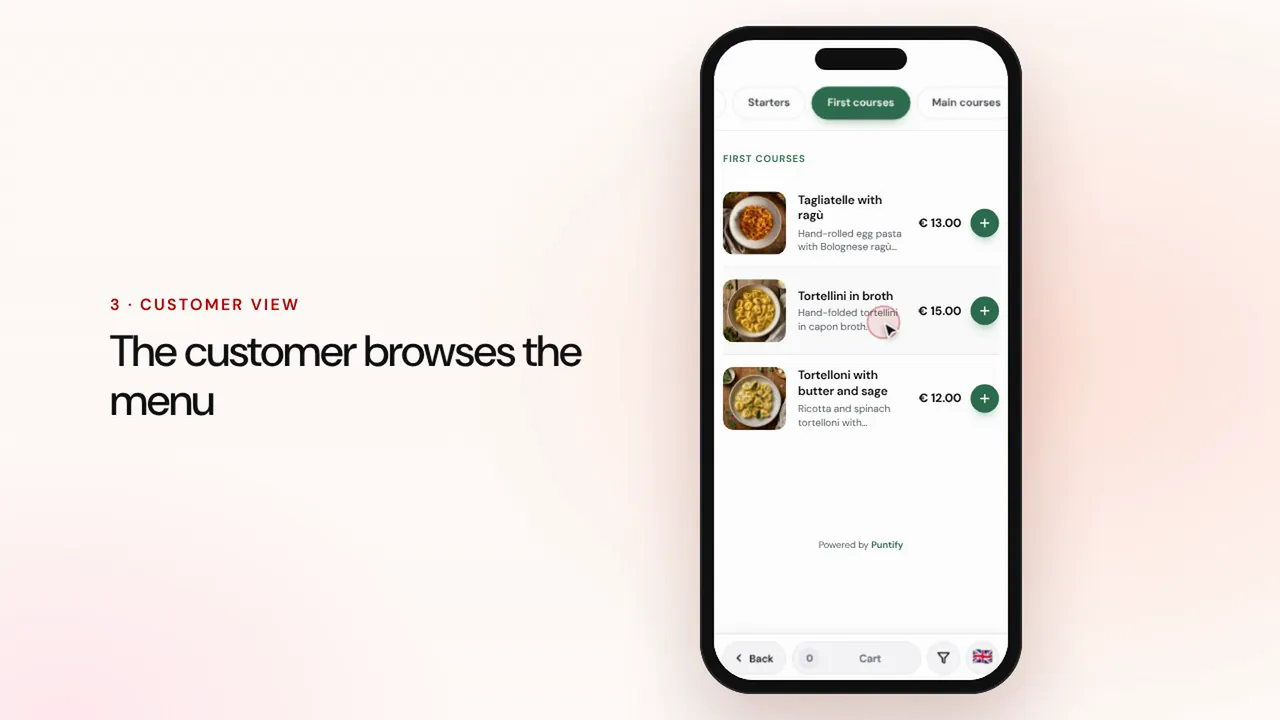 المدة 0:56
القائمة الرقمية
أنشئ القائمة بأقسام وأطباق وصور ومسببات الحساسية، وضعها على الطاولات عبر رمز QR.شاهد الفيديو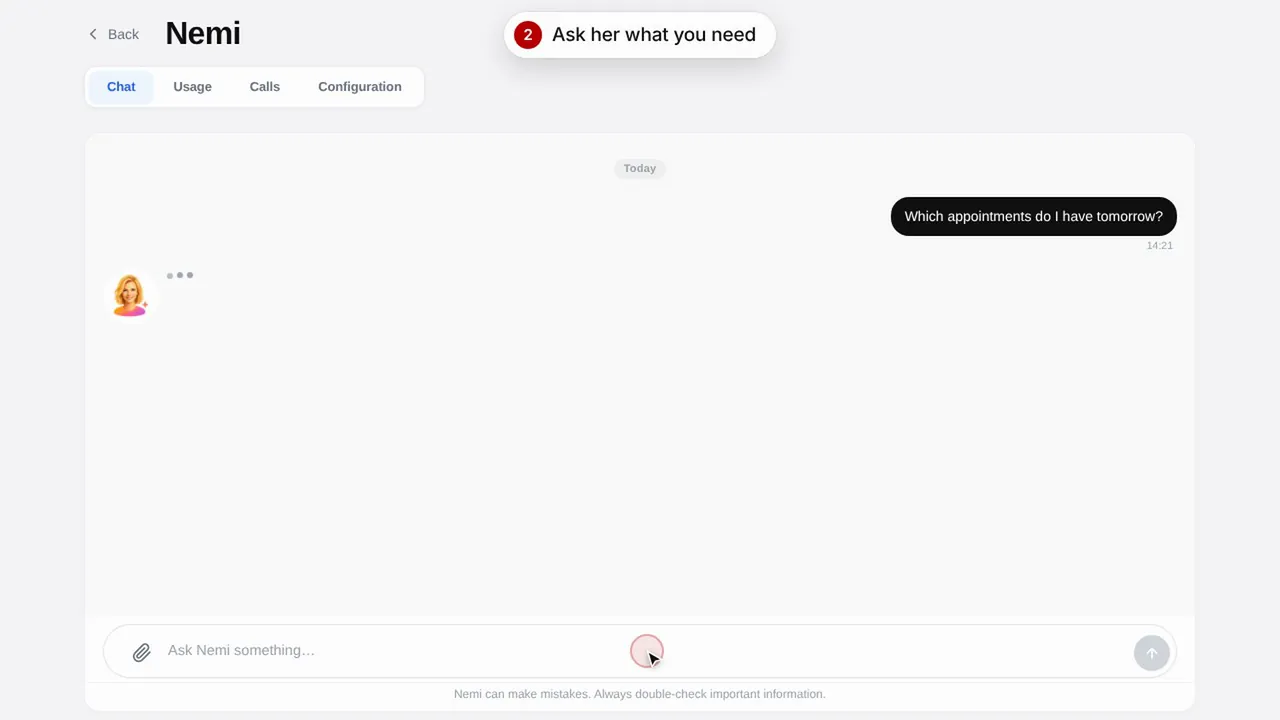 المدة 0:48
Nemi، المساعدة الرقمية
تجيب Nemi في الدردشة وعلى الهاتف بمعلومات متجرك، وتتولى الحجوزات نيابةً عنك.شاهد الفيديو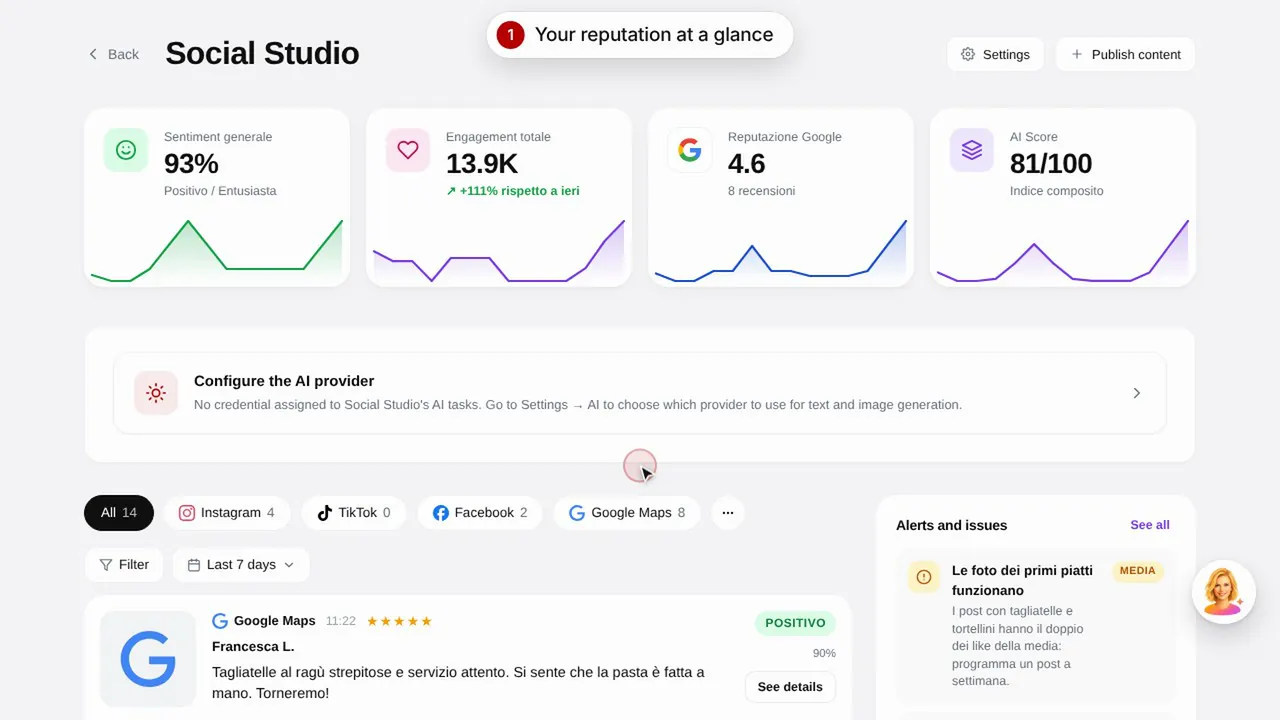 المدة 0:57
Social Studio والتقييمات
أنشئ المنشورات لحساباتك على وسائل التواصل الاجتماعي وأدِر تقييمات العملاء من مكان واحد.شاهد الفيديو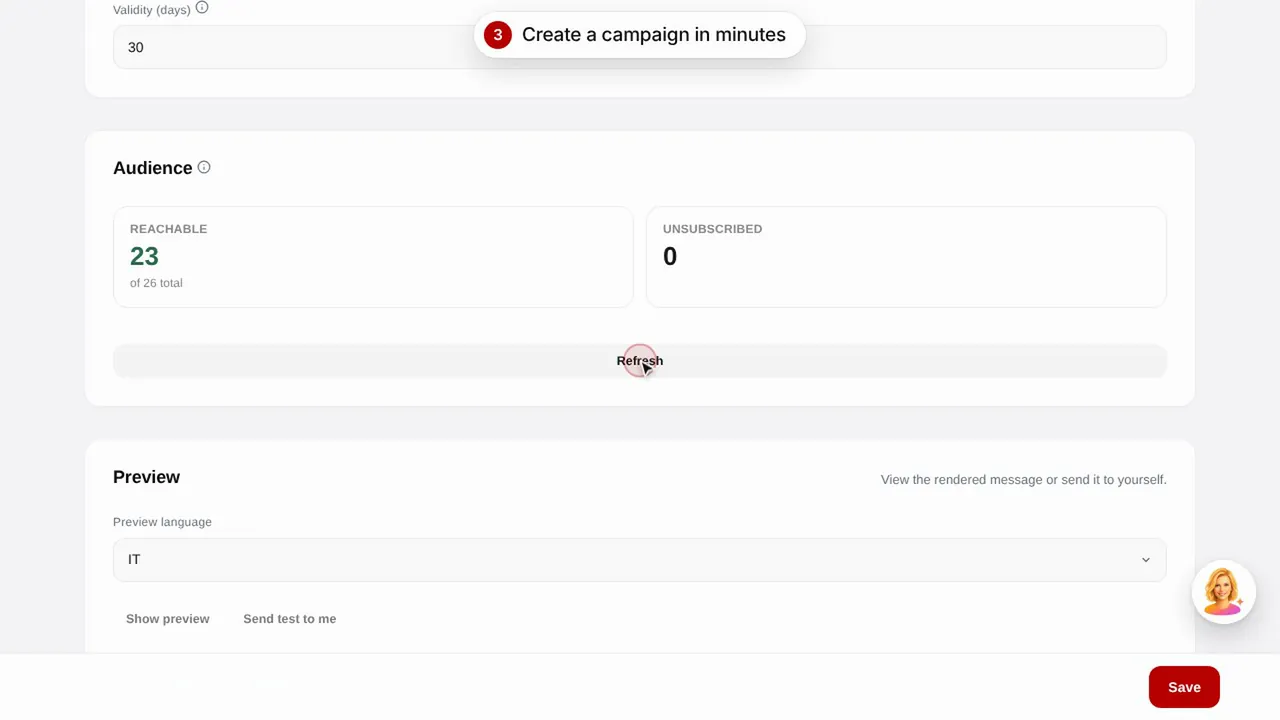 المدة 0:56
حملات البريد الإلكتروني
أرسل حملات بريد إلكتروني إلى عملائك باستخدام قوالب جاهزة: أعياد الميلاد، واستعادة العملاء المفقودين، والعروض الترويجية.شاهد الفيديو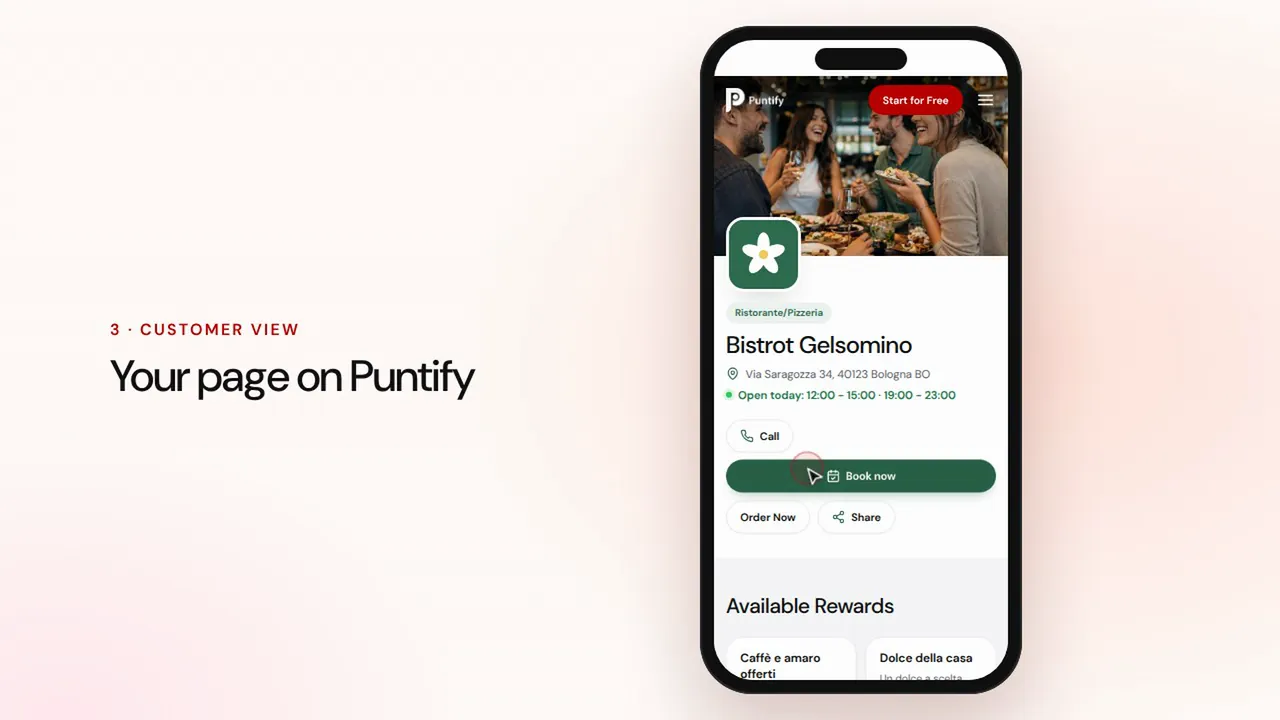 المدة 0:48
صفحة المتجر
اعتنِ بصفحة متجرك العامة على Puntify بالصور وساعات العمل والخدمات ولون علامتك التجارية.شاهد الفيديو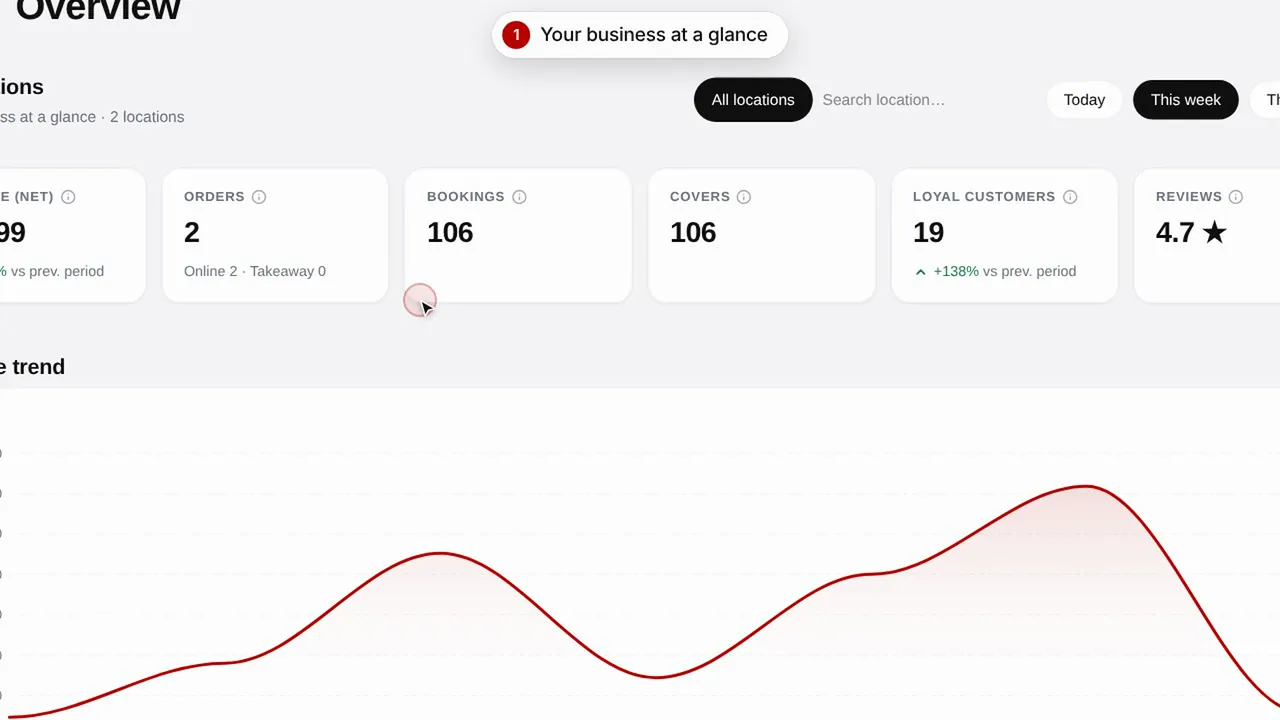 المدة 0:51
نظرة عامة وإحصاءات
تابع أداء متجرك وعملاءك وزيارات صفحتك.شاهد الفيديو