
Videotutorials
Klantenbinding: punten en beloningen
- Duur 1:01
- Audio in het Engels
- Ondertiteling beschikbaar
Maak een beloning aan, geef een klant punten door zijn QR-code te scannen en zie hoe de klant zijn punten en beloningen bekijkt.
Video in het Engels met ondertiteling
Transcriptie
Lees de volledige transcriptie
Introductie
0:00 Let's see how to run a digital loyalty programme with Puntify: no paper cards, customers collect points on their phone and come back for rewards.
Bepaal hoeveel punten een euro oplevert
0:09 Open Loyalty rewards and, in the Settings tab, choose how many points each euro earns. Here one euro is worth one point, credited instantly at the till.
Maak een beloning aan
0:20 Next, create your rewards: a title, a short description and the points needed. For example, a glass of Pignoletto for forty-five points.
Geef punten aan de kassa
0:30 At the till, open Scan and point the camera at the customer's QR code. Pick the service, enter the amount and confirm: the points are already on their account.
Volg je klanten
0:41 In Clients you see each person's points, visits and average spend, and spot who's a regular and who hasn't been back for a while. When a client reaches the threshold, they're notified and redeem the reward in store.
0:55 Try Puntify loyalty in your business. Get started at puntify.it.
 Duur 1:07
Online reserveringen
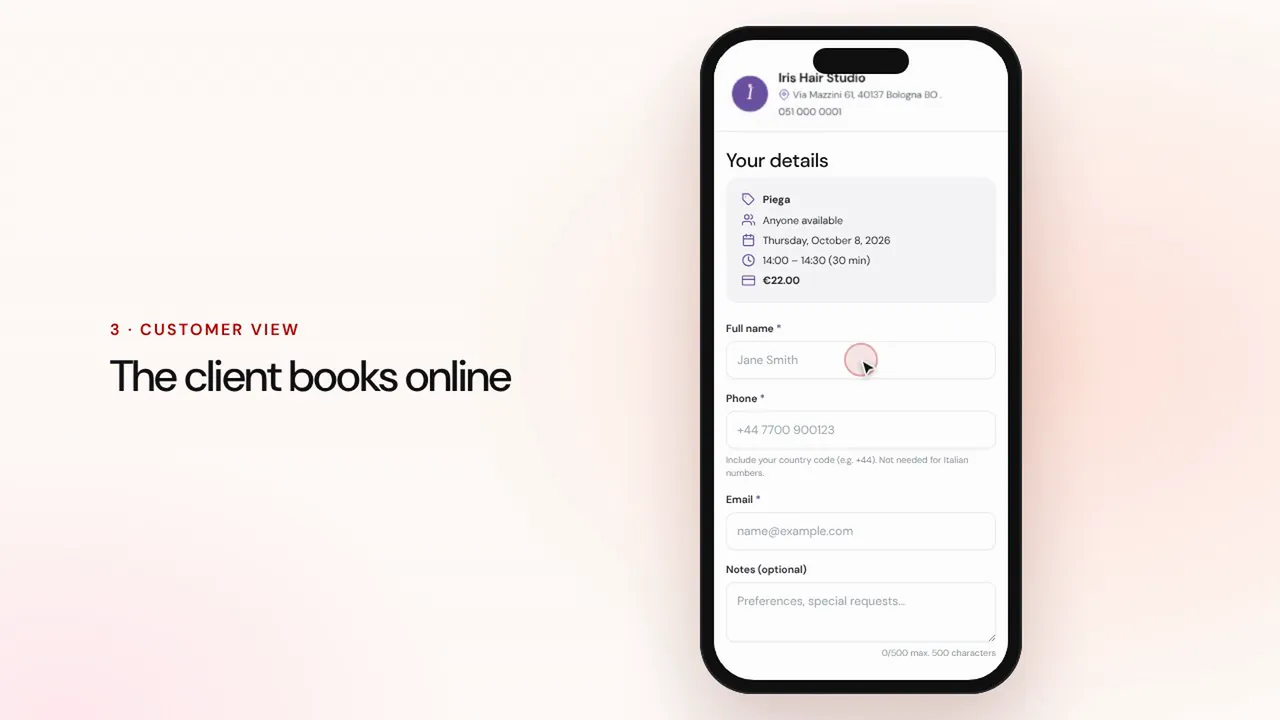
Stel diensten en medewerkers in: klanten reserveren via de pagina van je zaak en de afspraak komt met herinneringen in je agenda.Bekijk de video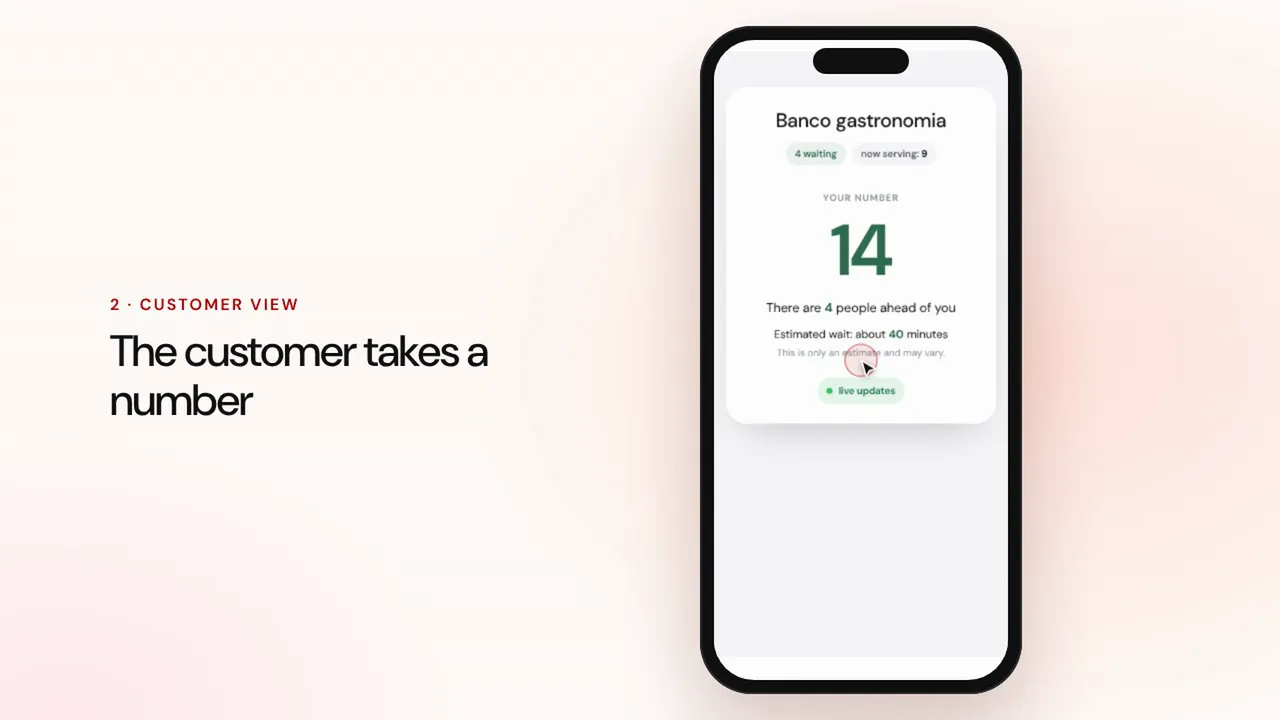 Duur 0:57
Wachtrijbeheer
Maak een wachtrij aan, laat klanten een nummer nemen met de QR-code, roep de volgende op en toon de beurten op het scherm in de wachtruimte.Bekijk de video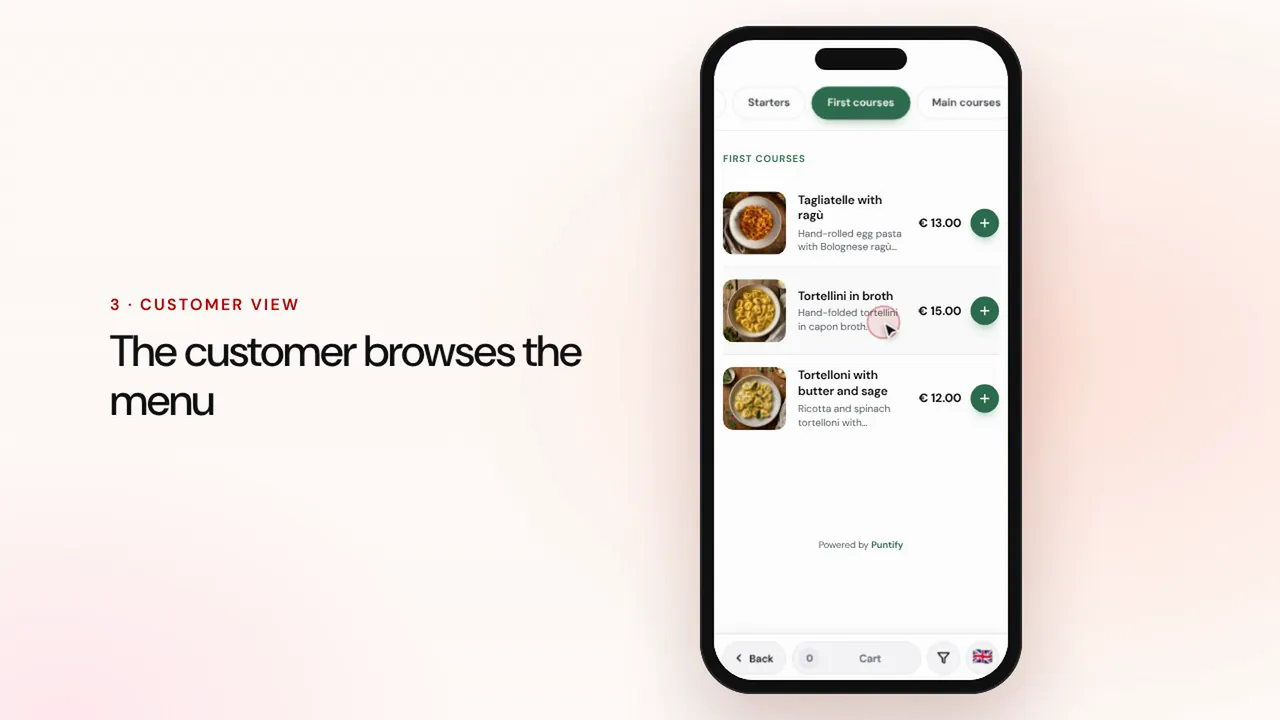 Duur 0:56
Digitale menukaart
Stel de menukaart samen met rubrieken, gerechten, foto's en allergenen en breng hem met een QR-code naar elke tafel.Bekijk de video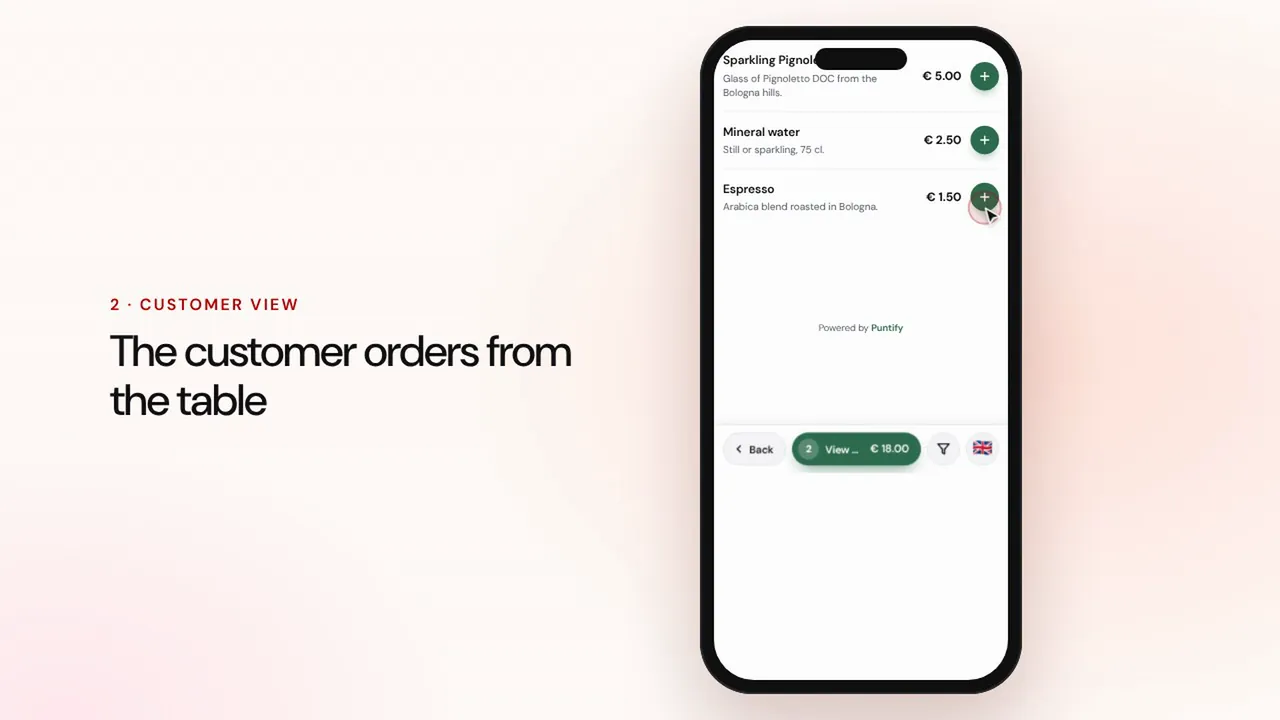 Duur 1:19
Bestellen aan tafel en afhalen
De klant bestelt via de menukaart aan tafel of om af te halen, de bestelling komt binnen bij de kassa en in de keuken, en jij rekent af en sluit de rekening.Bekijk de video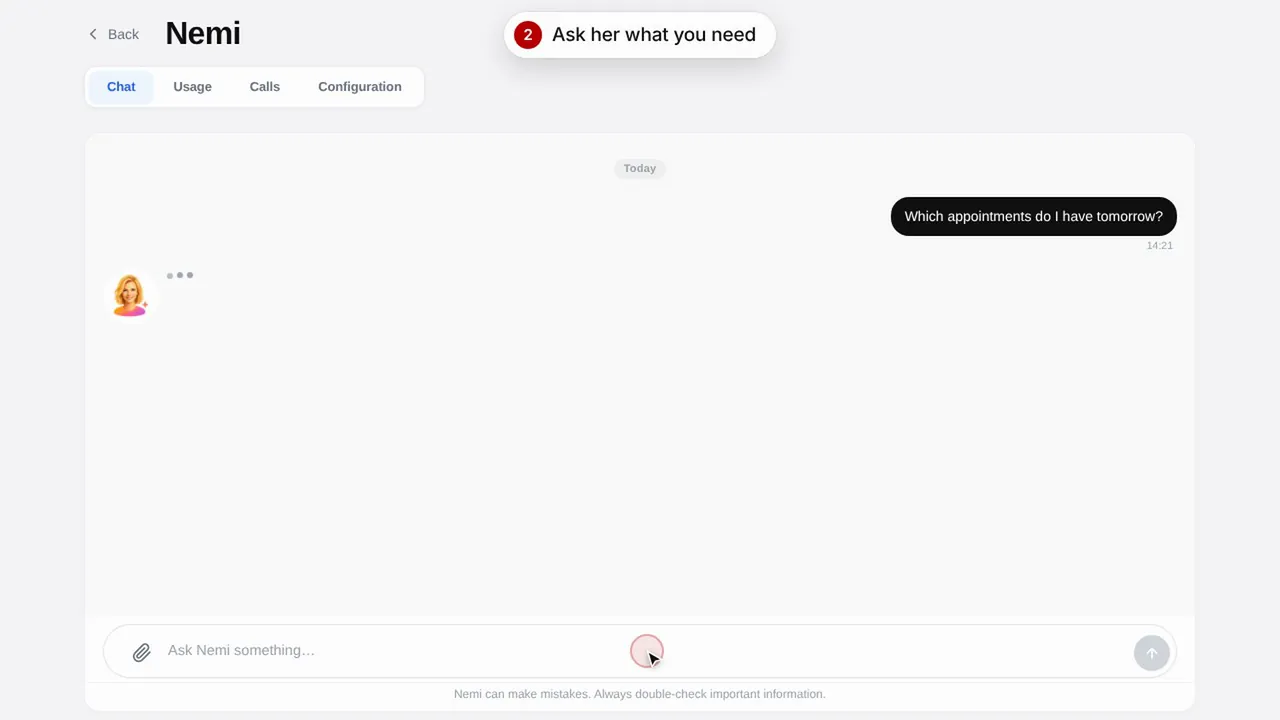 Duur 0:48
Nemi, de digitale assistente
Nemi beantwoordt vragen in de chat en aan de telefoon met de informatie van je zaak en neemt reserveringen voor je aan.Bekijk de video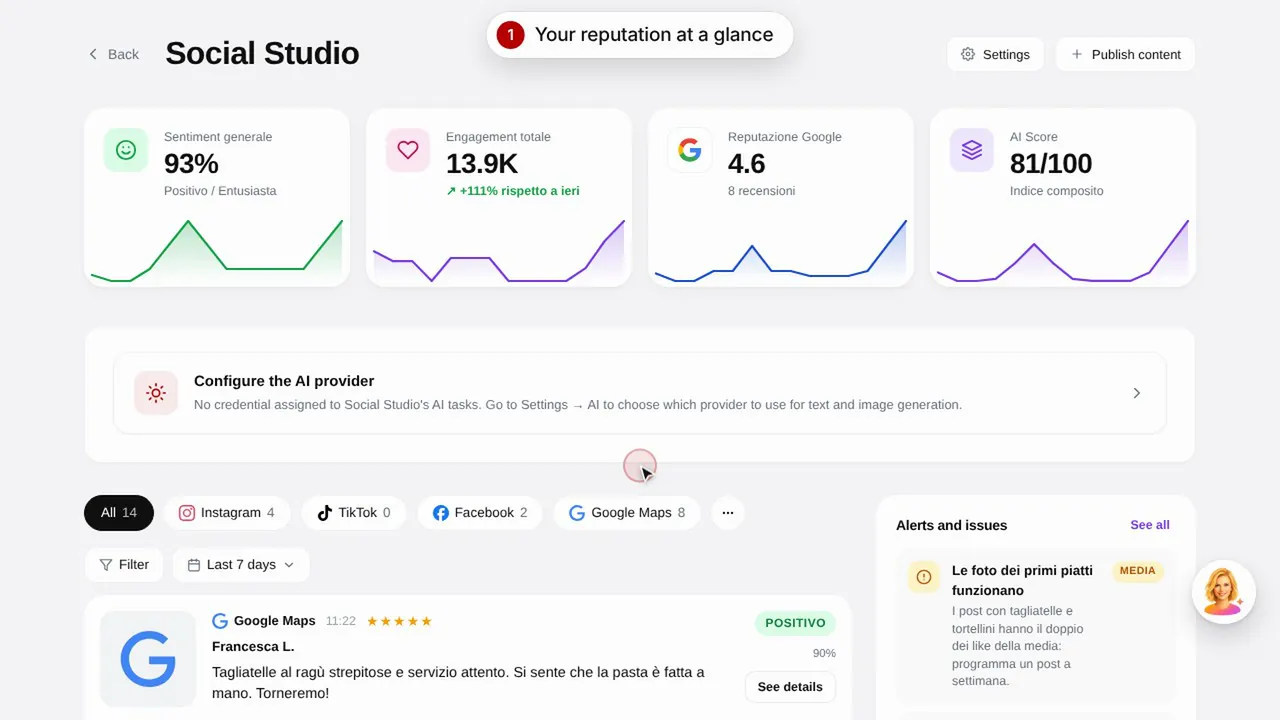 Duur 0:57
Social Studio en reviews
Maak berichten voor je socialemediakanalen en beheer klantreviews op één plek.Bekijk de video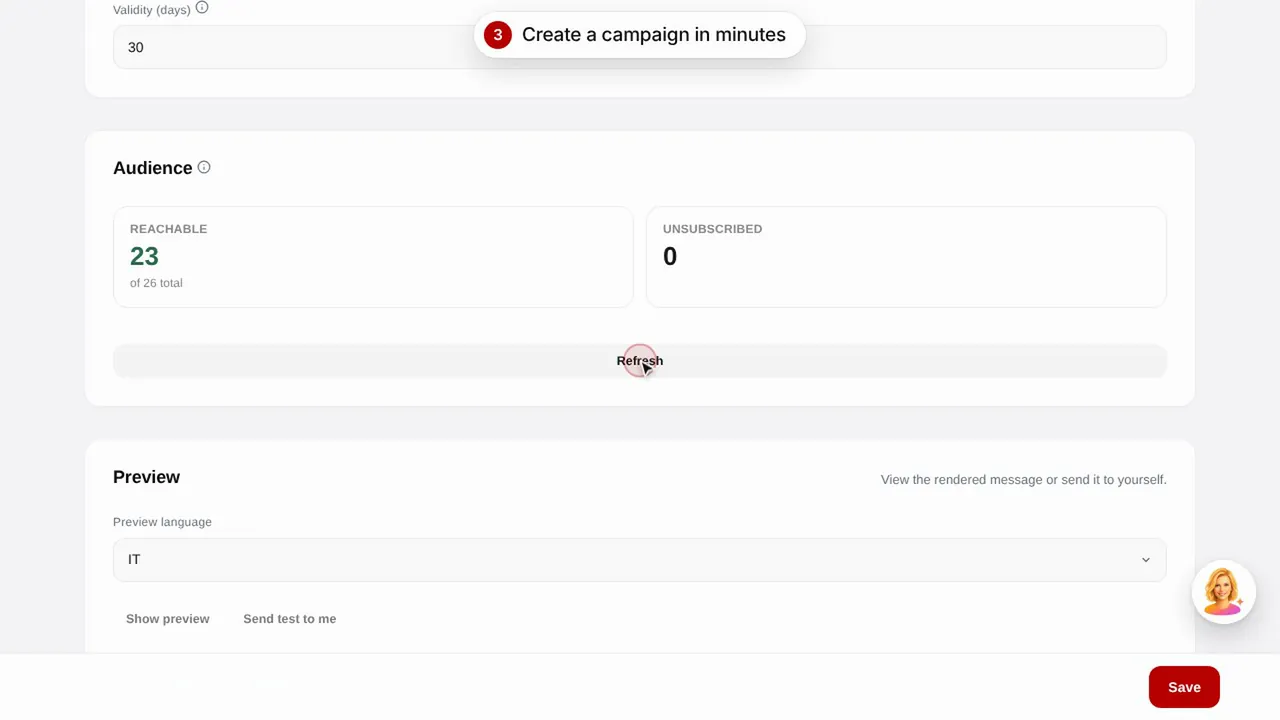 Duur 0:56
E-mailcampagnes
Verstuur e-mailcampagnes naar je klanten met kant-en-klare sjablonen: verjaardagen, klanten terugwinnen en promoties.Bekijk de video Duur 0:48
De pagina van je zaak
Verzorg de openbare pagina van je zaak op Puntify met foto's, openingstijden, diensten en de kleur van je merk.Bekijk de video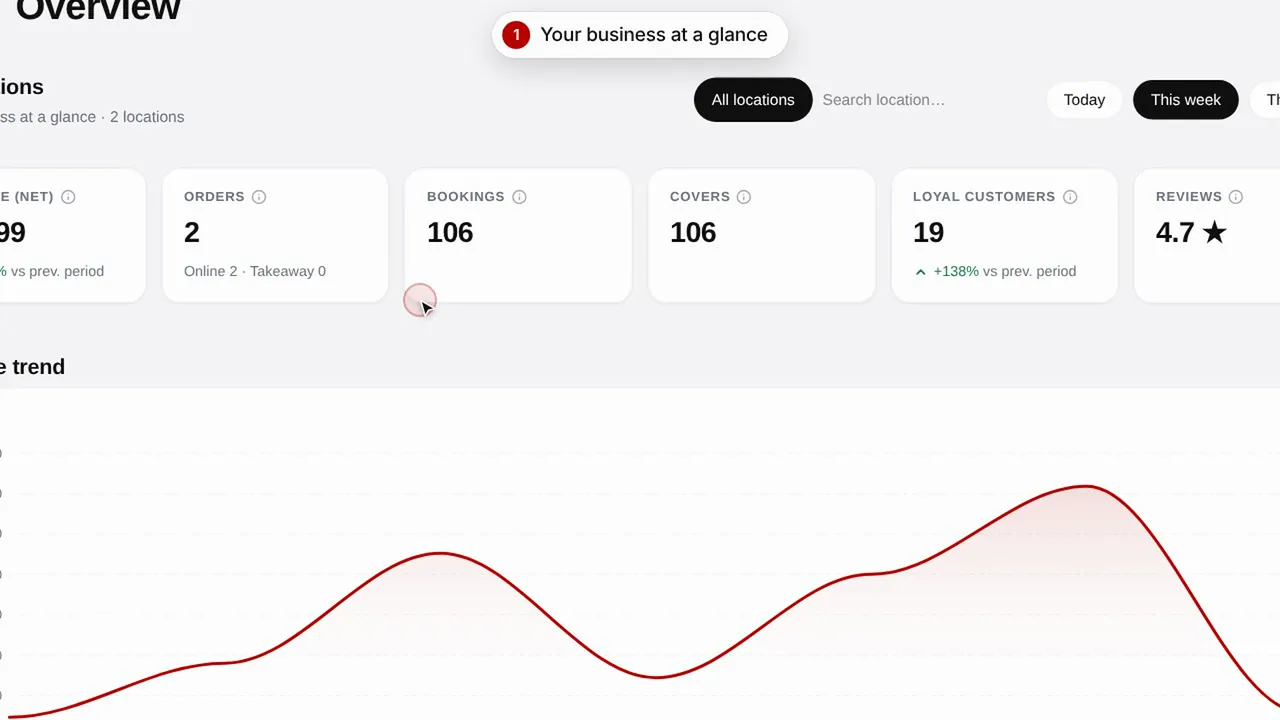 Duur 0:51
Overzicht en inzichten
Volg de resultaten van je zaak, je klanten en de bezoeken aan je pagina.Bekijk de video