
Videotutorials
Wachtrijbeheer
- Duur 0:57
- Audio in het Engels
- Ondertiteling beschikbaar
Maak een wachtrij aan, laat klanten een nummer nemen met de QR-code, roep de volgende op en toon de beurten op het scherm in de wachtruimte.
Video in het Engels met ondertiteling
Transcriptie
Lees de volledige transcriptie
Introductie
0:00 Let's see how to get rid of the line at your counter with Puntify's digital queue: customers take a number on their phone and follow their turn in real time.
Maak de wachtrij aan en print de QR-code
0:09 In Queue Manager create a queue, for example the deli counter, and choose whether people take a number in store, remotely or both. Then open it and print its QR code.
De klant neemt een nummer
0:23 The customer scans the QR code and taps to take a number: they instantly see their turn, how many people are ahead and the estimated wait, without installing any app.
Roep de volgende op
0:34 At the counter, open the operation panel and tap to call the next number. The queue moves on and the customer is notified on their phone.
Het scherm in de wachtruimte
0:44 On a TV in your shop you can show the board with the number being served and those waiting, always up to date. Queue Manager is included in Puntify. Get started at puntify.it.
 Duur 1:01
Klantenbinding: punten en beloningen
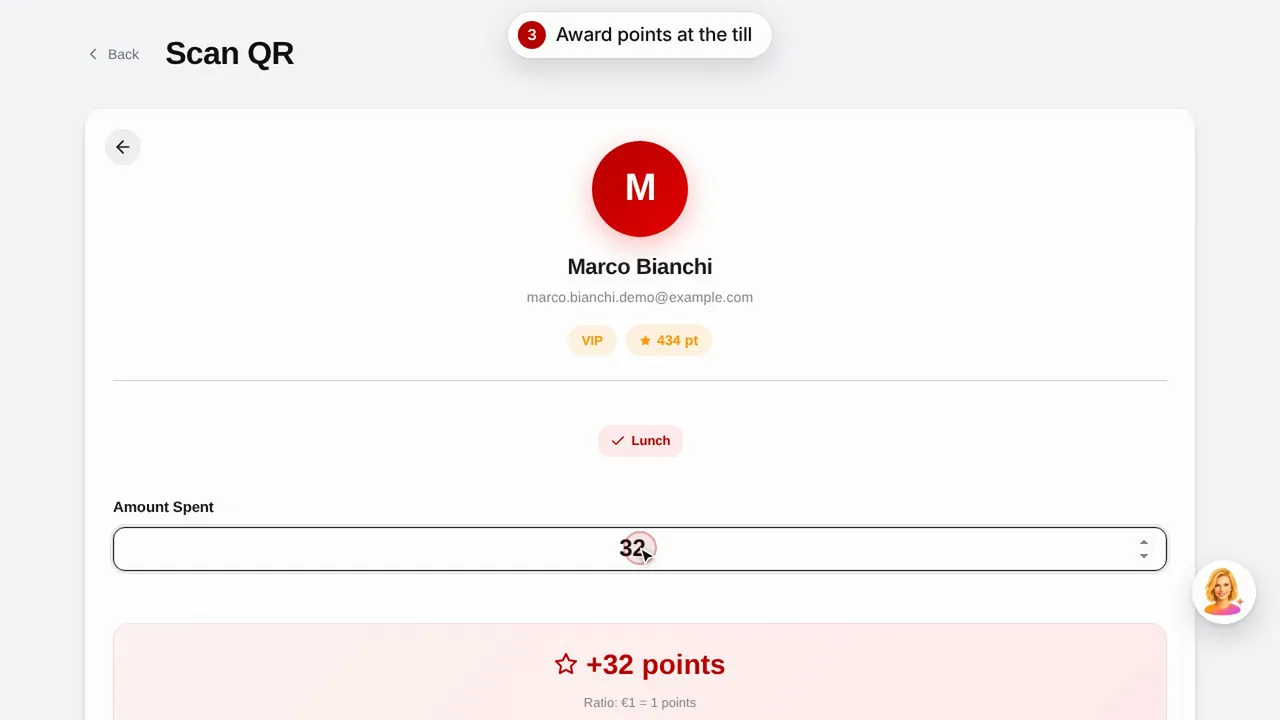
Maak een beloning aan, geef een klant punten door zijn QR-code te scannen en zie hoe de klant zijn punten en beloningen bekijkt.Bekijk de video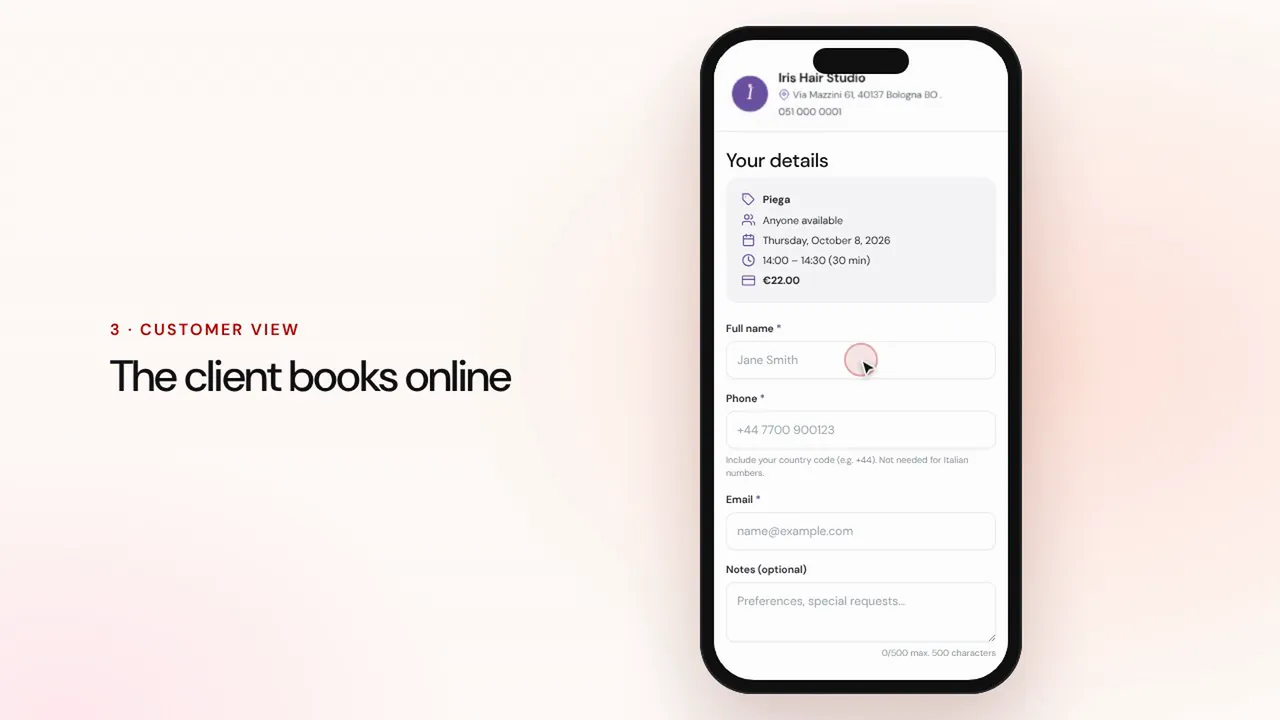 Duur 1:07
Online reserveringen
Stel diensten en medewerkers in: klanten reserveren via de pagina van je zaak en de afspraak komt met herinneringen in je agenda.Bekijk de video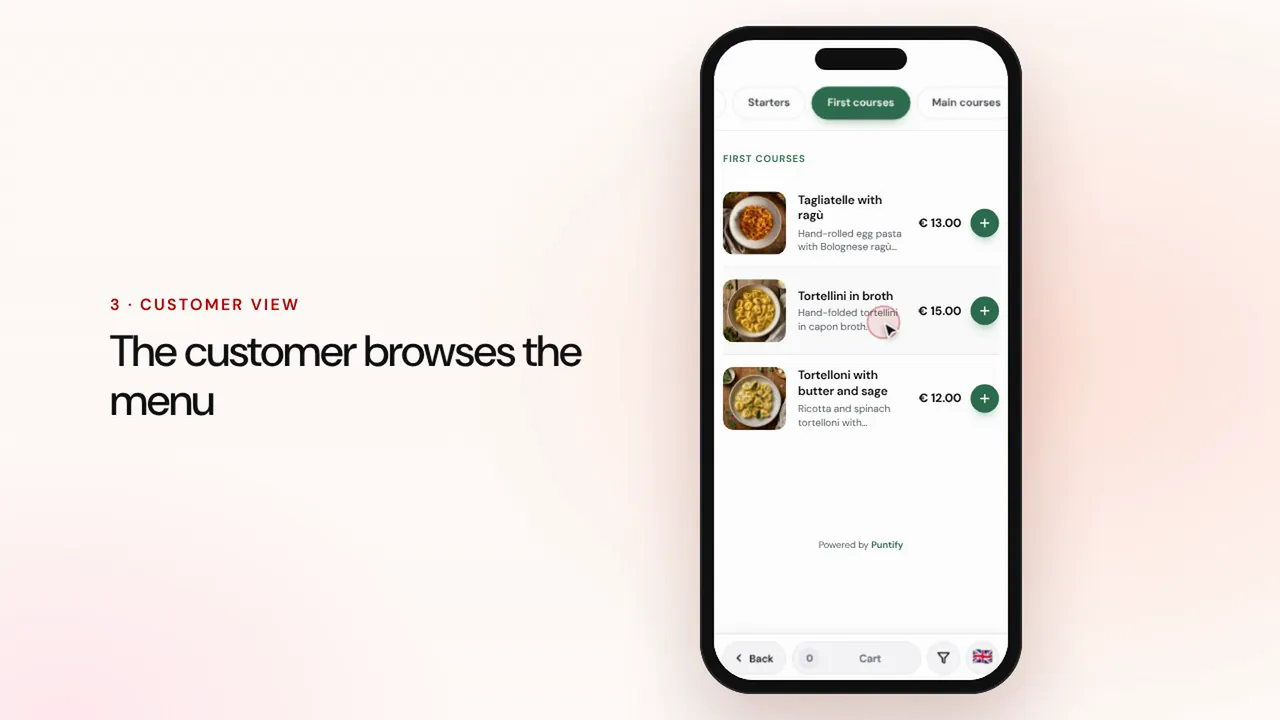 Duur 0:56
Digitale menukaart
Stel de menukaart samen met rubrieken, gerechten, foto's en allergenen en breng hem met een QR-code naar elke tafel.Bekijk de video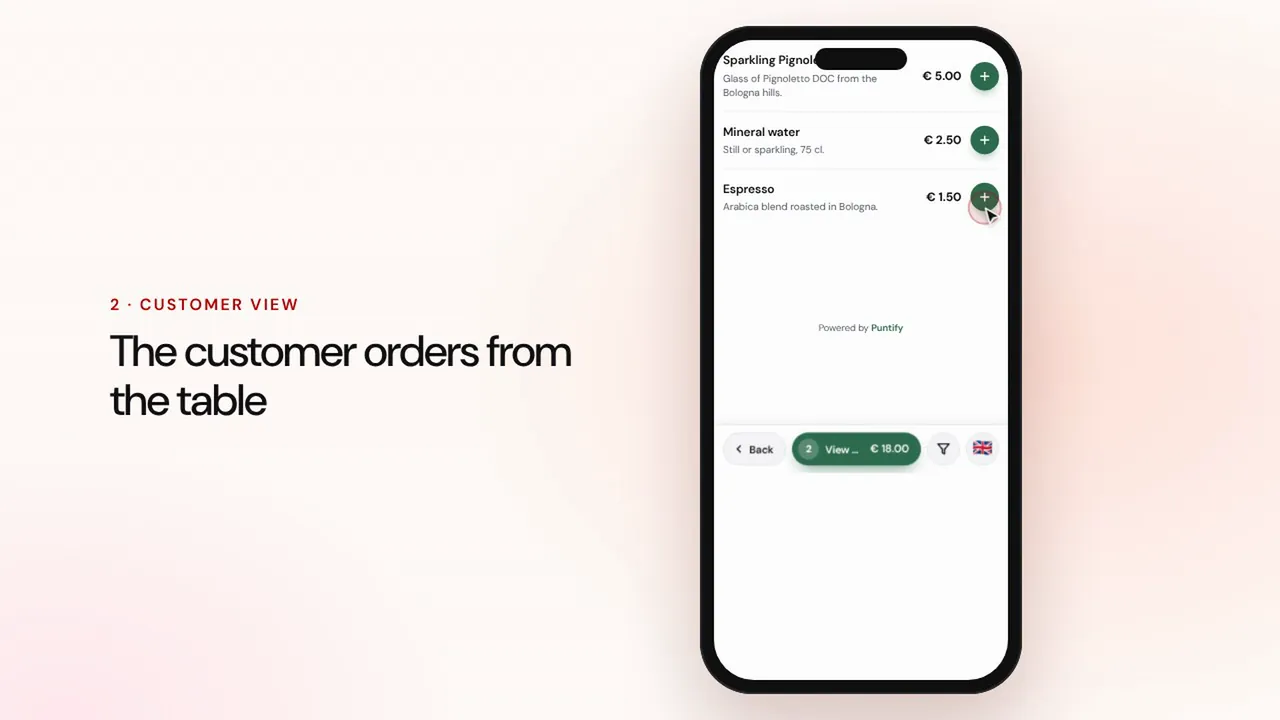 Duur 1:19
Bestellen aan tafel en afhalen
De klant bestelt via de menukaart aan tafel of om af te halen, de bestelling komt binnen bij de kassa en in de keuken, en jij rekent af en sluit de rekening.Bekijk de video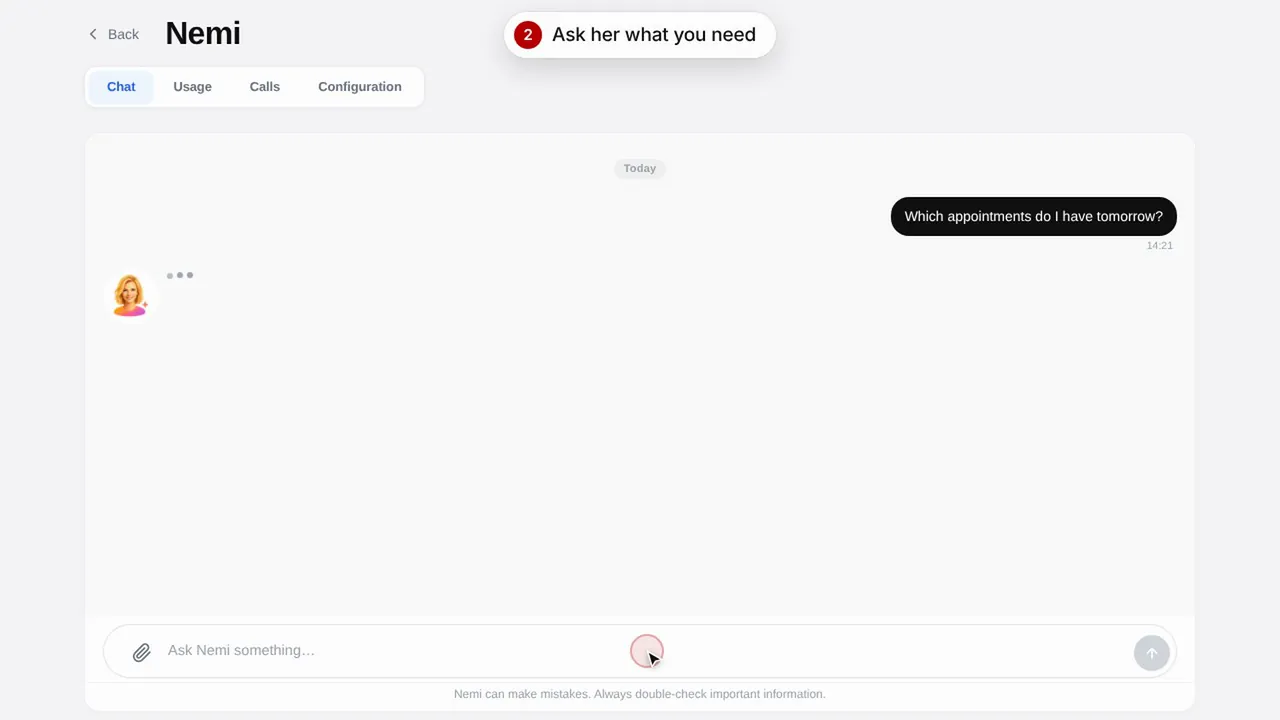 Duur 0:48
Nemi, de digitale assistente
Nemi beantwoordt vragen in de chat en aan de telefoon met de informatie van je zaak en neemt reserveringen voor je aan.Bekijk de video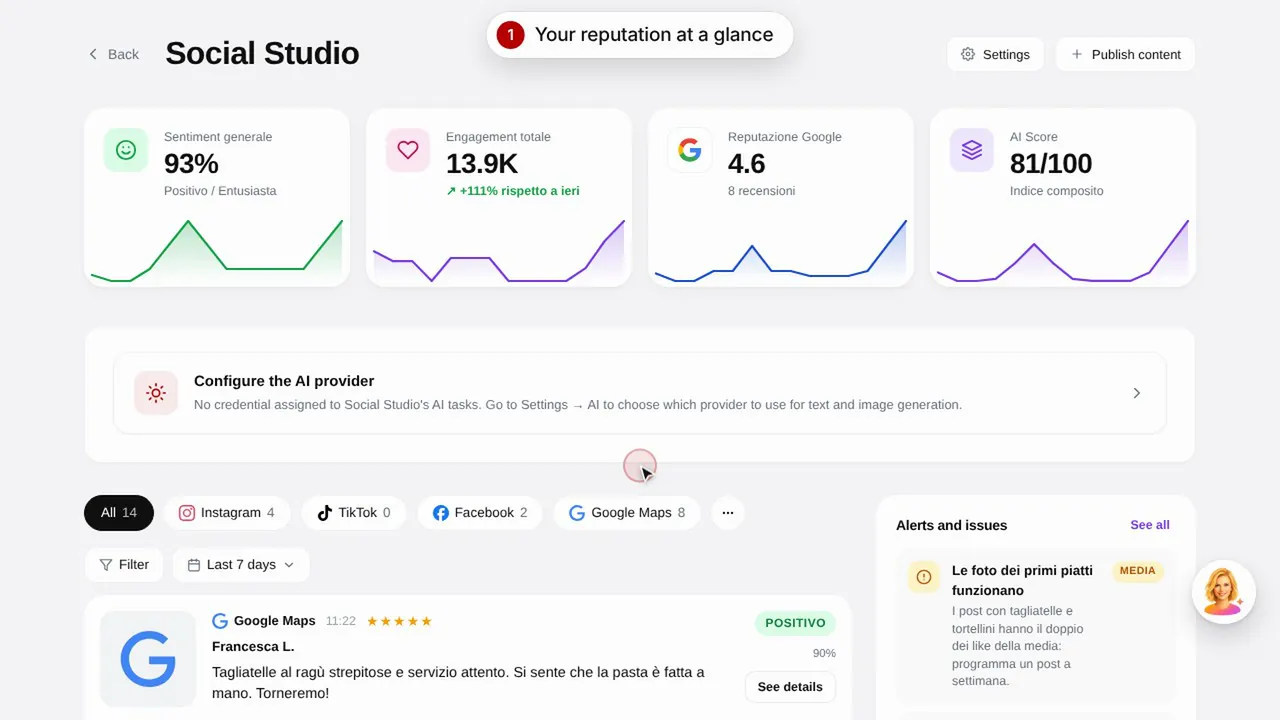 Duur 0:57
Social Studio en reviews
Maak berichten voor je socialemediakanalen en beheer klantreviews op één plek.Bekijk de video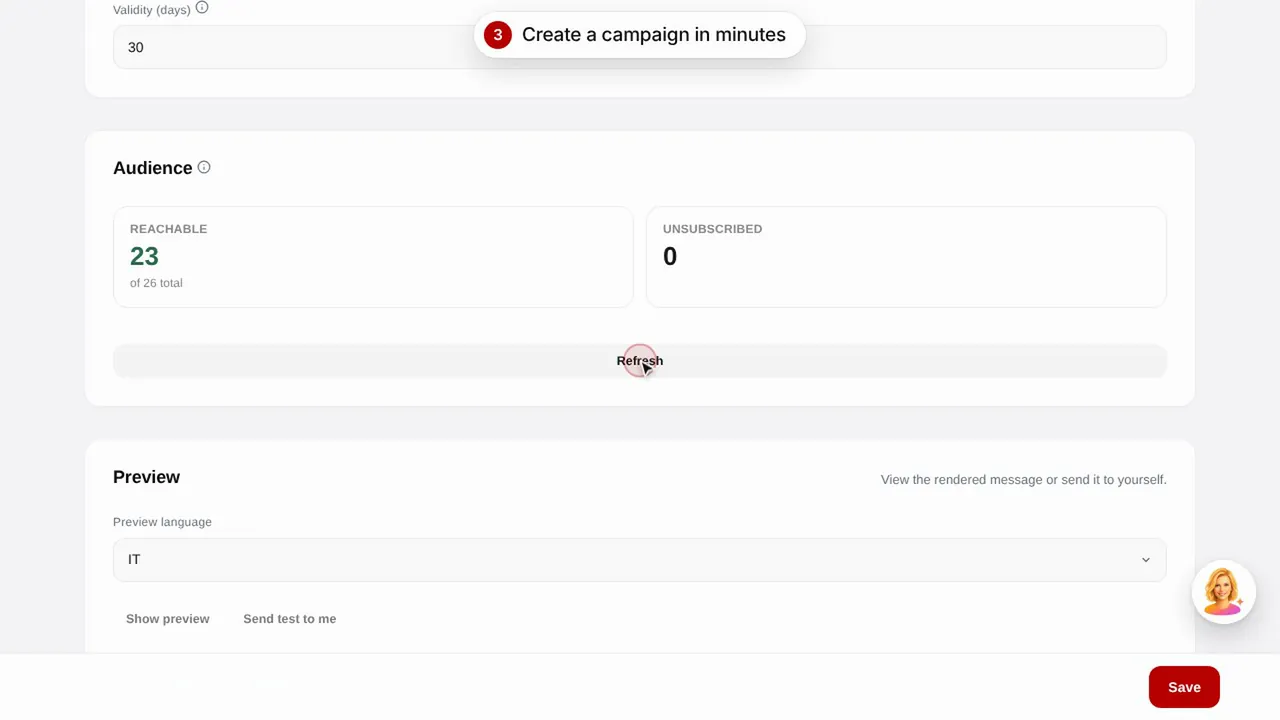 Duur 0:56
E-mailcampagnes
Verstuur e-mailcampagnes naar je klanten met kant-en-klare sjablonen: verjaardagen, klanten terugwinnen en promoties.Bekijk de video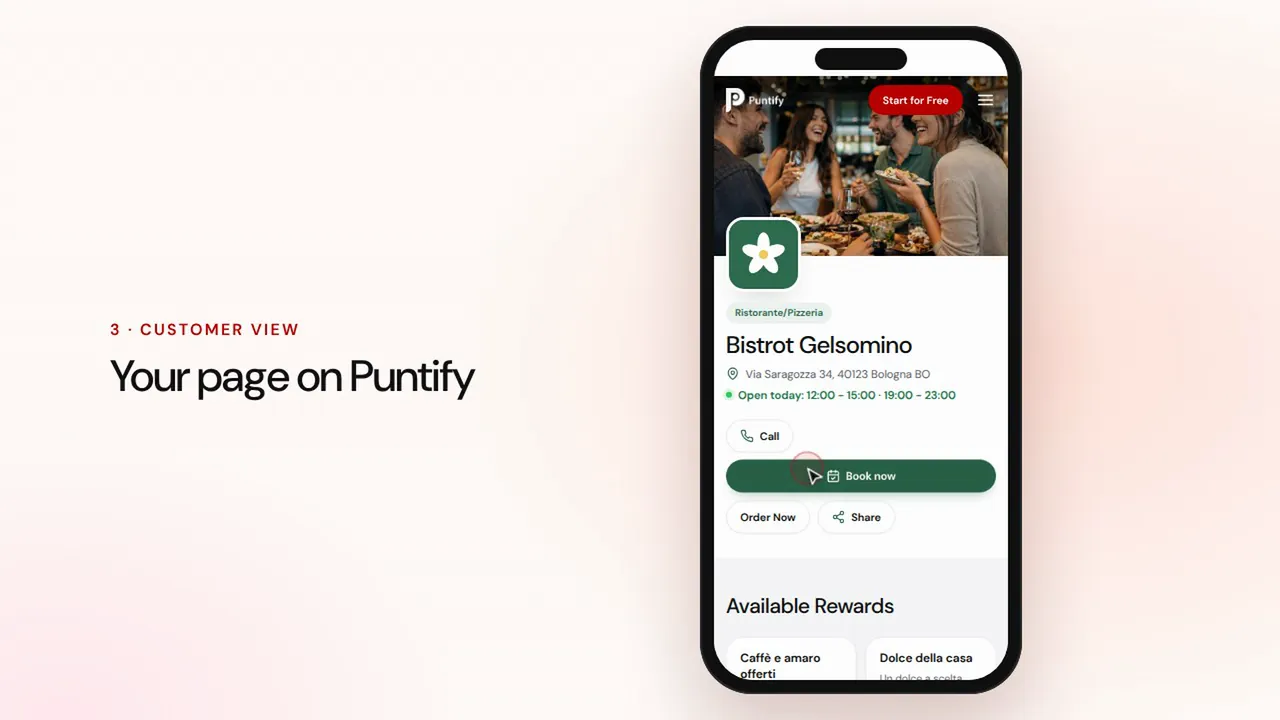 Duur 0:48
De pagina van je zaak
Verzorg de openbare pagina van je zaak op Puntify met foto's, openingstijden, diensten en de kleur van je merk.Bekijk de video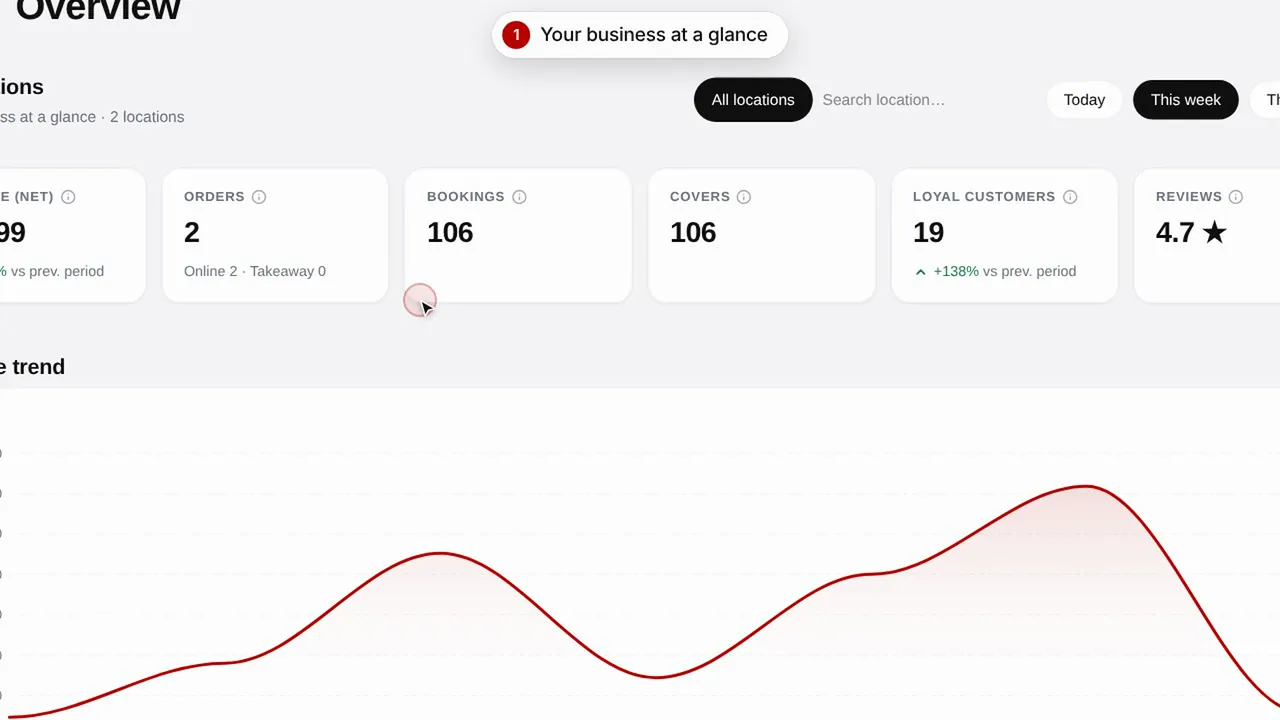 Duur 0:51
Overzicht en inzichten
Volg de resultaten van je zaak, je klanten en de bezoeken aan je pagina.Bekijk de video