
Video-Tutorials
Online-Buchungen
- Dauer 1:07
- Audio auf Englisch
- Untertitel verfügbar
Legen Sie Leistungen und Mitarbeitende an: Kunden buchen über die Seite Ihres Geschäfts, und der Termin landet mit Erinnerungen in Ihrem Kalender.
Video auf Englisch mit Untertiteln
Transkript
Vollständiges Transkript lesen
Einführung
0:00 In this tutorial we set up online bookings for a hair salon: clients choose the service, the stylist and the time, and the appointment goes straight into your agenda.
Leistungen, Dauer und Preise
0:11 Open Services and create what clients can book. For each service you set the duration and the price: the duration decides how much room it takes in the agenda.
Mitarbeitende und Arbeitszeiten
0:21 In Staff you link each person to the services they offer and, in the Availability tab, set their working hours.
Kunden buchen online
0:31 From your shop page the client picks the service, the day and a free slot, leaves a name and phone number and confirms. No phone calls, no double bookings.
Alles im Kalender
0:51 The appointment shows up straight away in the Agenda, by day or by week. The client gets a confirmation and a reminder before the appointment. Turn on online bookings with Puntify. Get started at puntify.it.
 Dauer 1:01
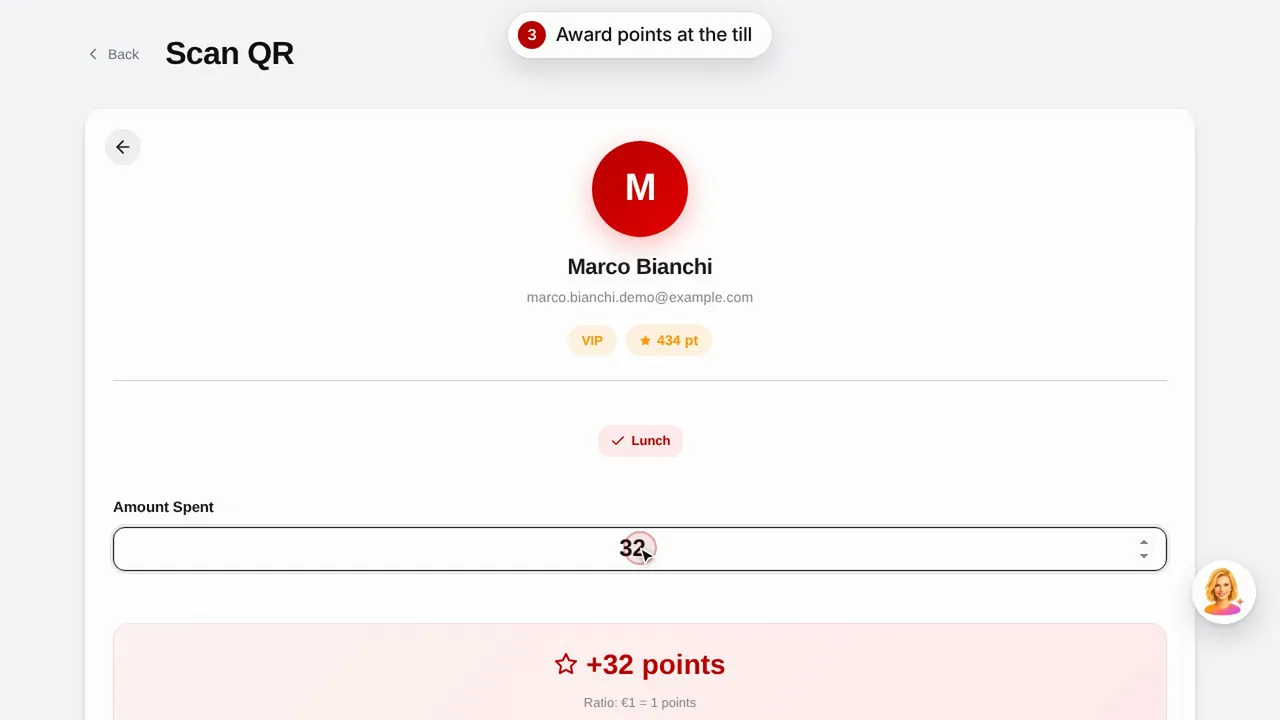
Kundenbindung: Punkte und Prämien
Erstellen Sie eine Prämie, vergeben Sie Punkte per Scan des QR-Codes und sehen Sie, wie Ihre Kunden ihre Punkte und Prämien abrufen.Video ansehen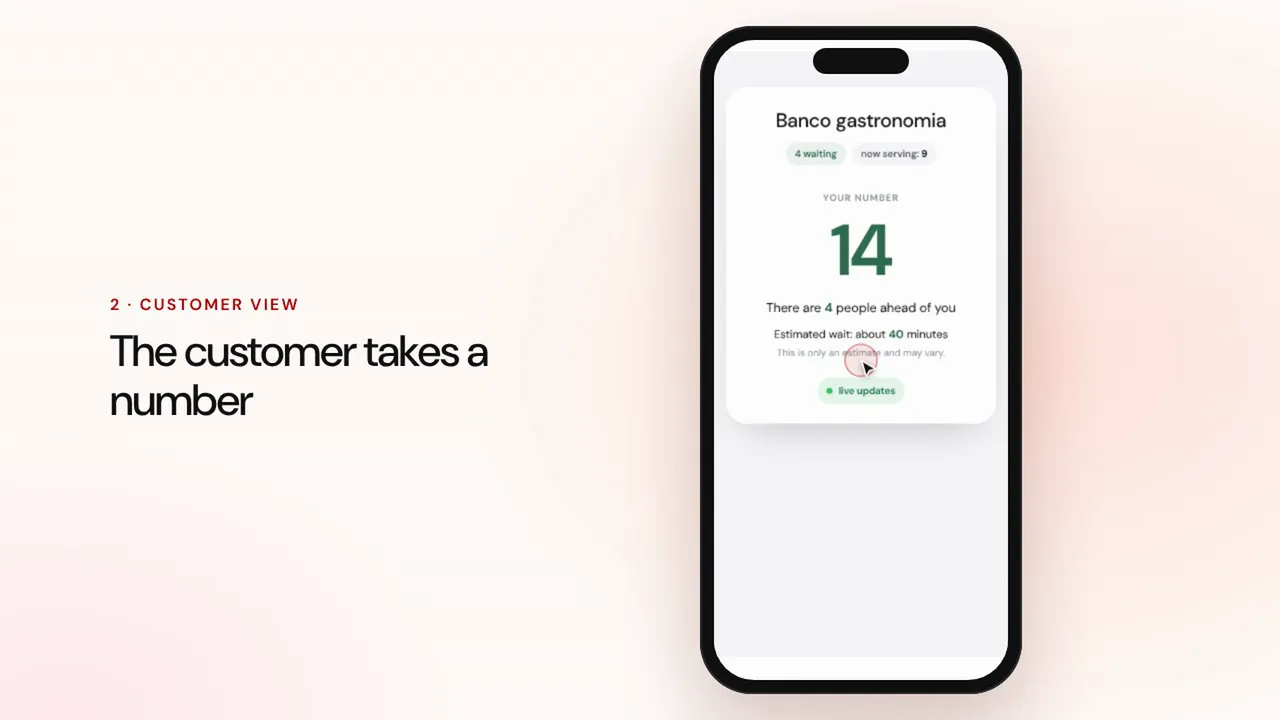 Dauer 0:57
Warteschlangenmanagement
Erstellen Sie eine Warteschlange, lassen Sie Kunden per QR-Code eine Nummer ziehen, rufen Sie die nächste Person auf und zeigen Sie die Reihenfolge auf dem Bildschirm im Wartebereich.Video ansehen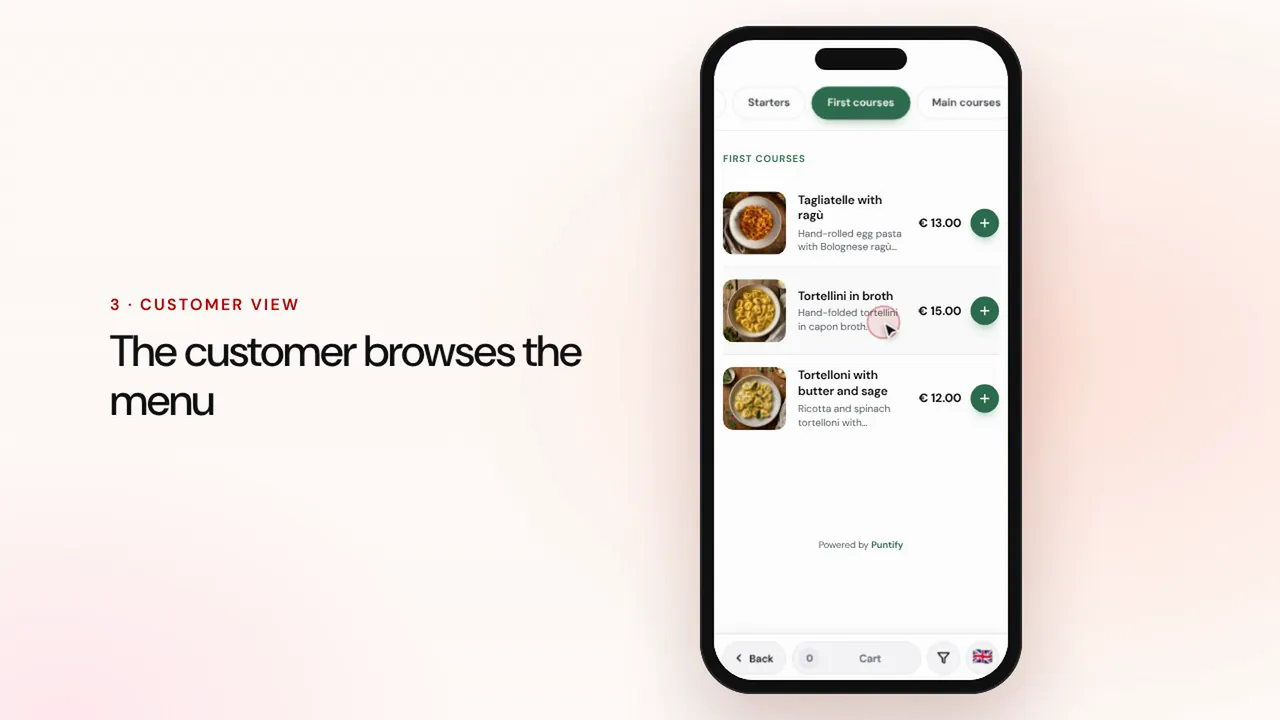 Dauer 0:56
Digitale Speisekarte
Gestalten Sie die Speisekarte mit Rubriken, Gerichten, Fotos und Allergenen und bringen Sie sie per QR-Code an jeden Tisch.Video ansehen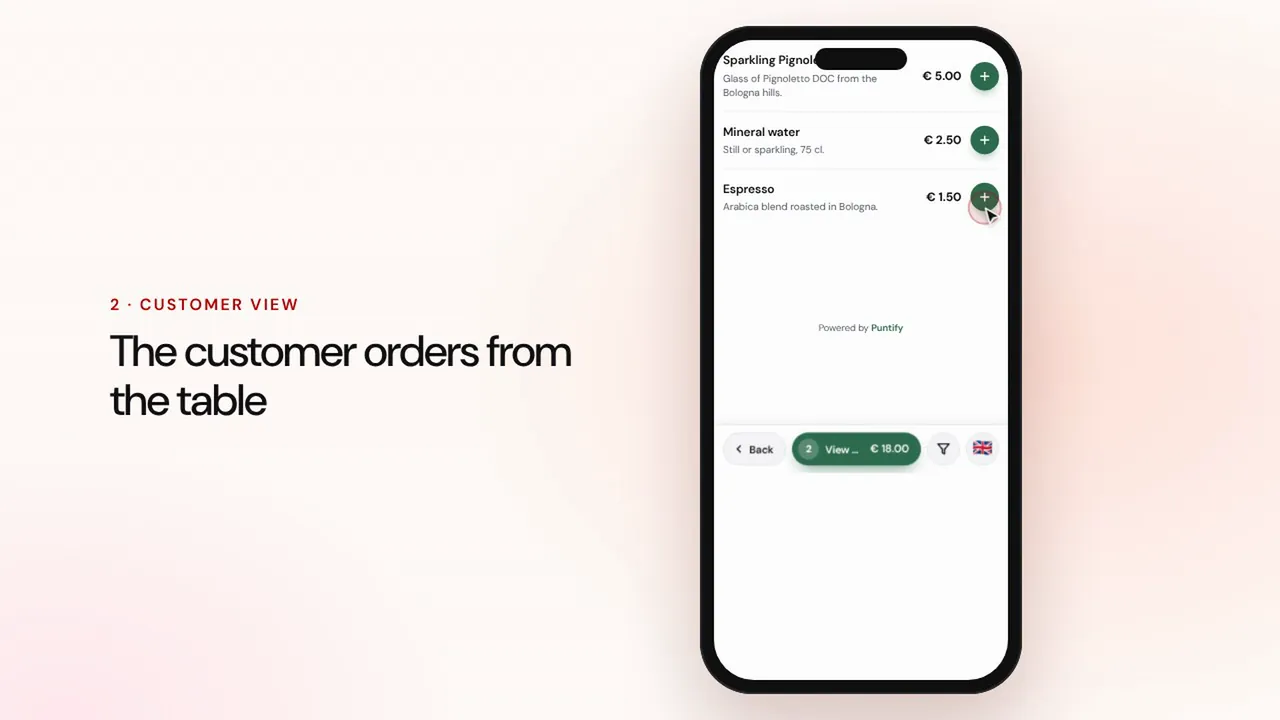 Dauer 1:19
Bestellungen am Tisch und zum Mitnehmen
Gäste bestellen über die Speisekarte am Tisch oder zum Mitnehmen, die Bestellung erscheint an der Kasse und in der Küche, dann kassieren Sie und schließen die Rechnung.Video ansehen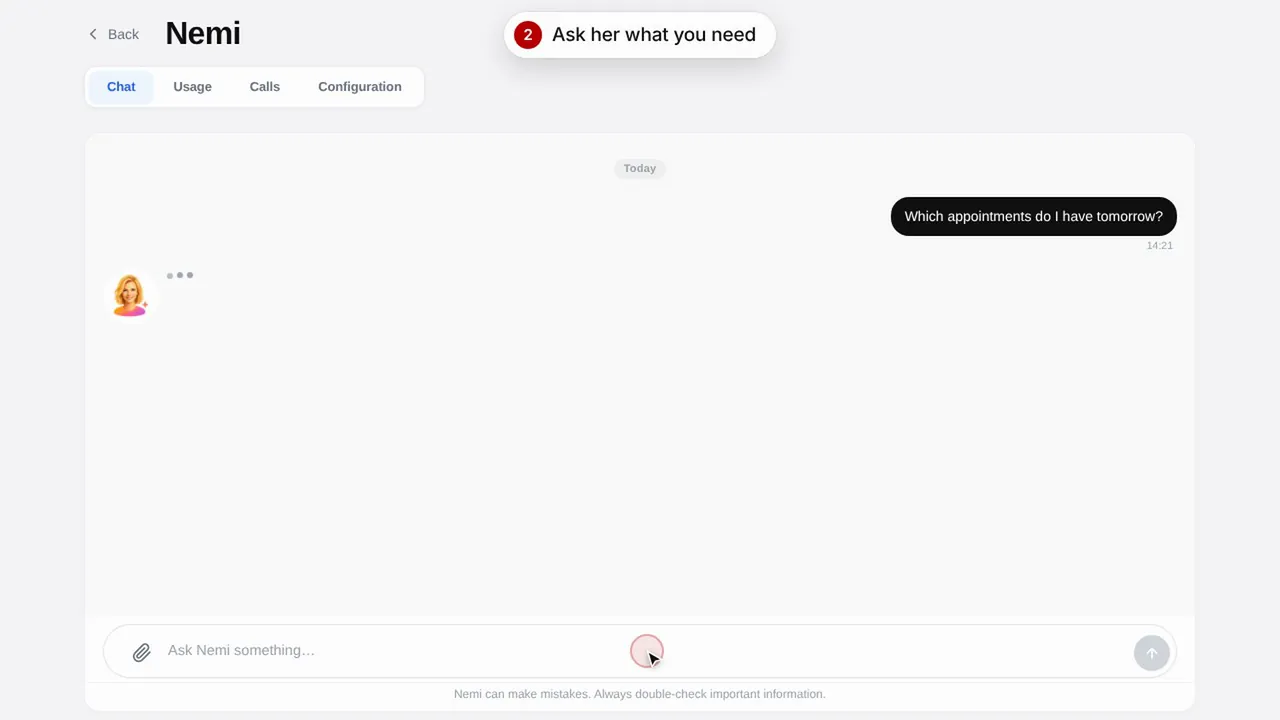 Dauer 0:48
Nemi, die digitale Assistentin
Nemi antwortet im Chat und am Telefon mit den Informationen Ihres Geschäfts und nimmt Buchungen für Sie entgegen.Video ansehen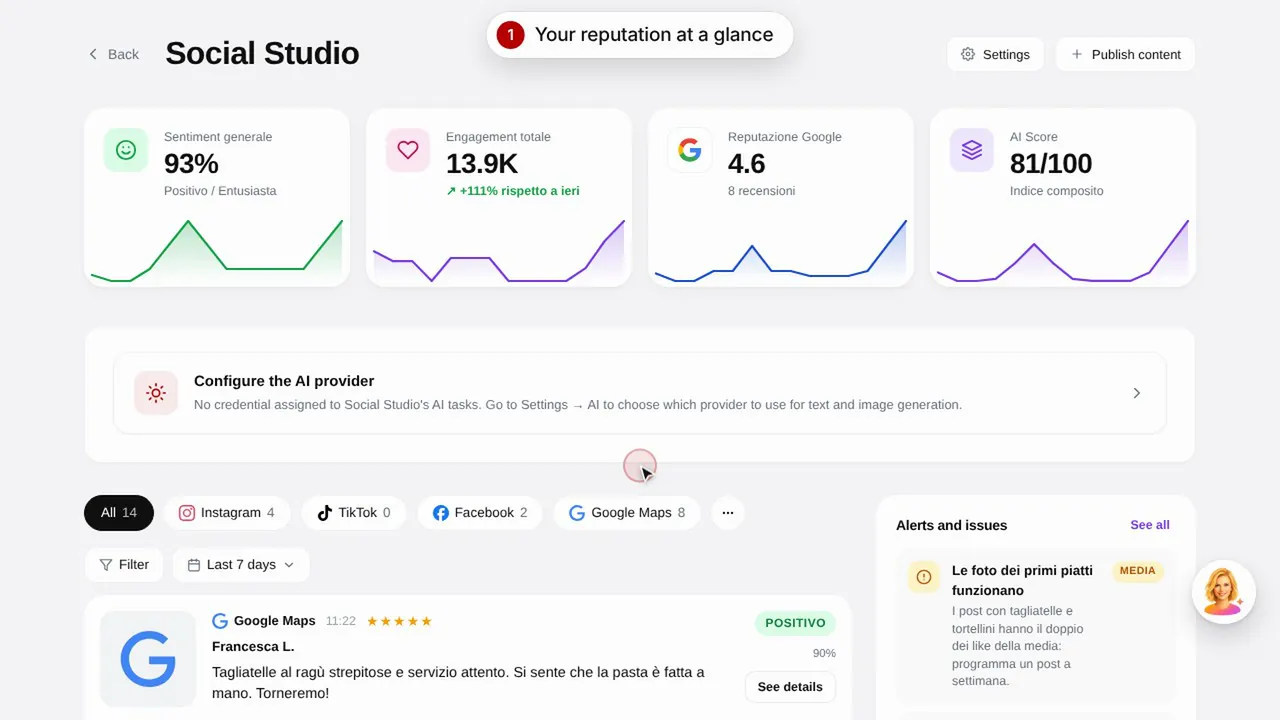 Dauer 0:57
Social Studio und Bewertungen
Erstellen Sie Beiträge für Ihre Social-Media-Kanäle und verwalten Sie Kundenbewertungen an einem Ort.Video ansehen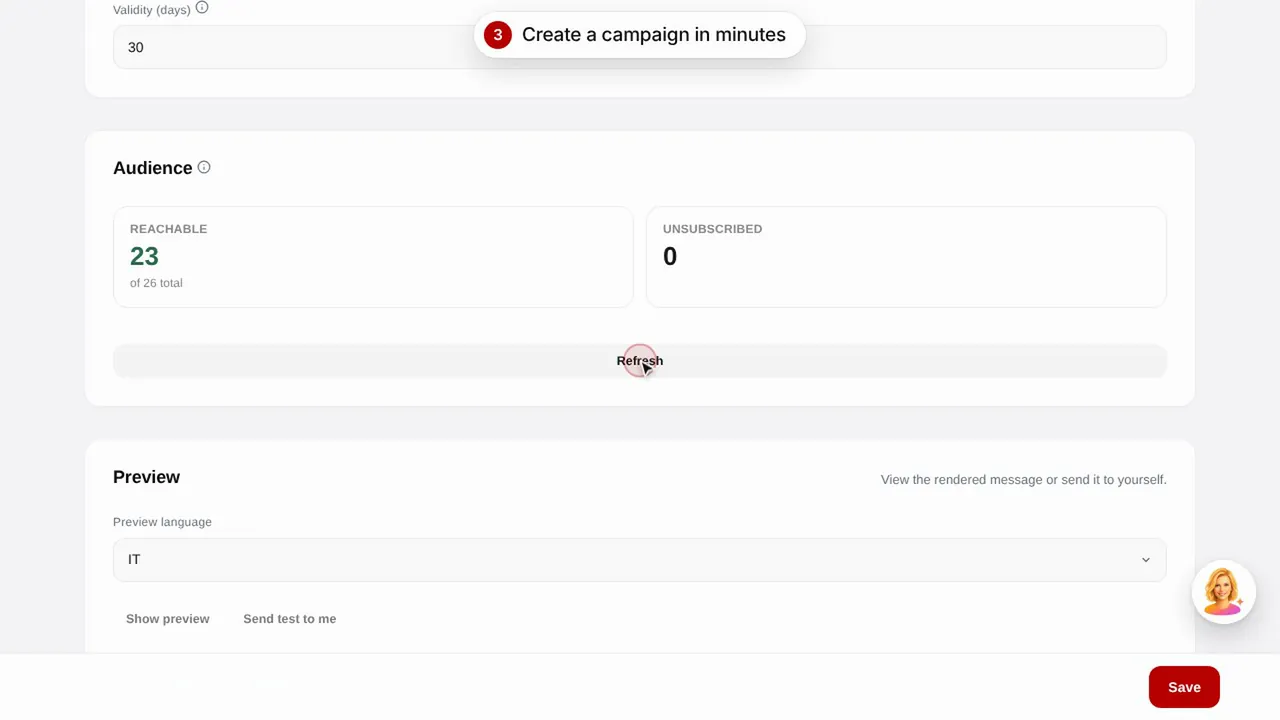 Dauer 0:56
E-Mail-Kampagnen
Versenden Sie E-Mail-Kampagnen an Ihre Kunden mit fertigen Vorlagen: Geburtstag, Rückgewinnung inaktiver Kunden und Aktionen.Video ansehen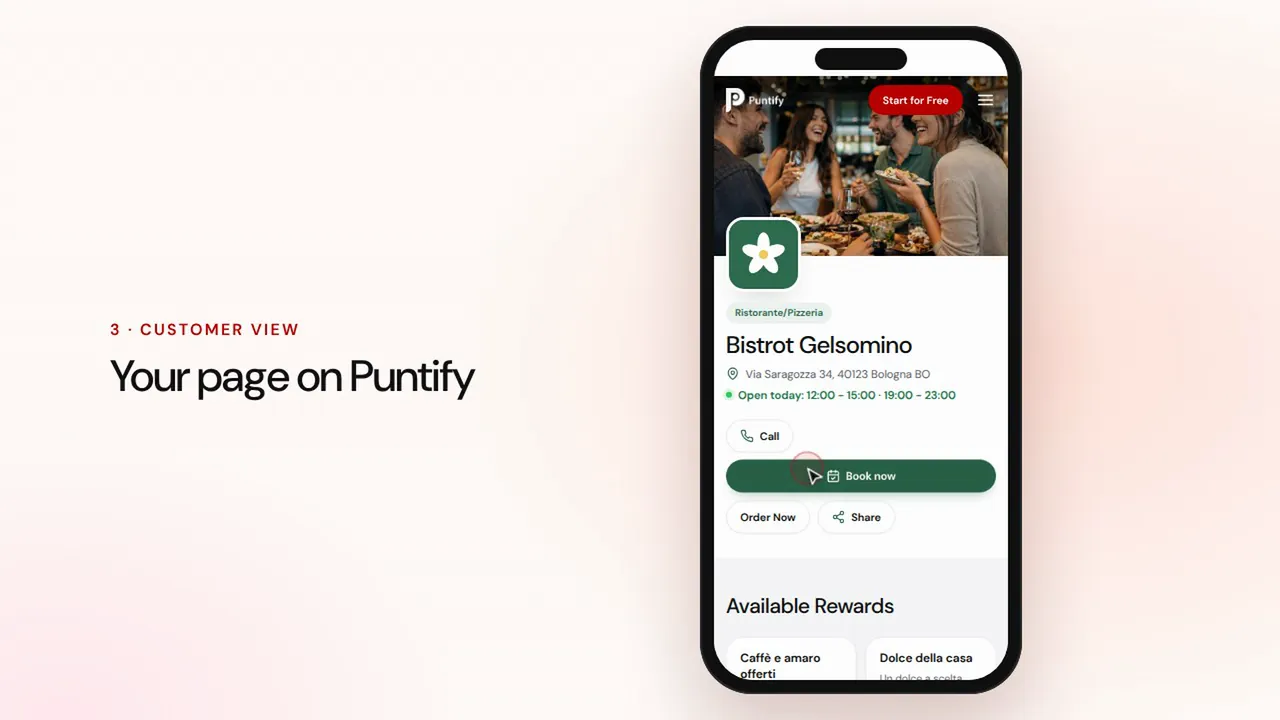 Dauer 0:48
Die Seite Ihres Geschäfts
Gestalten Sie die öffentliche Seite Ihres Geschäfts auf Puntify mit Fotos, Öffnungszeiten, Leistungen und Ihrer Markenfarbe.Video ansehen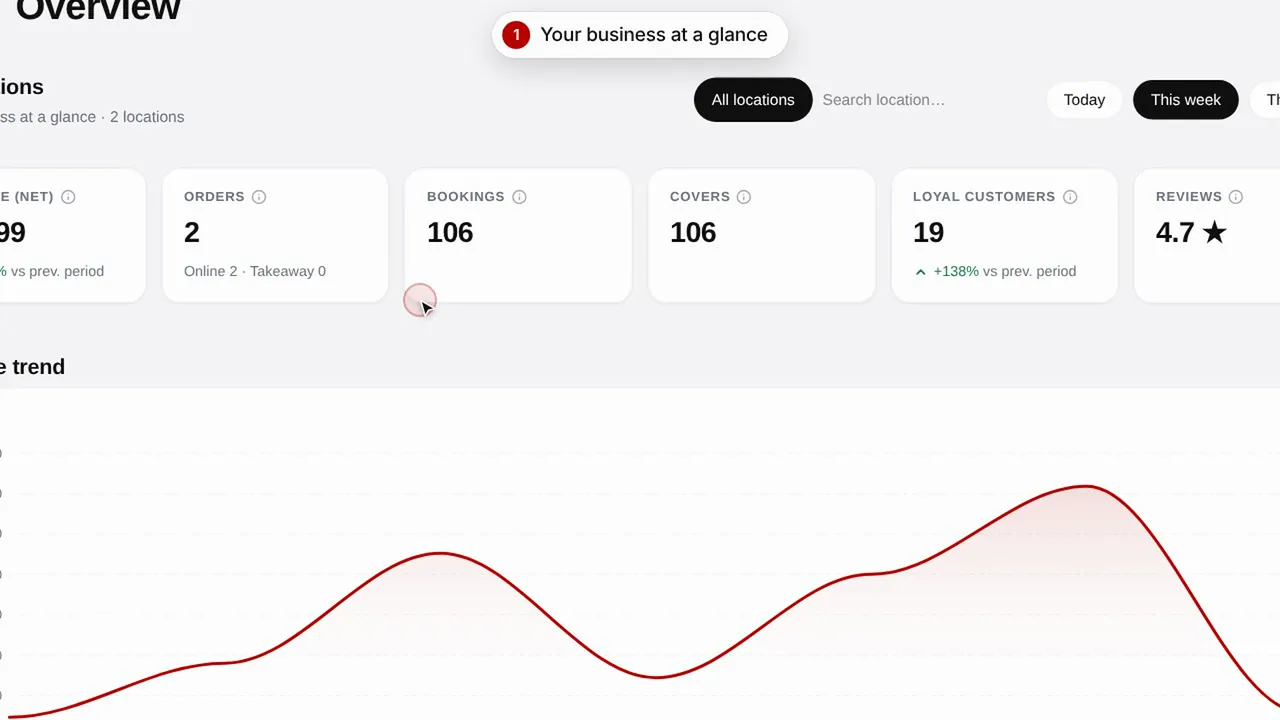 Dauer 0:51
Übersicht und Insights
Behalten Sie die Entwicklung Ihres Geschäfts, Ihre Kunden und die Besuche Ihrer Seite im Blick.Video ansehen