
Video-Tutorials
Warteschlangenmanagement
- Dauer 0:57
- Audio auf Englisch
- Untertitel verfügbar
Erstellen Sie eine Warteschlange, lassen Sie Kunden per QR-Code eine Nummer ziehen, rufen Sie die nächste Person auf und zeigen Sie die Reihenfolge auf dem Bildschirm im Wartebereich.
Video auf Englisch mit Untertiteln
Transkript
Vollständiges Transkript lesen
Einführung
0:00 Let's see how to get rid of the line at your counter with Puntify's digital queue: customers take a number on their phone and follow their turn in real time.
Warteschlange erstellen und QR-Code drucken
0:09 In Queue Manager create a queue, for example the deli counter, and choose whether people take a number in store, remotely or both. Then open it and print its QR code.
Kunden ziehen eine Nummer
0:23 The customer scans the QR code and taps to take a number: they instantly see their turn, how many people are ahead and the estimated wait, without installing any app.
Die nächste Person aufrufen
0:34 At the counter, open the operation panel and tap to call the next number. The queue moves on and the customer is notified on their phone.
Der Bildschirm im Wartebereich
0:44 On a TV in your shop you can show the board with the number being served and those waiting, always up to date. Queue Manager is included in Puntify. Get started at puntify.it.
 Dauer 1:01
Kundenbindung: Punkte und Prämien
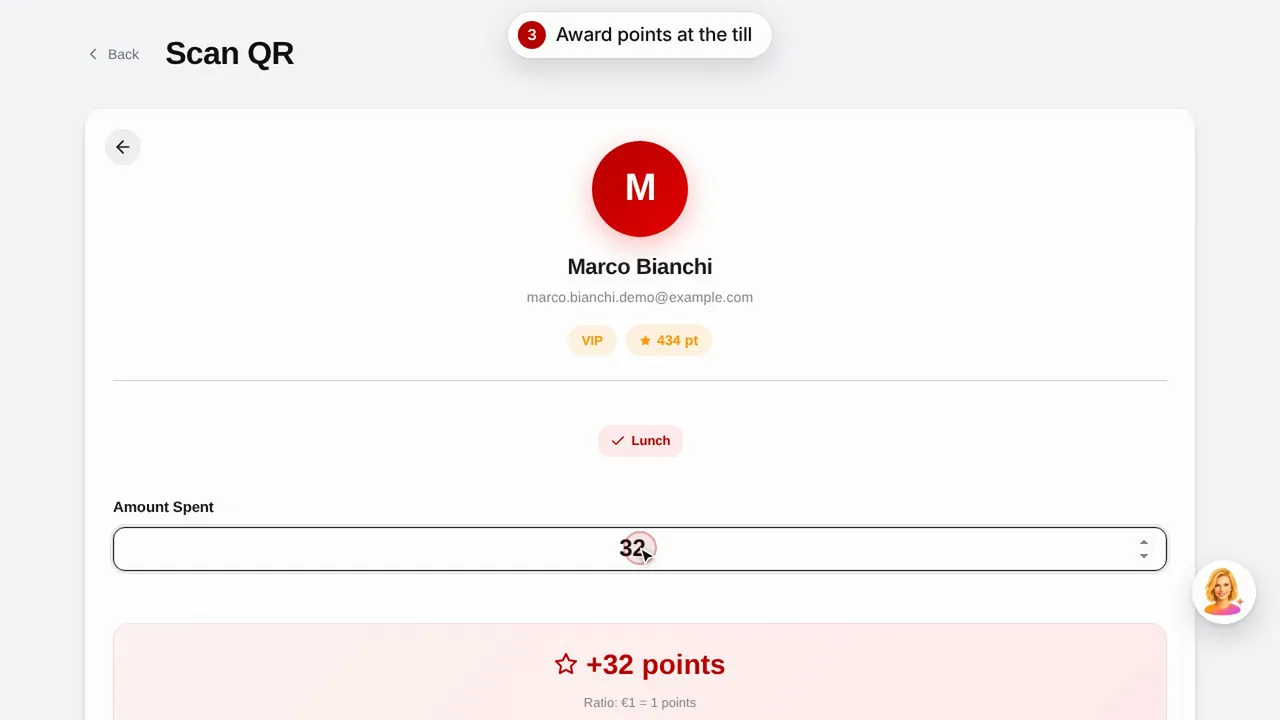
Erstellen Sie eine Prämie, vergeben Sie Punkte per Scan des QR-Codes und sehen Sie, wie Ihre Kunden ihre Punkte und Prämien abrufen.Video ansehen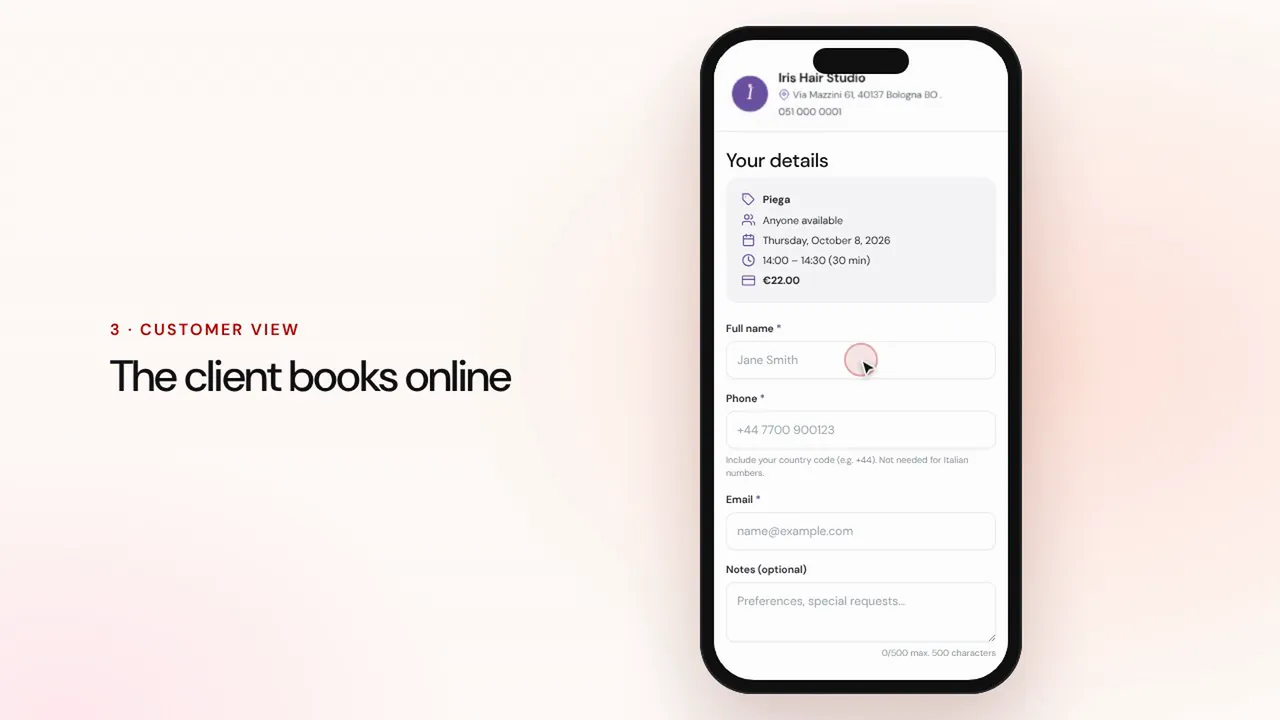 Dauer 1:07
Online-Buchungen
Legen Sie Leistungen und Mitarbeitende an: Kunden buchen über die Seite Ihres Geschäfts, und der Termin landet mit Erinnerungen in Ihrem Kalender.Video ansehen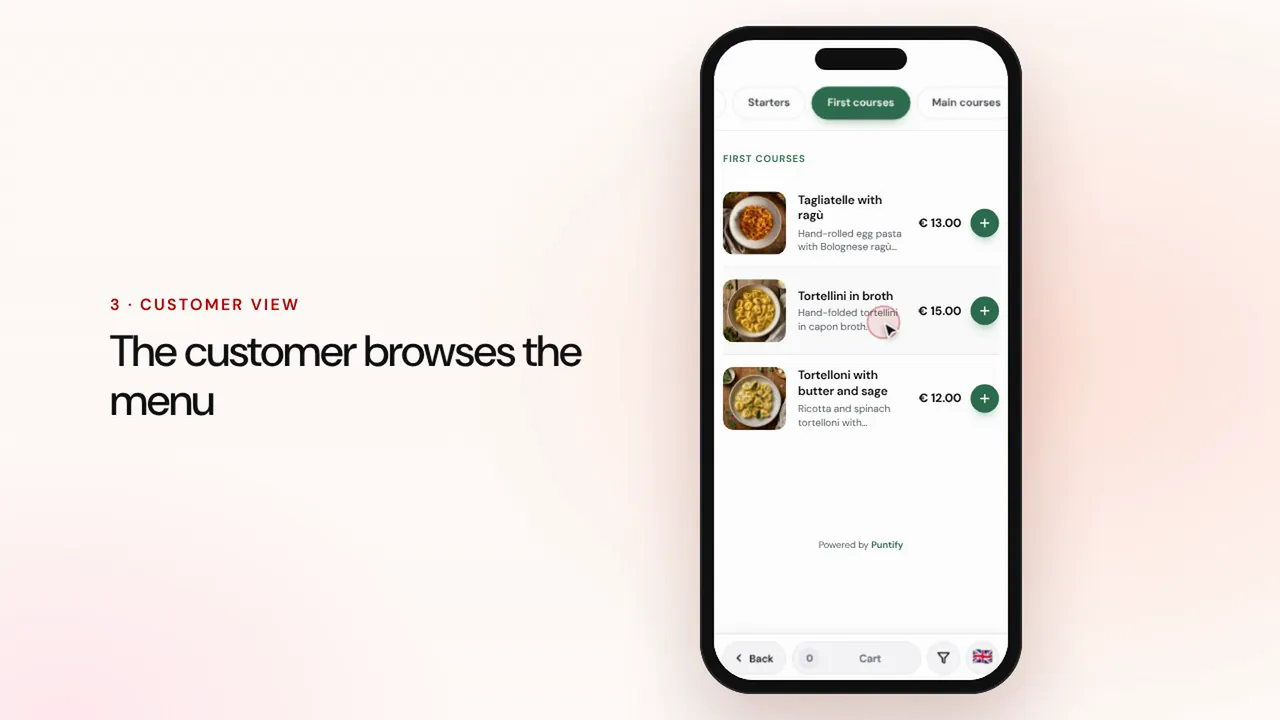 Dauer 0:56
Digitale Speisekarte
Gestalten Sie die Speisekarte mit Rubriken, Gerichten, Fotos und Allergenen und bringen Sie sie per QR-Code an jeden Tisch.Video ansehen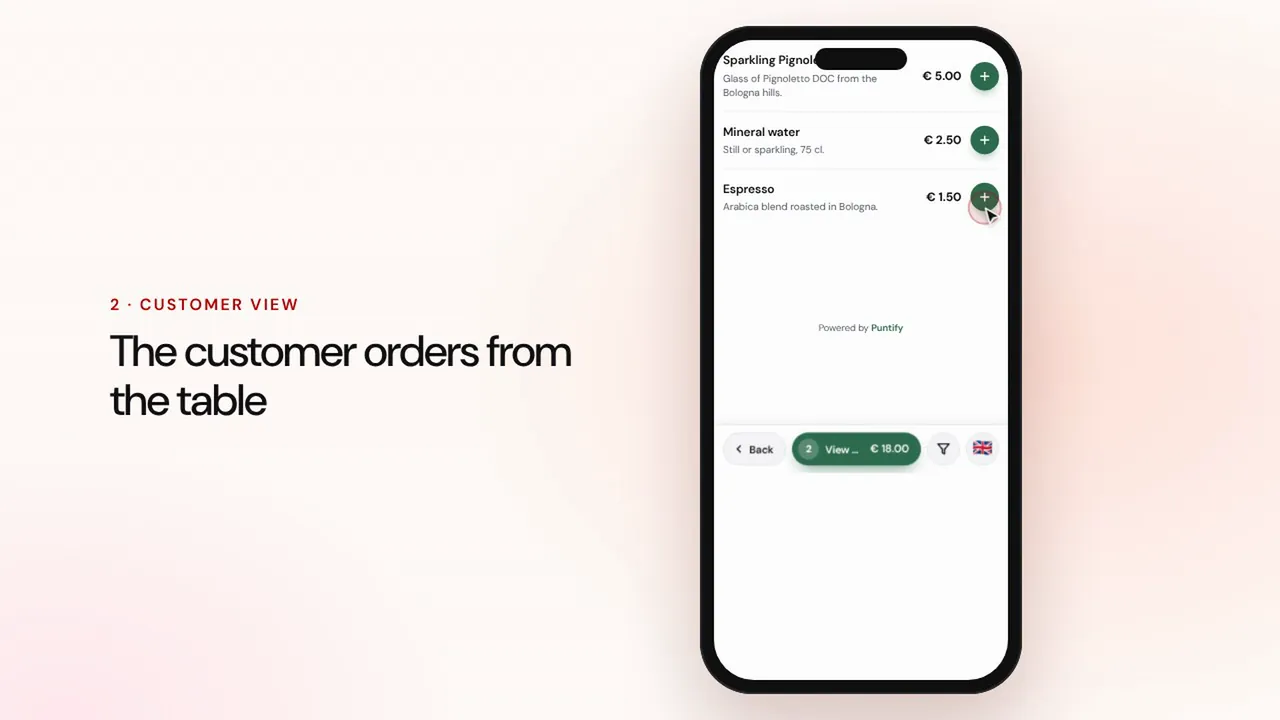 Dauer 1:19
Bestellungen am Tisch und zum Mitnehmen
Gäste bestellen über die Speisekarte am Tisch oder zum Mitnehmen, die Bestellung erscheint an der Kasse und in der Küche, dann kassieren Sie und schließen die Rechnung.Video ansehen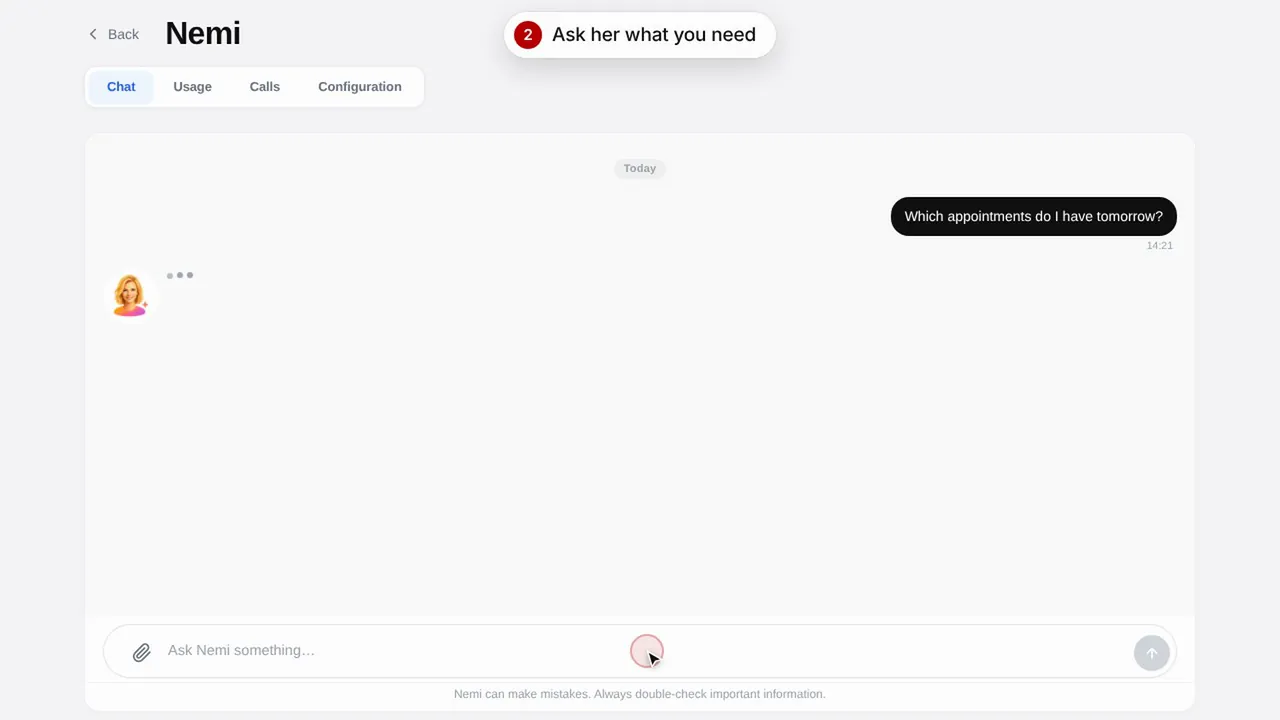 Dauer 0:48
Nemi, die digitale Assistentin
Nemi antwortet im Chat und am Telefon mit den Informationen Ihres Geschäfts und nimmt Buchungen für Sie entgegen.Video ansehen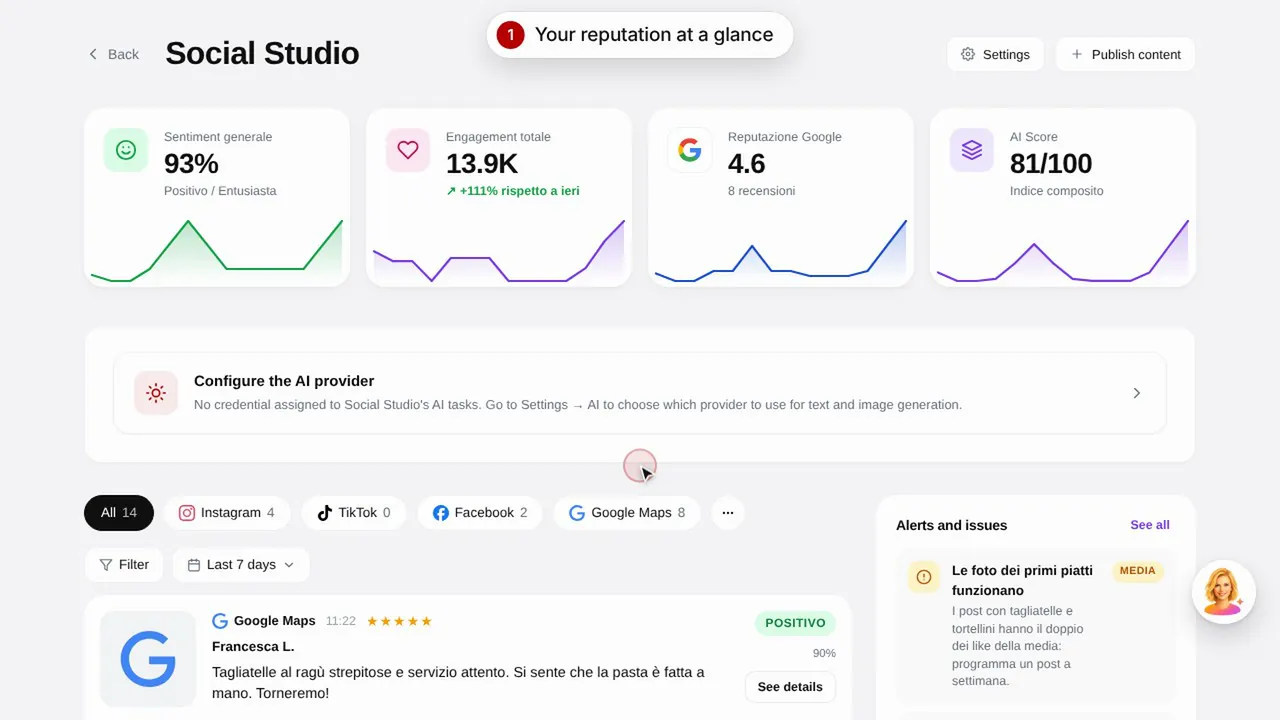 Dauer 0:57
Social Studio und Bewertungen
Erstellen Sie Beiträge für Ihre Social-Media-Kanäle und verwalten Sie Kundenbewertungen an einem Ort.Video ansehen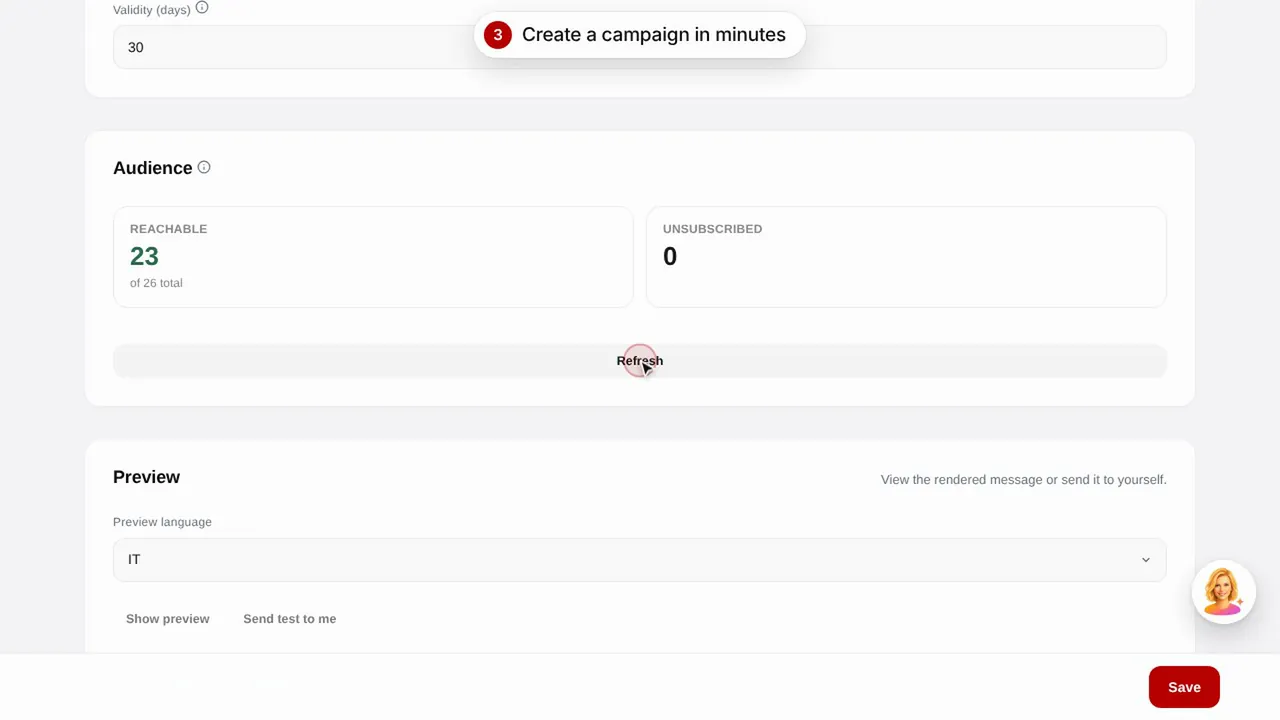 Dauer 0:56
E-Mail-Kampagnen
Versenden Sie E-Mail-Kampagnen an Ihre Kunden mit fertigen Vorlagen: Geburtstag, Rückgewinnung inaktiver Kunden und Aktionen.Video ansehen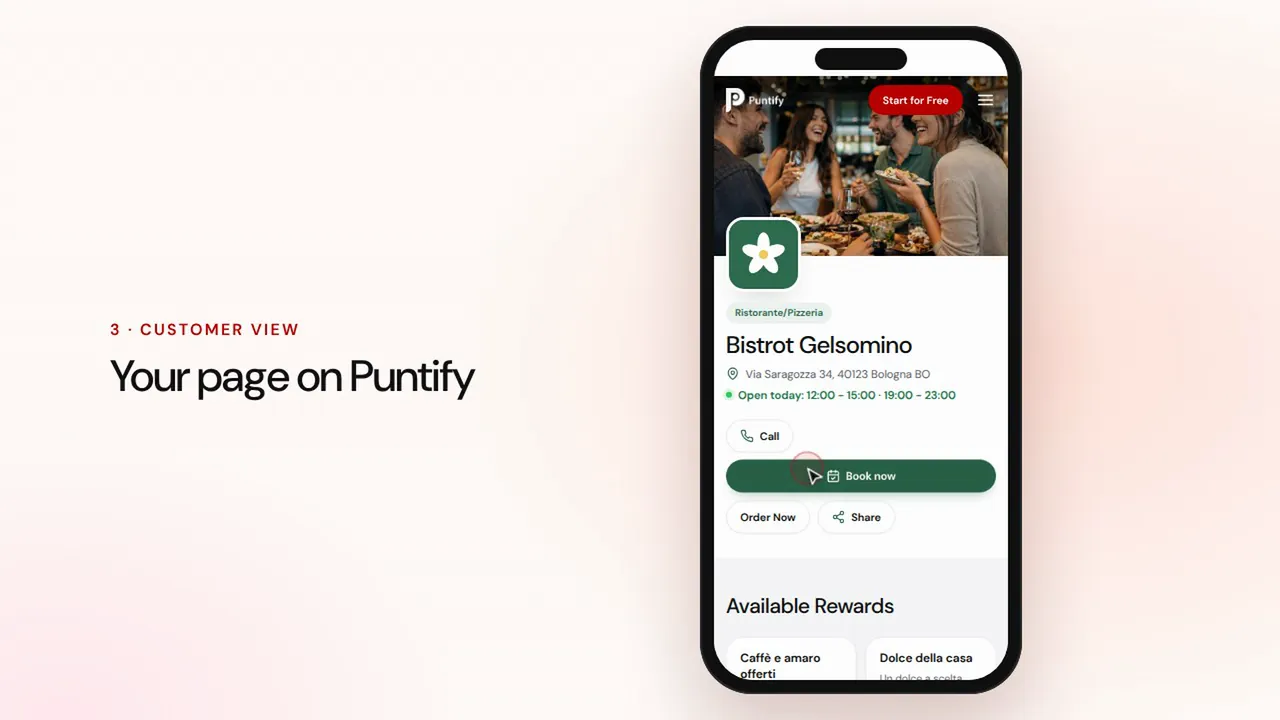 Dauer 0:48
Die Seite Ihres Geschäfts
Gestalten Sie die öffentliche Seite Ihres Geschäfts auf Puntify mit Fotos, Öffnungszeiten, Leistungen und Ihrer Markenfarbe.Video ansehen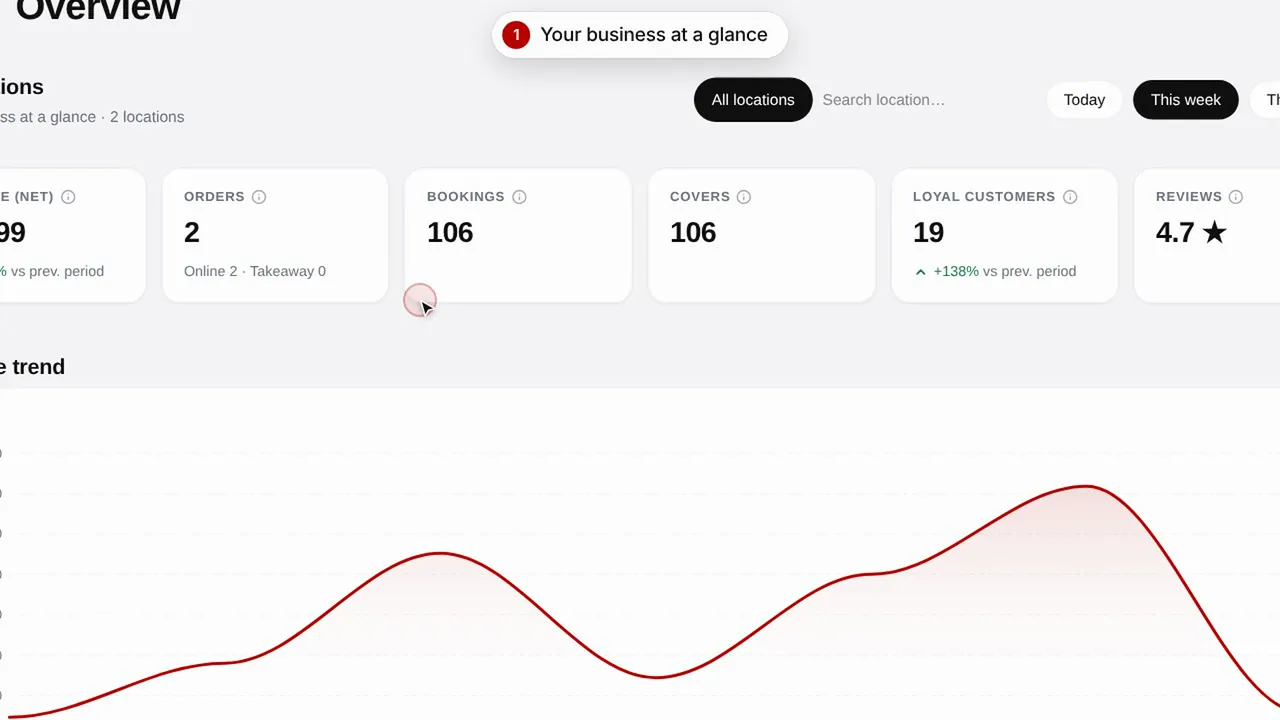 Dauer 0:51
Übersicht und Insights
Behalten Sie die Entwicklung Ihres Geschäfts, Ihre Kunden und die Besuche Ihrer Seite im Blick.Video ansehen